Social media automation tools handle the repetitive part of publishing: scheduling posts, pushing content to multiple platforms at once, pulling analytics back, and routing comments and DMs to one inbox. Some are dashboards your marketing team logs into. Others are APIs your engineers or AI assistants build on top of.
This guide compares 14 social media automation platforms across pricing, platform coverage, API access, and who each one actually fits. If you are choosing between an all-in-one social media automation software suite and a developer-first API, the split matters more than any single feature. Dashboards are bought by marketers. APIs are bought by engineering teams who need automated social media posting inside their own product.
Every tool below lists real pricing, real platform counts, and the specific job it does best.
Table of contents
- Social media automation tools comparison
- Which tools offer automated social media posting via API?
- How to choose a social media automation platform
- Frequently asked questions
Social media automation tools comparison
| Tool | Core automation | Platforms | Pricing model | Entry price | Best for |
|---|---|---|---|---|---|
| Zernio | Unified social media API: post, comment, DM, analytics, ads | 15 | Per connected account, drops with scale | Free (2 accounts) | Developers, AI agents, agencies |
| Hootsuite | Scheduling, monitoring, ads, reporting | 8+ | Per plan + per user | $99/mo | Enterprises and large teams |
| Buffer | Scheduling, calendar, engagement | 6+ | Per channel | $6/channel/mo | Individuals, small businesses |
| Sprout Social | Scheduling, CRM, listening, analytics | 8+ | Per user | $249/user/mo | Mid-market and enterprise |
| Statusbrew | Bulk scheduling, publish rules, inbox automation rules | 9+ | Per plan | $69/mo; custom at scale | Agencies, multi-brand teams |
| SocialPilot | Scheduling, AI content, client management | 9+ | Per plan | $30/mo | Agencies and SMBs |
| ContentStudio | Discovery, AI content, automation recipes | 9+ | Per plan | $25/mo | Content marketers, agencies |
| Agorapulse | Publishing, unified inbox, moderation rules | 7+ | Per user | $49/user/mo | Community and support teams |
| CoSchedule | Marketing calendar, ReQueue recycling | 6+ | Per user | $19/user/mo | Content marketing teams |
| Sendible | Bulk uploads, white-label reports | 8+ | Per plan | $29/mo | Multi-brand agencies |
| Later | Visual planner, link-in-bio, first comment | 7+ | Per plan | $25/mo | Creators, e-commerce brands |
| MeetEdgar | Evergreen content recycling library | 6+ | Per plan | $24.92/mo | Solo founders, bloggers |
| Zoho Social | SmartQ timing, CRM integration | 6+ | Per plan | $15/mo | SMBs in the Zoho ecosystem |
| Nuelink | Source automations from RSS, stores, podcasts | 15+ | Per plan | $18/mo | Bloggers, YouTubers, e-commerce |
1. Zernio
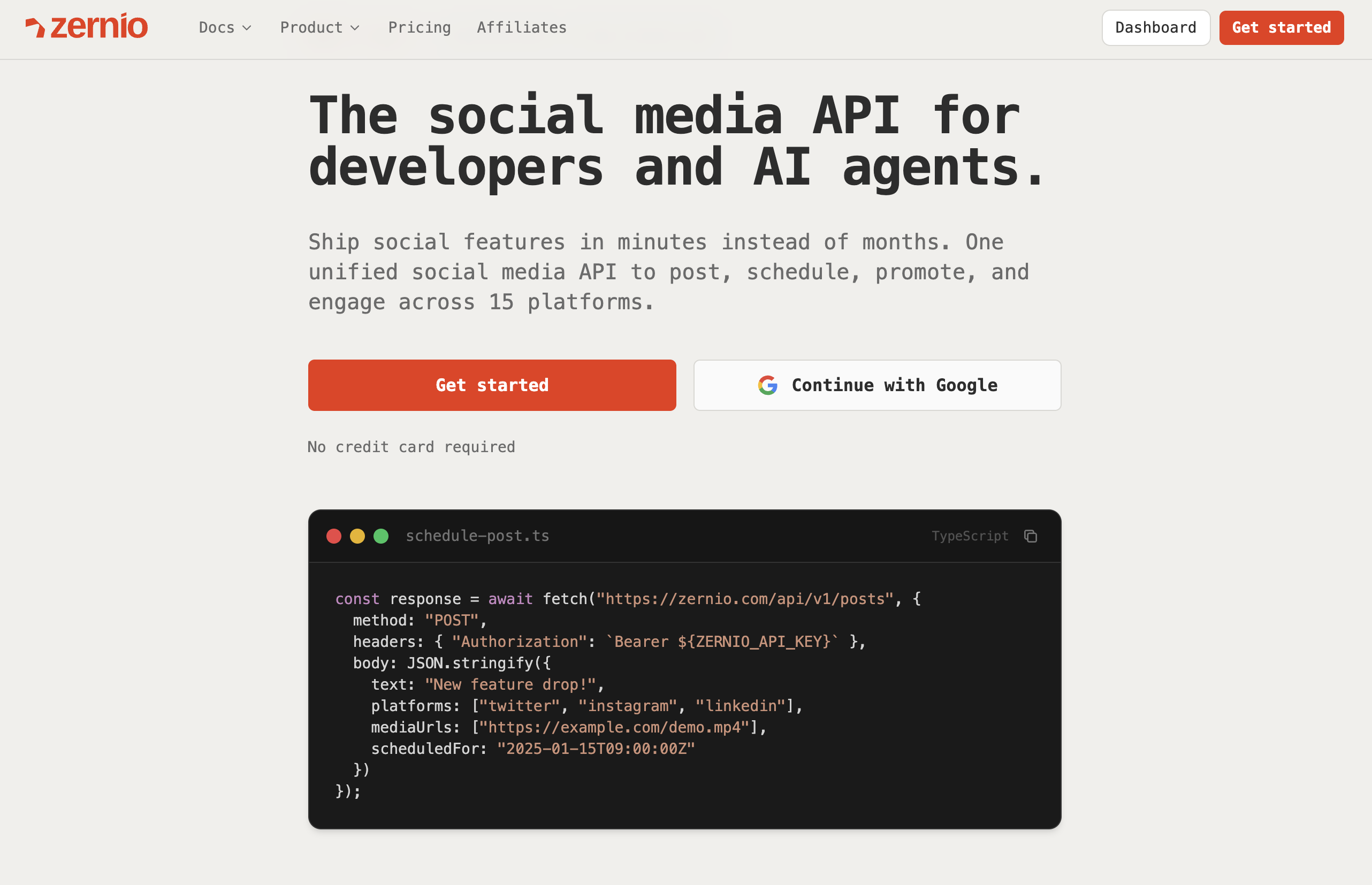
Zernio is a social media automation platform built as infrastructure rather than a dashboard. One REST API covers publishing, scheduling, comments, DMs, analytics, and ads across 15 platforms: Twitter/X, Instagram, TikTok, LinkedIn, Facebook, YouTube, WhatsApp, Threads, Pinterest, Reddit, Bluesky, Telegram, Google Business, Snapchat, and Discord.
Zernio fits four situations. You are adding a social element to your SaaS and do not want to build it yourself. You are an enterprise team that needs a customized cross-platform posting setup rather than an off-the-shelf dashboard. You are an agency managing hundreds of client accounts. Or you are building an AI agent that automates social media management.
In all four cases the alternative is building and maintaining 15 platform integrations yourself. One Zernio integration consolidates them, and developers report a working setup in under an hour.
What Zernio automates
| Capability | What it does |
|---|---|
| Posting API | Text, image, video, and carousel posts, scheduled or immediate, to any combination of 15 platforms |
| Comments API | Read, reply, and moderate comments across platforms |
| Messaging / DMs API | Send and receive DMs across 7 platforms including WhatsApp and Telegram |
| Analytics API | Impressions, reach, engagement, and follower tracking, normalized across platforms |
| Ads API | Boost posts and manage ad campaigns across Meta, Google, TikTok, LinkedIn, Pinterest, X, and OpenAI |
| OAuth-as-a-service | Your end users connect their own accounts through one flow, no developer apps required |
| Webhooks | Real-time delivery status, message, and comment events without polling |
| MCP server | 480+ tools hosted at mcp.zernio.com for AI agents and Claude Desktop, Cursor, or any MCP client |
Zernio pricing
Zernio charges per connected social account, with the price dropping as you scale. Every feature is included on every account: scheduling, analytics, comments, DMs, ads, and webhooks. No add-ons, no plan tiers, no post caps.
| Account range | Per account / month |
|---|---|
| First 2 accounts | Free |
| Accounts 3 to 10 | $6 |
| Accounts 11 to 100 | $3 |
| Accounts 101 to 2,000 | $1 |
At 100 connected accounts that works out to $318/month with the full feature set included. X/Twitter API costs are passed through at platform rates with zero markup: $0.005 per read, $0.010 per write, $0.015 per DM send.
Key details and use cases
- Best for: Developers and technical founders embedding social features into their own product, AI agent builders who need an agent to publish autonomously, and agencies building white-label client dashboards.
- Pricing: First 2 accounts free, then $6/account (3 to 10), $3/account (11 to 100), $1/account (101 to 2,000). Every feature included.
- Unique feature: A hosted MCP server with 480+ tools, so an AI agent can run the full publish, analyze, and boost loop through one bearer token.
- Pros: Widest platform coverage in the API category at 15 networks, full engagement layer rather than posting only, 8 SDKs plus a CLI with structured JSON output, white-label so end users never see Zernio branding, SOC 2 and GDPR compliant, 99.7%+ uptime and sub-50ms response times.
- Cons: API-first by design, so non-technical teams who want a polished dashboard as the primary product will find it developer-oriented. Bootstrapped five-person team, which some enterprise procurement processes will flag.
Website: https://zernio.com
2. Hootsuite
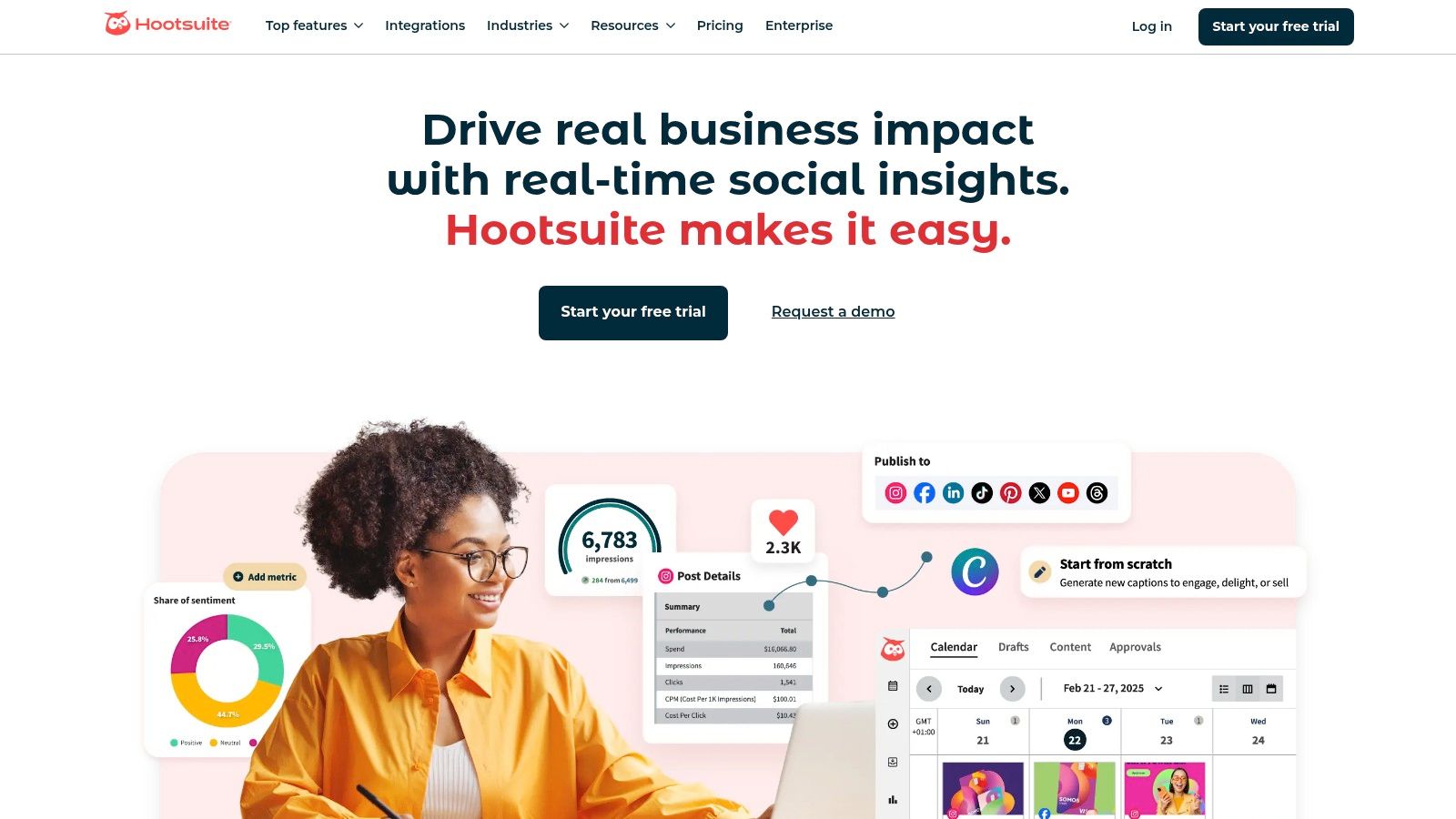
Hootsuite is one of the established social media automation software platforms, acting as an all-in-one command center. Its strength is consolidating multiple social streams into a single customizable dashboard, so teams can monitor mentions, track hashtags, and engage across Facebook, Instagram, X, LinkedIn, and Pinterest without switching tabs.
Beyond scheduling, Hootsuite offers bulk scheduling from CSV, automated reporting, and social listening. For agencies and larger teams, the collaboration and approval workflows are the real differentiator.
Key details and use cases
- Best for: enterprise social teams and businesses managing a high volume of social profiles.
- Pricing: Limited free plan, paid plans from $99/month for Professional. Custom enterprise pricing above that.
- Unique feature: The Streams dashboard for real-time monitoring and engagement.
- Pros: Wide platform support, powerful analytics, strong team collaboration.
- Cons: Interface feels dated and overwhelming for beginners. Pricing is high for smaller teams. API access is gated behind enterprise plans.
Website: https://hootsuite.com/
3. Buffer
Buffer is known for a clean interface and a straightforward approach to scheduling and performance analysis. It suits individuals, creators, and small businesses planning content across Instagram, Facebook, X, LinkedIn, and Pinterest from one hub.
As one of the original social media automation apps, Buffer's strength is simplicity. The content calendar gives a clear visual overview of the publishing schedule, and analytics reports cover post engagement and audience growth.
Key details and use cases
- Best for: Solo entrepreneurs, influencers, and small business teams wanting an affordable scheduler.
- Pricing: Free plan for up to 3 channels. Paid plans from $6/month per channel.
- Unique feature: Start Page, a simple landing page for a social bio.
- Pros: Very user-friendly, transparent pricing, reliable Instagram scheduling.
- Cons: Lacks white-labeling or automation with API or MCP. Per-channel pricing scales against you as accounts grow.
Website: https://buffer.com/
4. Sprout Social
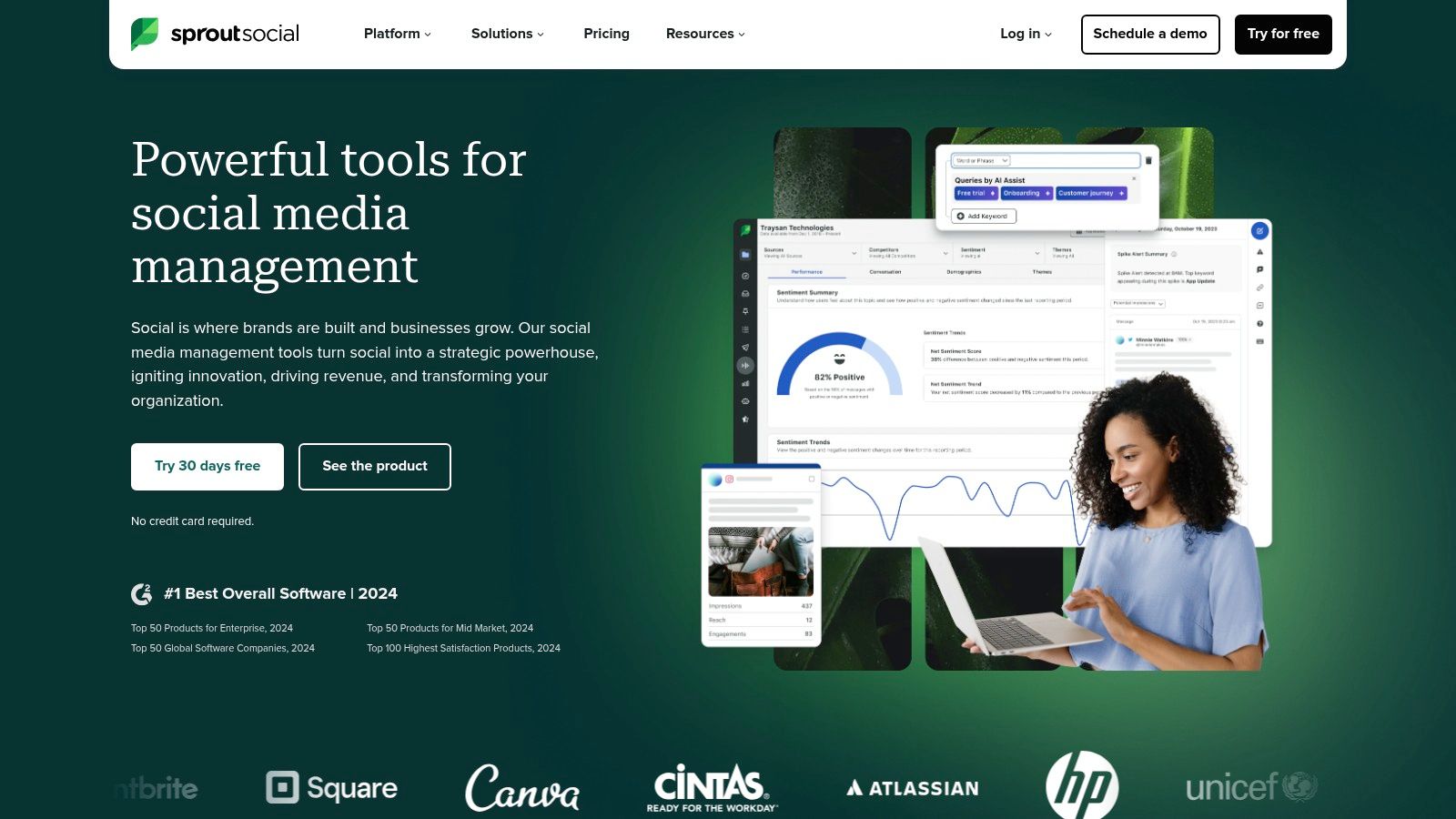
Sprout Social is a premium all-in-one platform for businesses needing sophisticated analytics, customer engagement, and team collaboration. It integrates social CRM and listening directly into the workflow, so teams can monitor brand health and manage customer interactions from a unified inbox.
Its ViralPost feature publishes content when the audience is most active, and the reporting suite produces presentation-ready analytics on post performance and team productivity.
Key details and use cases
- Best for: Medium to large businesses and enterprises prioritizing analytics, listening, and integrated customer care.
- Pricing: From $249/month per user for Standard. 30-day free trial.
- Unique feature: Smart Inbox and social CRM with complete contact history.
- Pros: Analytics, powerful listening, excellent collaboration and task management.
- Cons: Per-user pricing makes it one of the most expensive options. Steep learning curve for small teams.
Website: https://sproutsocial.com/
5. Statusbrew
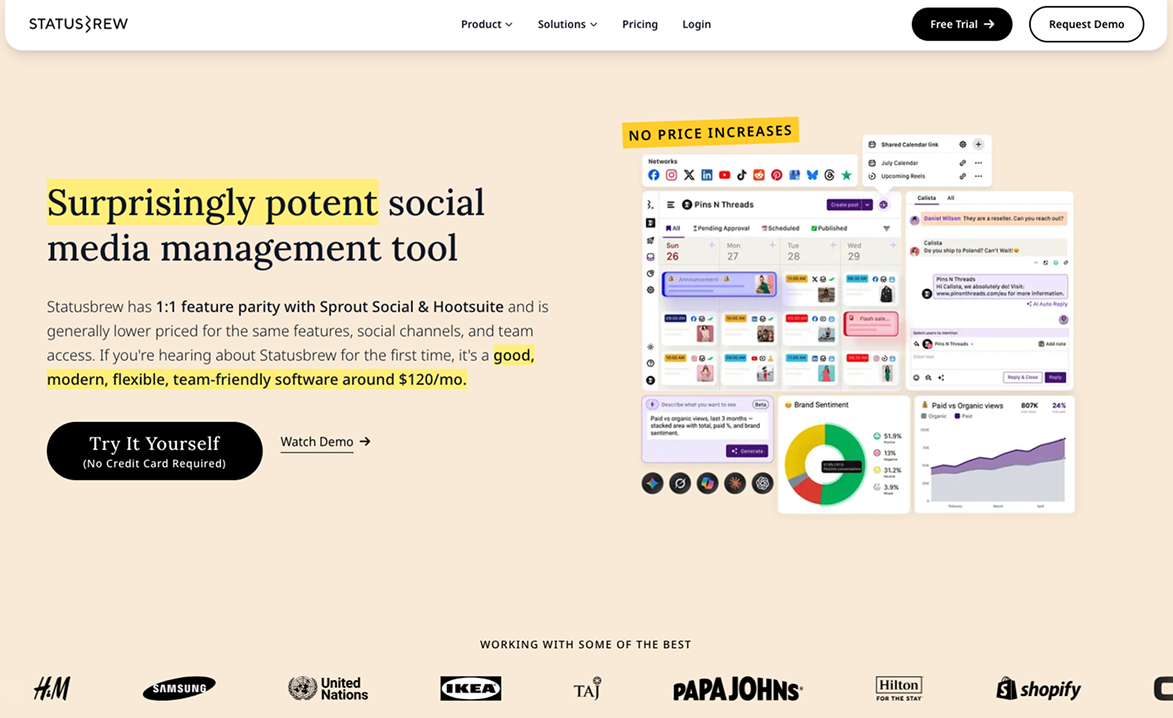
Statusbrew is a social media management platform for teams and agencies that want automation across publishing and engagement, not just scheduling. Bulk CSV uploads queue up around 400 posts at a time, and publish rules and best-time posting decide when each one goes out.
On the inbox side, a rule engine with 68+ conditions auto-assigns conversations, hides spam, and tags comments across organic and paid posts. Teams on Premium can add the Statusbrew MCP (included on Enterprise) to run publishing and reports from ChatGPT or Claude.
Key details and use cases
- Best for: Agencies and multi-brand teams that need approvals and automation without per-seat pricing.
- Pricing: Plan-based, users included. From $69/month, with custom pricing for multiple accounts or scale. 14-day trial, no free plan.
- Unique feature: Inbox rule engine that automates routing and moderation for organic and paid comments.
- Pros: Deep inbox automation, multi-step approvals, 270+ reporting metrics, predictable pricing.
- Cons: No free plan. Built for a dashboard workflow, not as a developer API.
Website: https://statusbrew.com/
6. SocialPilot
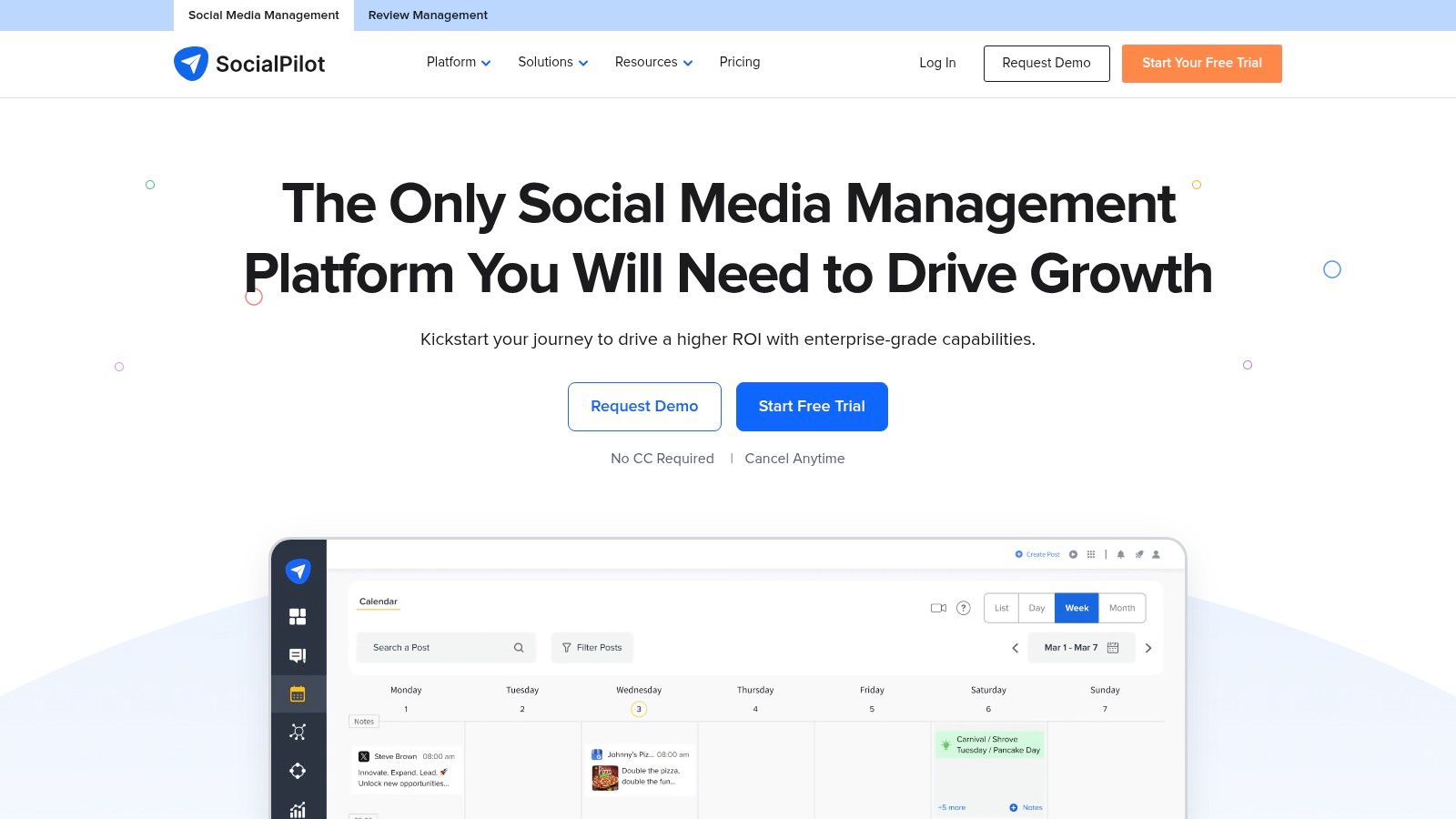
SocialPilot is a cost-effective social media automation tool aimed at agencies, teams, and growing businesses. It offers advanced scheduling, content curation, and a unified social inbox across Facebook, X, LinkedIn, and Instagram.
The balance of features and price is the draw. Bulk scheduling, client management workflows, and an AI assistant for post ideas and captions come without an enterprise price tag.
Key details and use cases
- Best for: SMBs, digital marketing agencies, and social media professionals on a budget.
- Pricing: No free plan, 14-day trial. Paid plans from $30/month for Professional.
- Unique feature: White-label reporting and a client management portal built for agencies.
- Pros: Strong value for money, intuitive interface, well-rated support, useful AI content generator.
- Cons: Fewer integrations than larger competitors. Mobile app is less complete than desktop. No public API.
Website: https://www.socialpilot.co/
7. ContentStudio
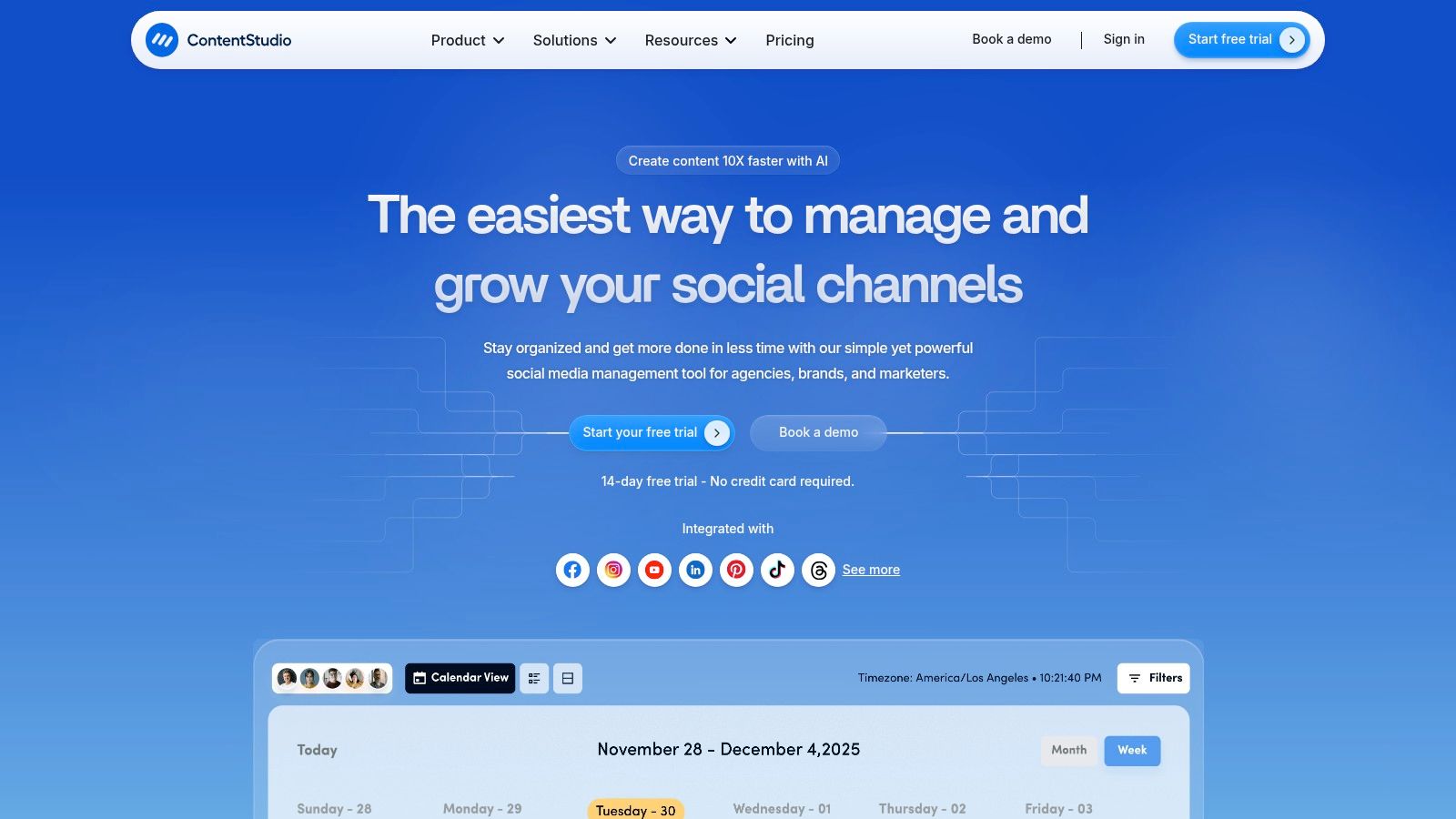
ContentStudio is a content marketing and social media management suite for agencies, brands, and marketers who want to cover the full content lifecycle. It combines content discovery, planning, and analysis, so users can find trending articles and videos, then use the built-in AI writer to generate captions or repurpose content.
Its automation recipes and bulk scheduling are the standout. You can set rules that publish content automatically from RSS feeds or discovery searches straight to your channels.
Key details and use cases
- Best for: Small to mid-sized agencies and content marketers focused on curation and data-driven posting.
- Pricing: No free plan, 14-day trial. Paid plans from $25/month for Starter.
- Unique feature: AI-powered content discovery and composer in one interface.
- Pros: Strong curation and discovery, intuitive interface, powerful publishing automation recipes.
- Cons: Social inbox is missing from the iOS app. No public API for developers.
Website: https://contentstudio.io/
Stop building social integrations from scratch.
One API call to publish, schedule, and manage posts across 16 platforms.
8. Agorapulse
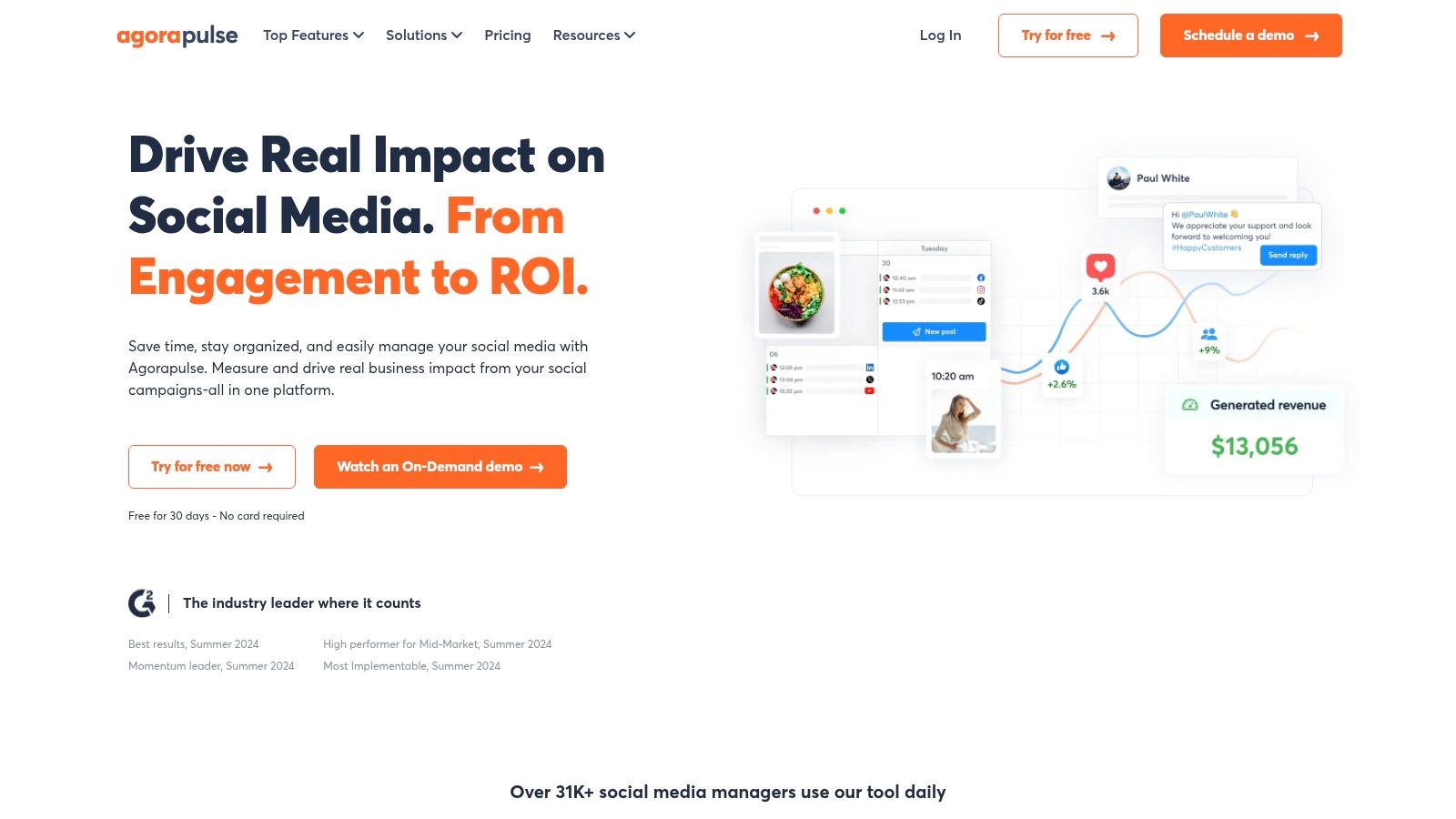
Agorapulse is a social media management suite focused on team collaboration and engagement. Its unified social inbox collects comments, messages, and mentions from all connected profiles, which makes it a good fit for customer service and community management teams.
It also offers automated inbox moderation rules to filter spam and assign conversations, plus bulk scheduling, a shared calendar, and presentation-ready performance reports.
Key details and use cases
- Best for: Agencies, eCommerce brands, and businesses focused on high-touch engagement and community management.
- Pricing: Limited free plan. Paid plans from $49 per user/month billed annually.
- Unique feature: The unified social inbox, with advanced moderation and filtering.
- Pros: Intuitive interface, excellent inbox management, strong collaboration features.
- Cons: Mobile app is less complete than desktop. Advanced features sit on higher tiers. Per-user pricing.
Website: https://www.agorapulse.com/
9. CoSchedule
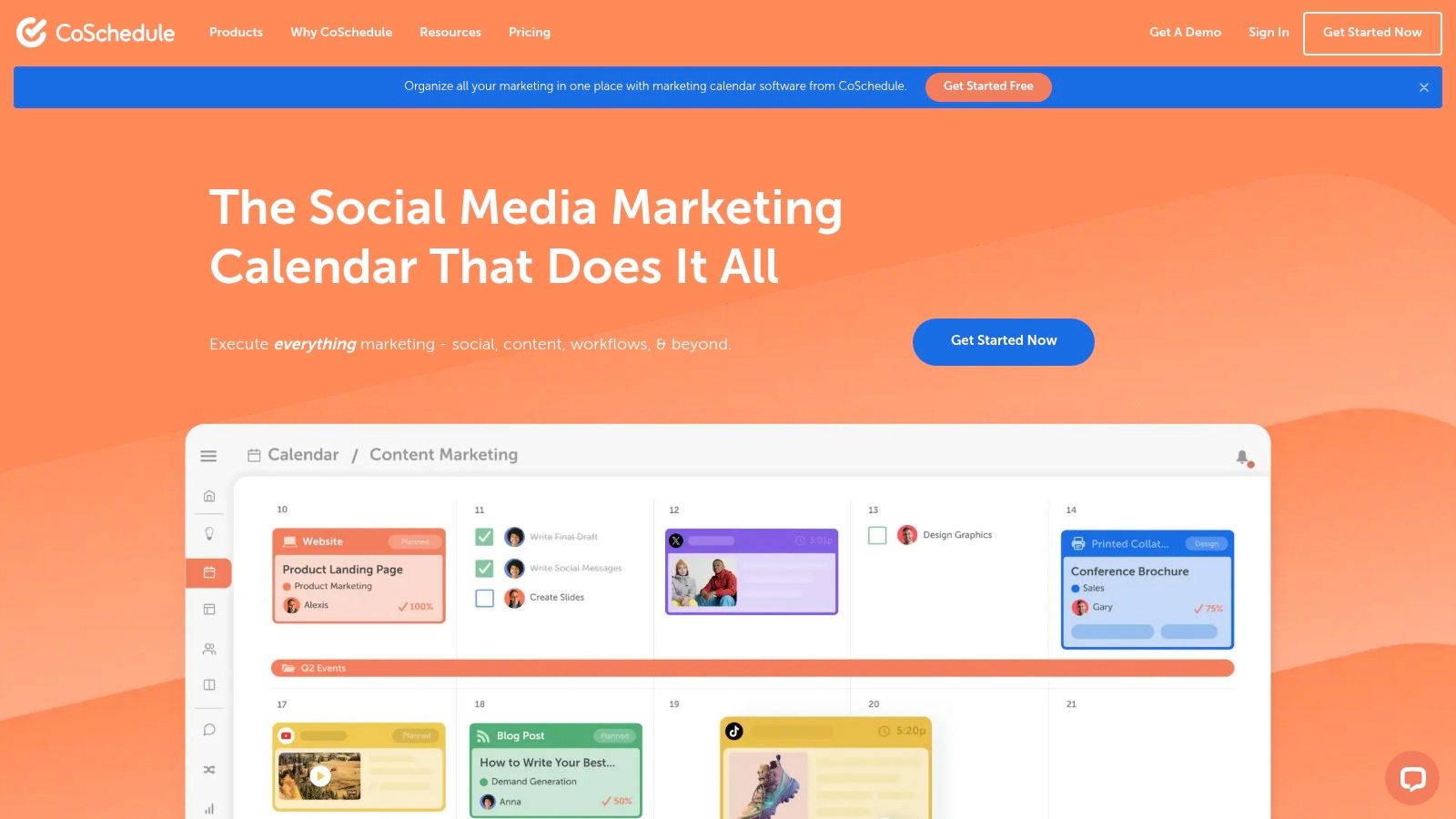
CoSchedule centers its platform on a marketing calendar. It suits content-focused teams who need to visualize their entire strategy, from blog posts and newsletters to social campaigns, in one place.
Its ReQueue function automatically fills the social schedule with best-performing evergreen content, so profiles stay active without manual effort. The drag-and-drop interface makes rescheduling quick.
Key details and use cases
- Best for: Content marketing teams and businesses aligning social efforts with a broader content strategy.
- Pricing: Limited free plan. Social Calendar from $19 per user/month. Marketing Suite is custom-priced.
- Unique feature: ReQueue for intelligently recycling evergreen content.
- Pros: Excellent visual calendar, robust approval workflows, strong WordPress integration.
- Cons: Interface slows down with large content volumes. No public API.
Website: https://coschedule.com/
10. Sendible
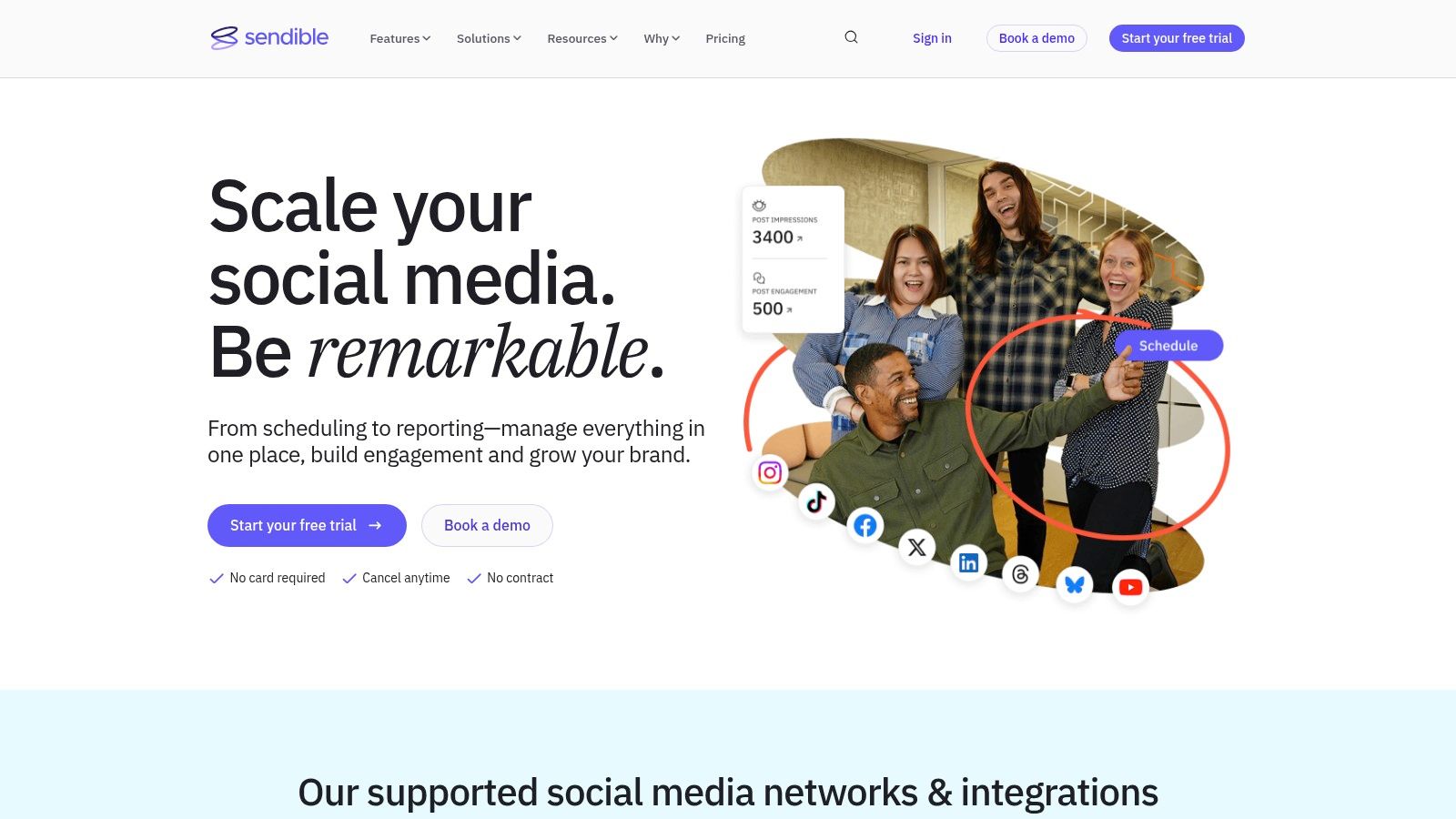
Sendible is built for agencies and mid-sized businesses managing multiple brands. It combines scheduling and publishing with collaboration and reporting, including a centralized content creator and a shared media library.
Bulk post uploading via CSV and smart content queues keep profiles active. The white-label capability lets agencies brand the platform and its reports as their own.
Key details and use cases
- Best for: Digital marketing agencies and social media managers handling multiple clients.
- Pricing: No free plan, free trial available. Paid plans from $29/month for Creator.
- Unique feature: White-label reporting and dashboard for client-facing agency work.
- Pros: Strong collaboration, user-friendly interface, customizable dashboards and reports.
- Cons: Expensive for solo marketers and freelancers. Learning curve for new users.
Website: https://www.sendible.com/
11. Later
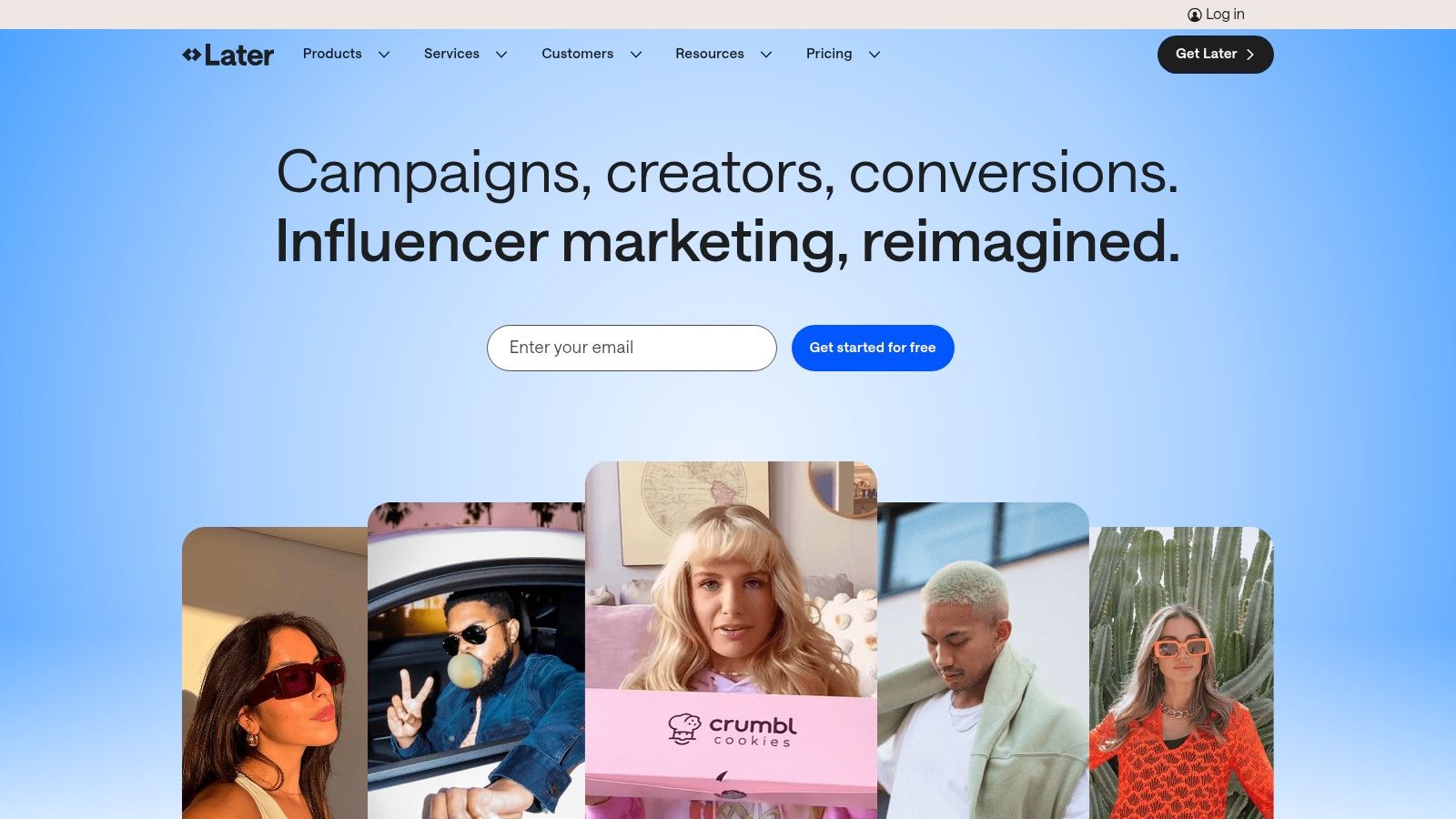
Later is a visual-first platform for aesthetically driven brands and creators. Its drag-and-drop calendar lets users plan and preview Instagram, TikTok, and Pinterest feeds with unusual clarity, which makes it one of the better social media automation apps for visual-heavy strategies.
Best Time to Post analyzes audience activity to suggest scheduling times, and Linkin.bio turns an Instagram feed into a clickable, shoppable landing page. Scheduling the first comment is a useful touch for keeping captions clean while adding hashtags.
Key details and use cases
- Best for: Influencers, e-commerce brands, and creators focused on Instagram, TikTok, and Pinterest.
- Pricing: Free plan for basic scheduling. Paid plans from $25/month for Starter.
- Unique feature: Visual Planner with a full preview of the Instagram grid.
- Pros: Intuitive interface, excellent visual planning, integrated link-in-bio.
- Cons: Limited for text-based platforms like X and LinkedIn. Key analytics and team features sit on higher tiers.
Website: https://later.com/
12. MeetEdgar
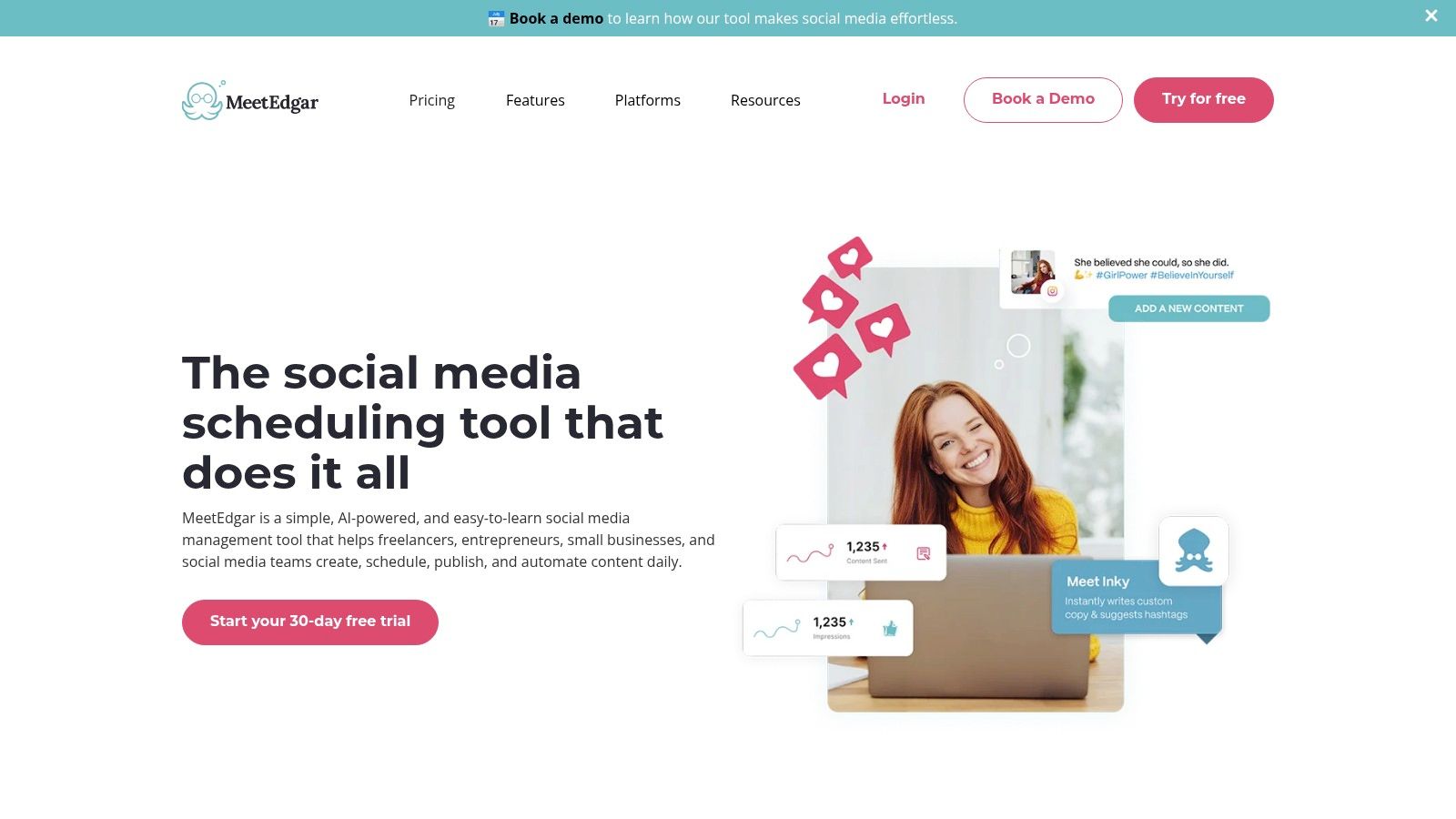
MeetEdgar is designed around content recycling. It builds a library of your evergreen content and automatically re-shares it over time, keeping profiles active and giving good posts repeat exposure.
The platform runs on category-based scheduling. You create categories such as Blog Posts, Quotes, or Promotions, assign posts to them, and set publishing times per category. Auto-import can pull content from your blog's RSS feed to keep the library growing.
Key details and use cases
- Best for: Solo entrepreneurs, bloggers, and small businesses automating an evergreen content strategy.
- Pricing: Eddie Annual from $24.92/month, Edgar Annual from $41.58/month, billed annually.
- Unique feature: The automated content library and recycling queue.
- Pros: Excellent at evergreen automation, simple category-based scheduling, easy queue management.
- Cons: Supports fewer platforms than larger competitors. Expensive for anyone who only needs basic scheduling.
Website: https://meetedgar.com/
13. Zoho Social
Zoho Social is aimed at SMBs and agencies, and it stands out through integration with the wider Zoho ecosystem, particularly Zoho CRM, which turns social interactions into trackable leads. It covers Facebook, X, Instagram, LinkedIn, and Google Business Profile from one hub.
Its SmartQ feature predicts the optimal posting time for engagement. Beyond scheduling there is a content calendar, a unified inbox, a customizable listening dashboard for keywords and brand mentions, and approval workflows for teams.
Key details and use cases
- Best for: SMBs, digital agencies, and businesses already using the Zoho suite.
- Pricing: Limited free plan. Paid plans from $15/month for Standard.
- Unique feature: Zoho CRM integration that generates leads and contacts from social conversations.
- Pros: Strong value, SmartQ timing, robust CRM integration.
- Cons: Analytics are less comprehensive than enterprise competitors. Mobile app is less intuitive. API is tied to the Zoho ecosystem.
Website: https://www.zoho.com/social/
14. Nuelink
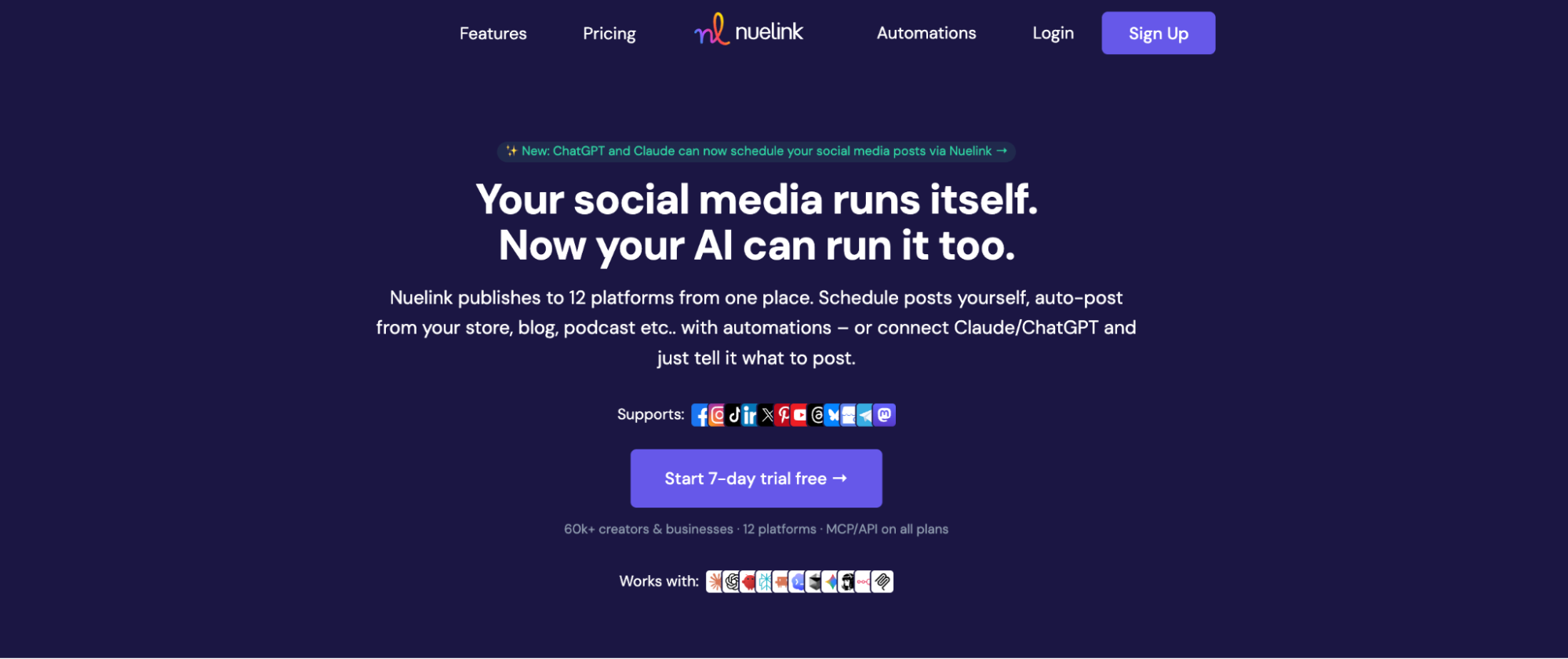
Nuelink is a social media automation tool built around a source-first philosophy: instead of only scheduling posts you compose, it connects directly to the places where your content is born. Link your blog's RSS feed, YouTube channel, Shopify or Etsy store, or podcast, and Nuelink automatically converts every new article, video, product, or episode into scheduled social posts. This makes it particularly effective for businesses whose social presence is downstream of content they already produce elsewhere.
As one of the more automation-focused social media automation tools on this list, Nuelink pairs its source automations with Collections, a category-based system for organizing and recycling evergreen content.
The platform publishes to a broad mix of social media platforms including Instagram, TikTok, LinkedIn, X, Facebook, YouTube, Threads, Pinterest, and many others, and rounds out the workflow with AI-assisted captions via Nue AI, a social inbox, analytics, link in bio pages, and multi-brand workspaces.
Key details and use cases
- Best for: Bloggers, e-commerce brands, YouTubers, podcasters, and lean teams that want automated social media promotion from content they already publish.
- Pricing: No free plan, but a free trial is available with nothing due today. Paid plans start at $18/month for the Standard tier, scaling to Premium at $48/month, Business at $78/month, and Agency tiers up to 300 channels. Yearly billing includes 4 months free.
- Unique feature: Source automations that turn blogs, stores, YouTube channels, and podcasts into self-maintaining social media queues. API and MCP access is also included on every plan.
- Pros: Automates content sourcing rather than just scheduling, broad platform coverage including niche networks like Mastodon and Telegram, flat per-plan pricing with brands and members bundled in, and a 4.8/5 rating on G2.
- Cons: No social listening capabilities, and the entry plan is limited to a single user.
Website: https://nuelink.com
Which tools offer automated social media posting via API?
Most of the tools above are dashboards. Four expose a public API you can build on: Zernio, Buffer, Hootsuite, Nuelink. Only Zernio is API-first, meaning the API is the product rather than an add-on to a dashboard.
| Tool | API access | MCP server | Platforms | Entry price |
|---|---|---|---|---|
| Zernio | Core product | Yes, 480+ tools | 15 | Free for 2 accounts, then $6/account |
| Buffer | Limited public API | No | 6+ | $6/channel/mo |
| Hootsuite | Enterprise add-on | No | 8+ | $99/mo |
| Nuelink | Included on all plans | Yes | 15+ | $18/mo |
| Sprout Social | Enterprise only | No | 8+ | $249/user/mo |
| SocialPilot | No public API | No | 9+ | $30/mo |
| ContentStudio | No public API | No | 9+ | $25/mo |
| Agorapulse | No public API | No | 7+ | $49/user/mo |
| CoSchedule | No public API | No | 6+ | $19/user/mo |
| Sendible | Partner API | No | 8+ | $29/mo |
| Later | No public API | No | 7+ | $25/mo |
| MeetEdgar | No public API | No | 6+ | $24.92/mo |
| Zoho Social | Zoho ecosystem API | No | 6+ | $15/mo |
How to choose a social media automation platform
The right social media automation software depends on one question: who is the end user, your marketing team or your product's customers?
If a person logs in and schedules content, you want a dashboard. Buffer and Later are the affordable end. SocialPilot and Sendible fit agencies. Sprout Social and Hootsuite fit enterprise teams that need listening and governance.
If your software needs to publish on behalf of your users, you want an API. Zernio is the only option here that treats the API as the product rather than a bolt-on, and the only one with a hosted MCP server for AI agents.
If your social content is downstream of content you already publish, source automation is the shortcut. Nuelink turns a blog or store into a self-maintaining queue.
Frequently asked questions
What is social media automation?
Social media automation is the use of software to handle repetitive publishing and engagement tasks without manual effort: scheduling posts in advance, publishing the same content to multiple networks at once, recycling evergreen content, routing comments and DMs into one inbox, and pulling performance data automatically.
What is the top social app API for automated posting?
For multi-platform automated posting, Zernio covers the widest set at 15 networks through one REST call and one bearer token. Read our complete guide on social media APIs for developers.
What tools offer the best chat automation for social media?
For DM and comment automation, Agorapulse leads among dashboards with inbox moderation rules and auto-assignment. For programmatic chat automation, Zernio's Messaging API covers DMs across 7 platforms including WhatsApp, plus comment-to-DM triggers that auto-message anyone who comments a keyword.
Can you recommend a tool for social media webhook automation?
Zernio fires webhooks for post delivery status, incoming messages, and new comments, so your system reacts to events instead of polling. Most dashboard-first tools in this list do not expose webhooks outside enterprise plans.
Are there free social media automation tools?
Yes, with limits. Zernio is free for your first 2 connected accounts with every feature included. Buffer offers a free plan for 3 channels. Hootsuite, CoSchedule, Agorapulse, and Zoho Social all have limited free tiers.
What is the best social media automation software for large publishers?
Publishers running high volume across many brands need programmatic control and pricing that does not scale linearly per account or per seat. That points at API-first options. Zernio's graduated pricing drops to $1 per account at 101 to 2,000 accounts with analytics and ads included, which is where per-user suites become hard to justify.
Is there an alternative to building a custom social media posting API for a SaaS app?
Building it in-house means 15 OAuth flows, 15 media specification sets, 15 rate-limit schemes, and permanent maintenance as platforms ship breaking changes. That is 6 to 12 months of engineering work before you write a line of product code. A unified API replaces it with one integration, and Zernio's OAuth-as-a-service lets your users connect their own accounts without you applying for developer access on every platform.
Is there something like Hootsuite but as an API developers can embed?
That is the gap Zernio fills. Hootsuite is a dashboard your team logs into. Zernio is a white-label API your product calls, so your end users never see Zernio branding and posts go through official platform APIs.
What is the best social media posting API for an AI agent?
An agent needs structured tool definitions, predictable JSON, and error messages it can recover from. Zernio ships a hosted MCP server at mcp.zernio.com with 480+ tools, a CLI with structured JSON output, an OpenAPI spec, and llms.txt. An agent can run the full loop, publish then analyze then boost, through one bearer token.