Your app can now run ad rules that pause, reactivate or re-budget campaigns on their own when metrics cross a line. This week also brought Google Analytics, post approvals, and a QR handoff so your users can connect accounts from their phone.
Here's what shipped.
New platform: Google Analytics (GA4)
Connect a GA4 property and read its reports through Zernio, with the metrics, dimensions and date ranges you choose, plus realtime activity from the last 30 minutes. Your app can now show social, ads and website traffic from one API, for example how many sessions came from Instagram last week, without a separate Google integration.
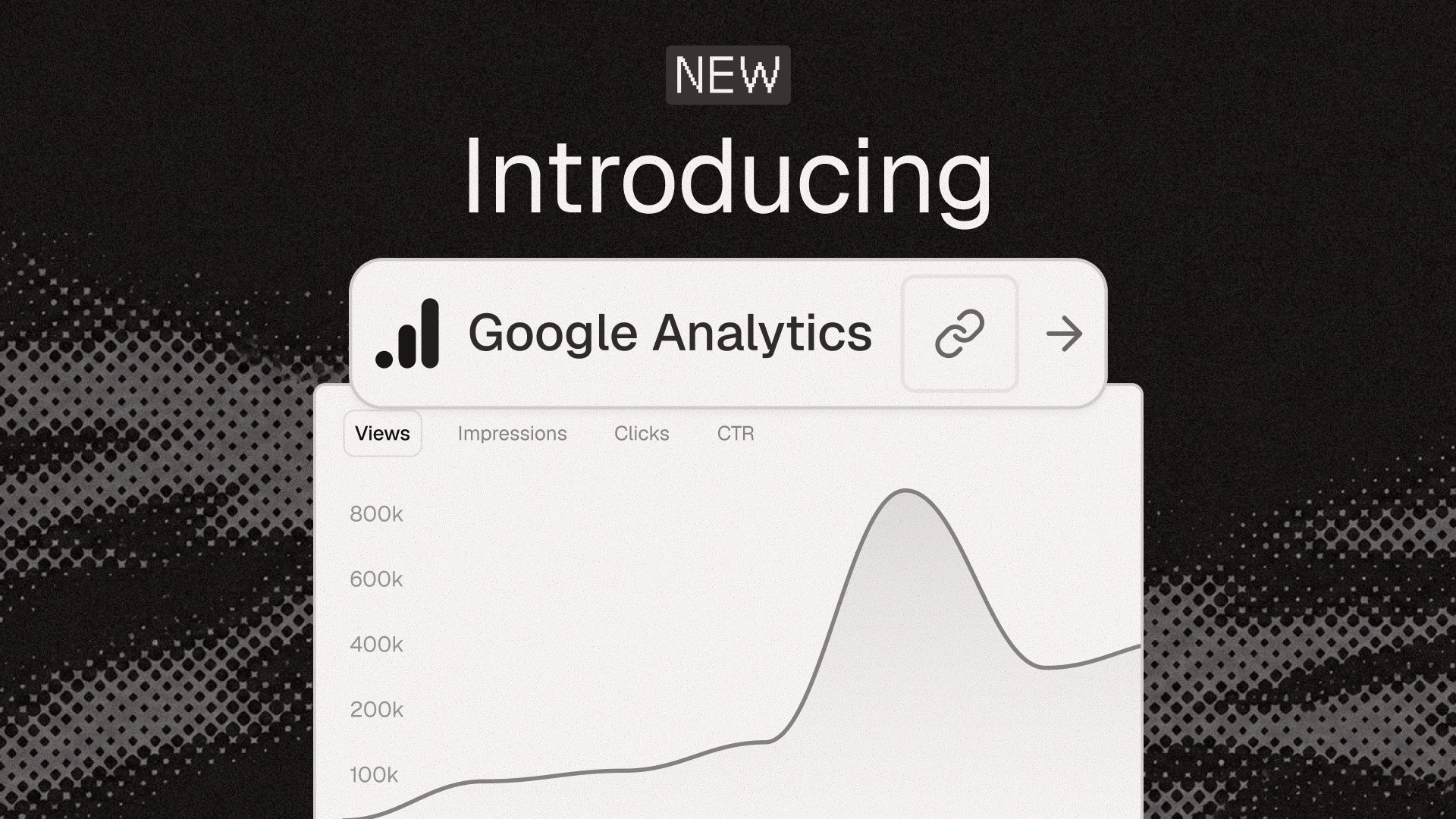
Each connected account is one GA4 property. To read another one, connect it to a different profile.
Automated ad rules
You can now create ad rules like "pause any ad set with a cost per conversion above 25 over the last 7 days." Zernio checks each rule on a schedule, from hourly to daily. When a rule matches, it notifies you, pauses, reactivates or adjusts the budget within a limit you set. You can preview a rule before it goes live, and every run is logged.
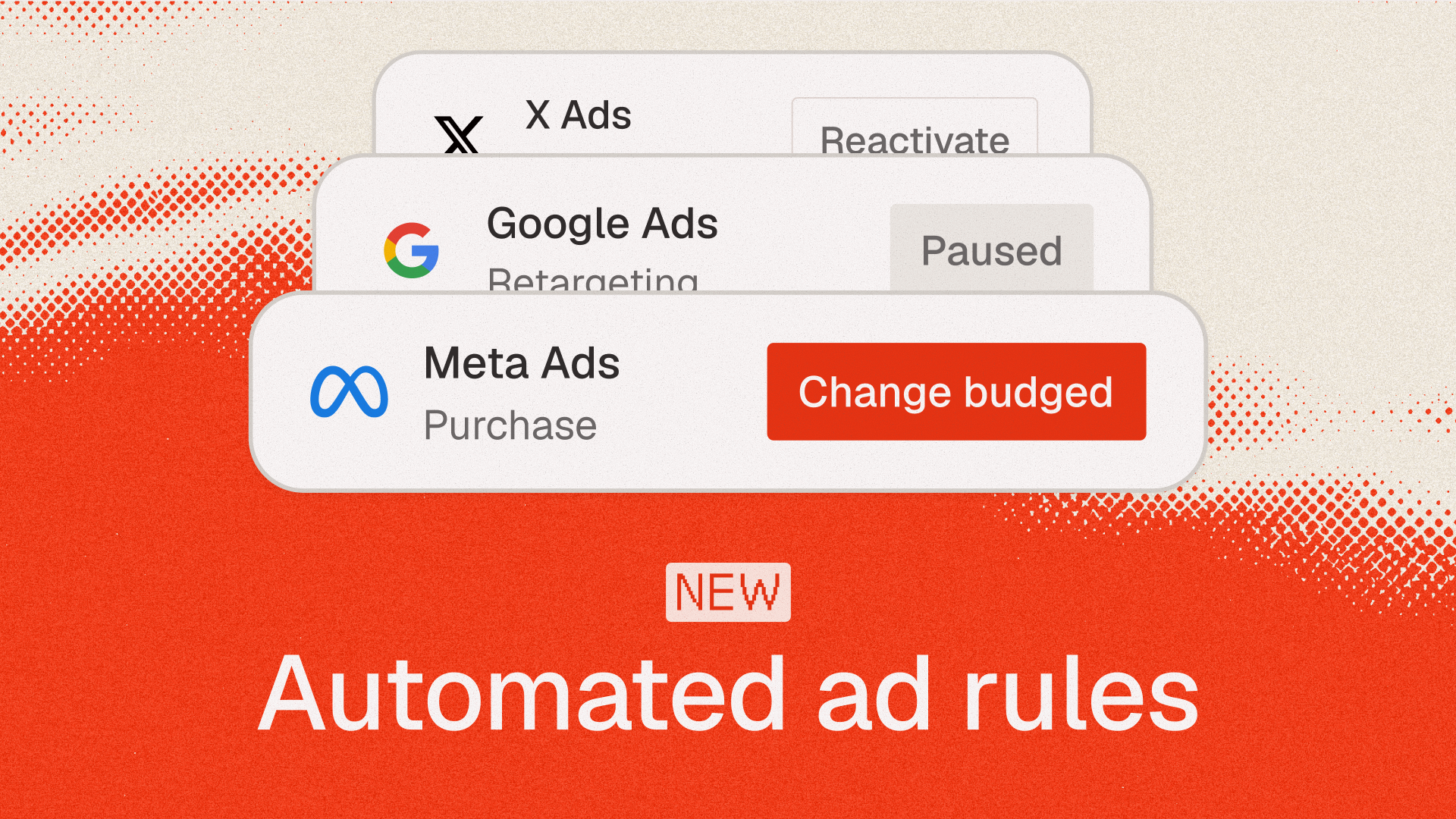
Rules work on Meta, Google, TikTok, LinkedIn, Pinterest, X and Reddit ads.
Post approvals
Posts can now wait for approval before they're scheduled, and a pending post never publishes on its own. Approve it and it's scheduled as planned, or reject it and it goes back to drafts to edit and resubmit. If you're building for agencies or multiple clients, client sign-off can now be part of your publishing flow.
Stop building social integrations from scratch.
One API call to publish, schedule, and manage posts across 16 platforms.
The /tools endpoints are going away
We're removing the old /tools and /v1/tools endpoints. They've been out of our docs since April, but they still work, so some of you may still be calling them. If your code still uses them, please move off them before they're removed on November 1.
Connect accounts with a QR code
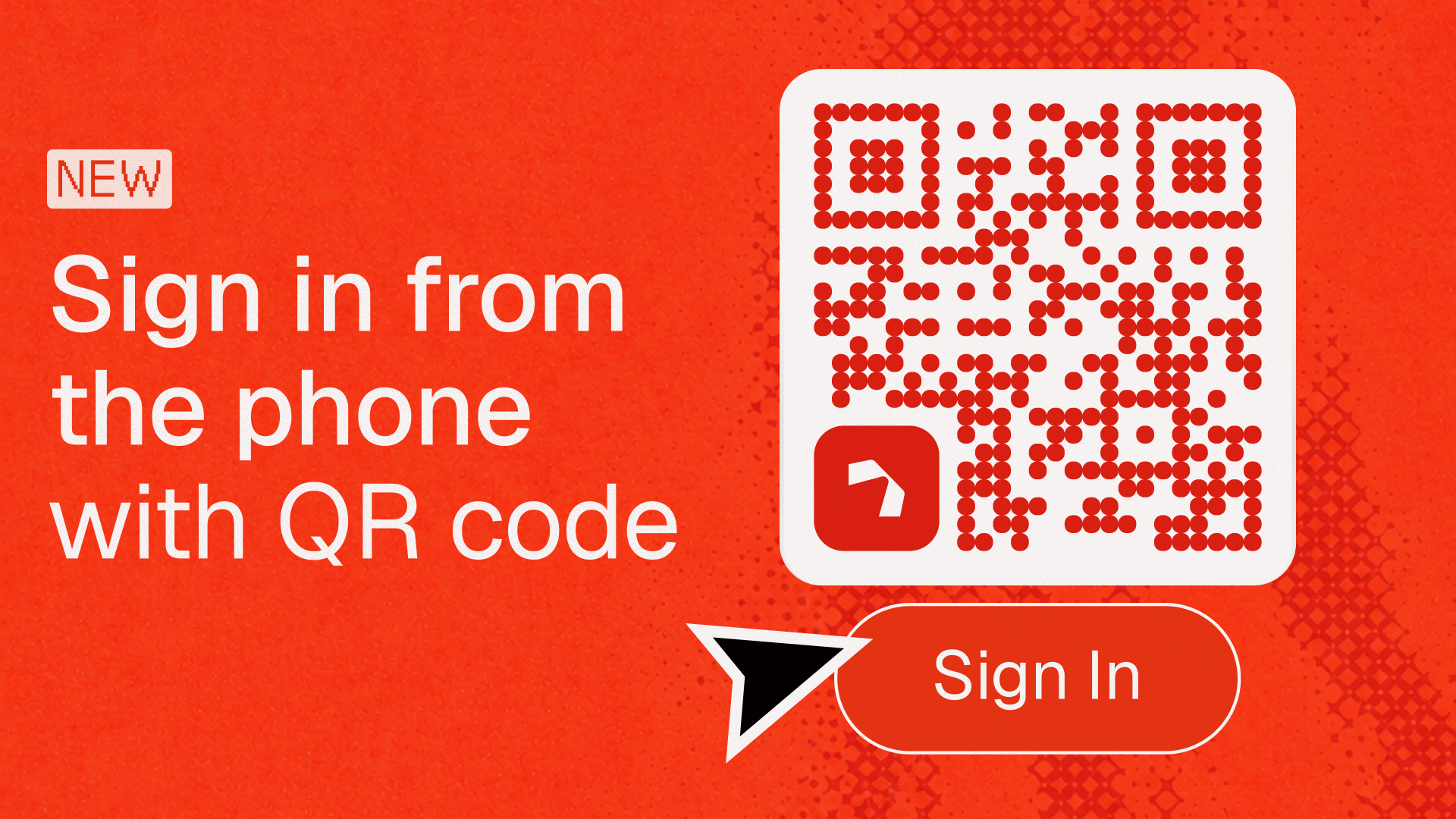
Many users start connecting an account on their computer but are already logged in on their phone. Your app can now show them a QR code to scan, so they see your branded welcome screen and log in there. Your app tracks each step until the account connects, and a webhook fires when it does.
Build with these updates
Explore the API changelog for the full release details, or open your dashboard to start building.