Visual Social Media Calendar
Plan your content strategy in one calendar view. Spot gaps, optimize timing, and never miss a post.
Key Features
Visual Planning
All posts in a calendar view. Color-coded by platform for quick scanning.
Multiple Views
Switch between month and week views. Customize your start day.
Quick Actions
Click any date to create a post. Click any post to edit.
At-a-Glance Details
See content previews, platform icons, and status on each calendar entry.
Smart Filtering
Filter by platform, profile, or status. Focus on what matters.
Works Everywhere
Fully responsive on desktop, tablet, and mobile.
How to Use the Calendar
- 1.Open Calendar ViewSwitch to the Calendar tab in your dashboard.
- 2.Plan Your ContentClick dates to create posts. See gaps and plan ahead.
- 3.Manage & OptimizeClick posts to edit or reschedule. Optimize your strategy.
Benefits of Visual Planning
Spot Content Gaps
Instantly see when you have no content scheduled.
Balance Platform Mix
Color coding shows platform distribution at a glance.
Plan Campaigns
Map out campaigns across platforms visually.
Align Your Team
Everyone sees the same calendar. Great for agencies.
Manage All Platforms in One Calendar
See it in action
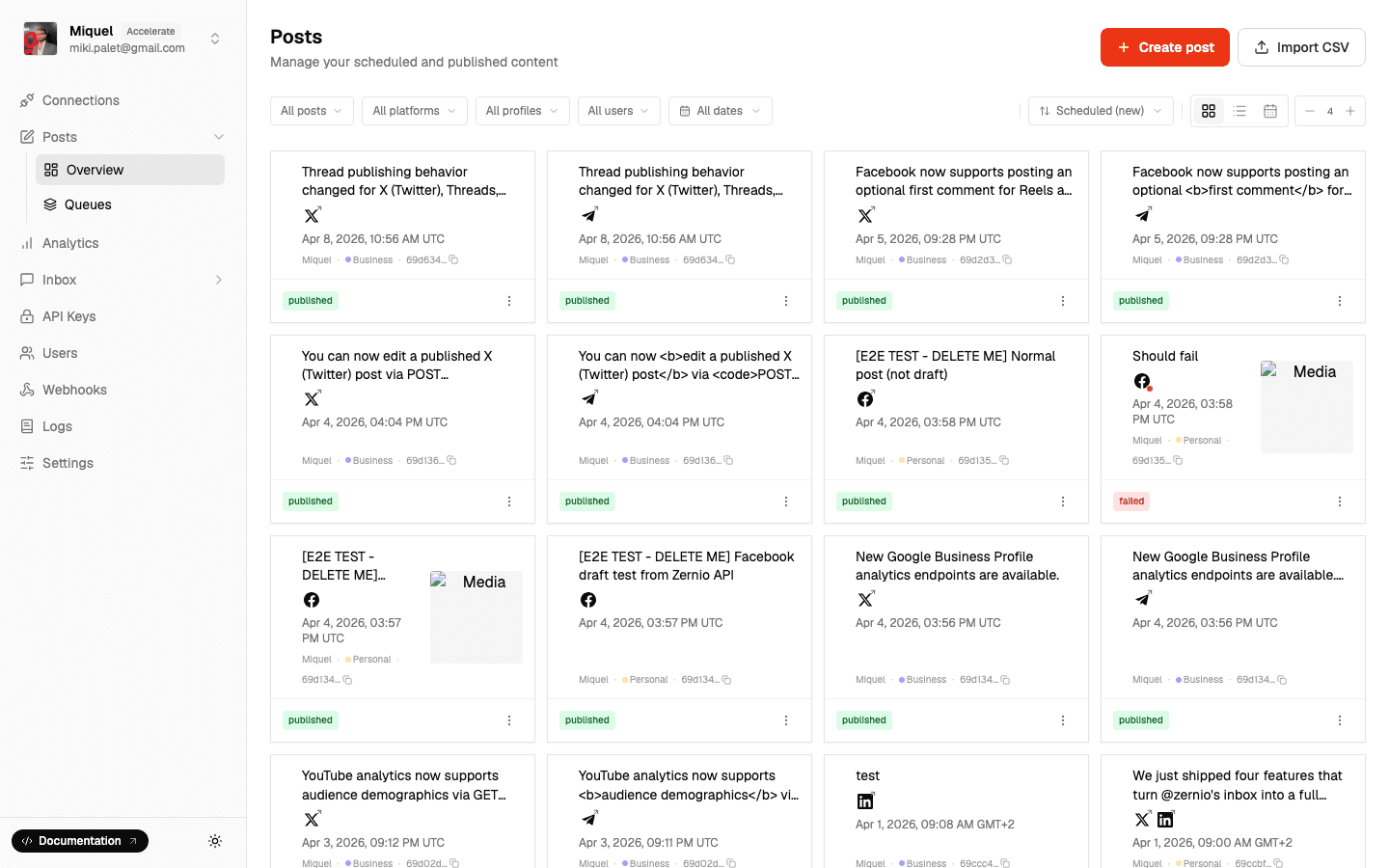
See your entire content pipeline at a glance.
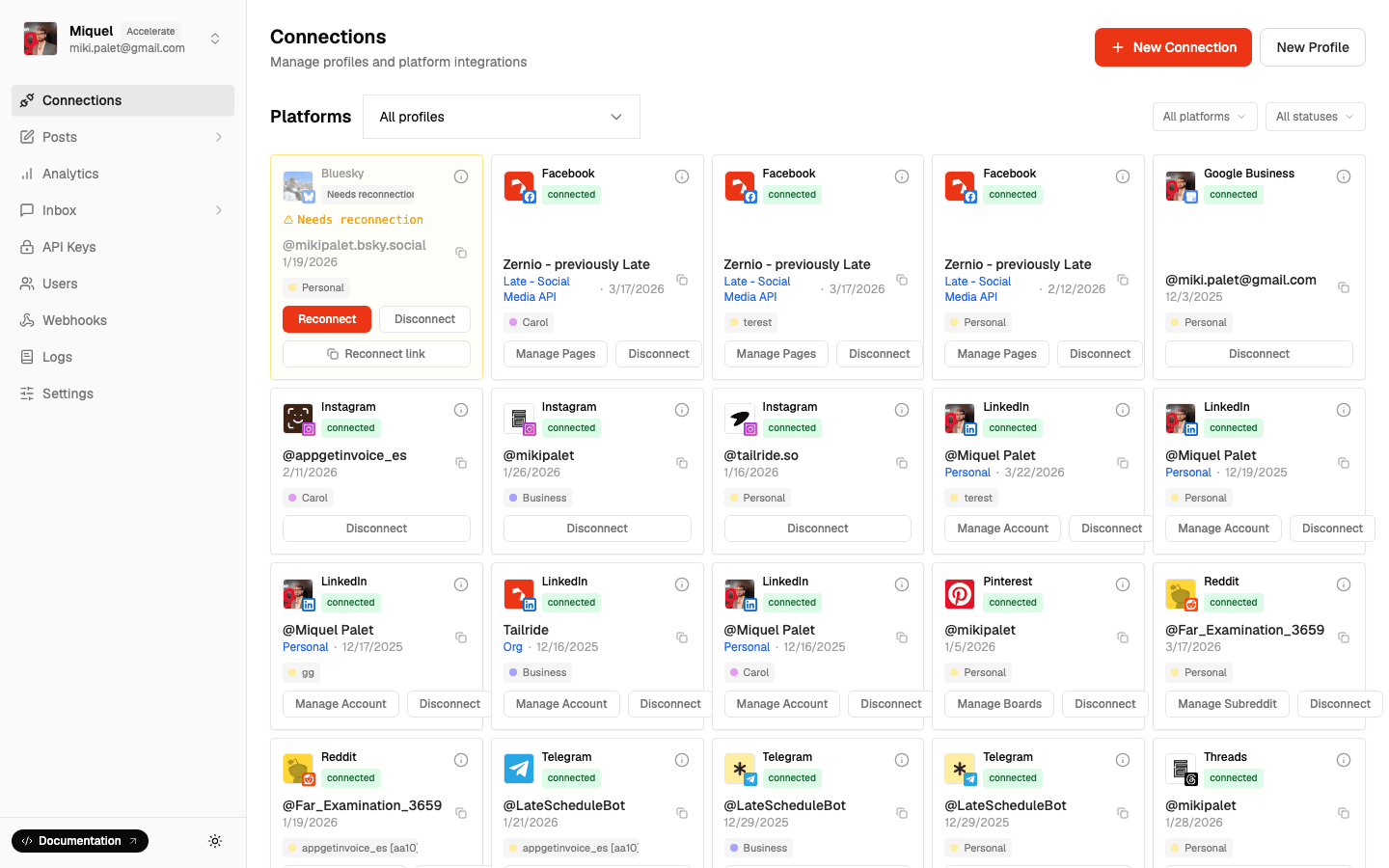
Plan across every platform your team uses.
Frequently Asked Questions
- Can I drag and drop to reschedule?
- └Coming soon! Currently click a post to edit its time.
- Can I see multiple accounts?
- └Yes. See all accounts or filter by specific profiles/platforms.
- What timezone does the calendar use?
- └Your local timezone. Posts publish at whatever timezone you set per-post.
- Does it work on mobile?
- └Yes, fully responsive.
- Can I export my calendar?
- └Export via API. CSV export from dashboard coming soon.
Related Features
Never Miss a Post Again
Visual content planning across all your platforms.