Queue Posts
Set weekly posting schedules. Posts auto-fill the next available slot. Consistent posting without manual scheduling.
Key Features
Weekly Time Slots
Define your schedule once (Mon/Wed/Fri at 9 AM). Posts fill slots automatically.
Automatic Scheduling
Click 'Add to Queue'. No date picking required.
Timezone Awareness
9 AM slot posts at 9 AM in your chosen timezone.
Per-Profile Queues
Independent schedules per profile. Great for agencies.
Smart Conflict Avoidance
Skips slots that already have scheduled posts.
Reshuffle Posts
Update your schedule and optionally redistribute existing queued posts.
How Queue Posting Works
- 1.Set Up Your QueueDefine weekly slots: Monday 9 AM, Wednesday 2 PM, Friday 5 PM.
- 2.Add Posts to QueueCreate posts and hit 'Add to Queue'. Auto-assigned to next slot.
- 3.Automatic PublishingPosts publish at their scheduled times. Queue repeats weekly.
Why Use Queue Scheduling
Stay Consistent
Regular, predictable posting frequency your audience can rely on.
Batch Content
Create many posts at once. They auto-spread across your schedule.
No Date Picking
Just create content. The queue handles when.
Agency Ready
Per-profile queues with custom slots and timezones.
Code Examples
curl -X PUT https://zernio.com/api/v1/queue/slots \
  -H "Authorization: Bearer YOUR_API_KEY" \
  -H "Content-Type: application/json" \
  -d '{
    "profileId": "PROFILE_ID",
    "timezone": "America/New_York",
    "slots": [
      {"dayOfWeek": 1, "time": "09:00"},
      {"dayOfWeek": 3, "time": "14:00"},
      {"dayOfWeek": 5, "time": "17:00"}
    ],
    "active": true
}'curl -X POST https://zernio.com/api/v1/posts \
-H "Authorization: Bearer YOUR_API_KEY" \
-H "Content-Type: application/json" \
-d '{
"content": "Queued post content",
"scheduledFor": "2024-12-23T14:00:00Z",
"platforms": [{"platform": "twitter", "accountId": "ACCOUNT_ID"}],
"queuedFromProfile": "PROFILE_ID"
}'Works With All Platforms
See it in action
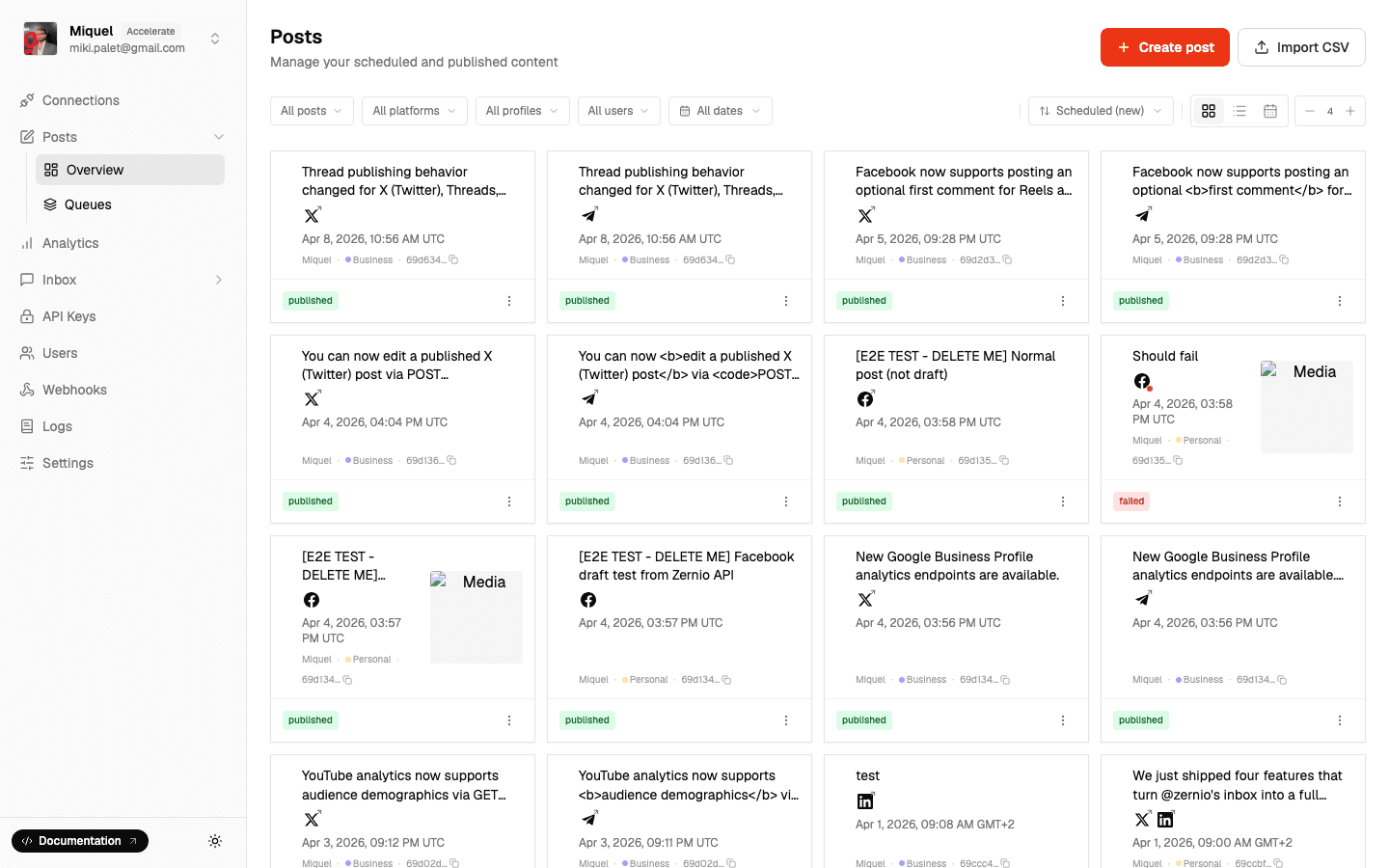
Define time slots once. Posts fill them automatically.
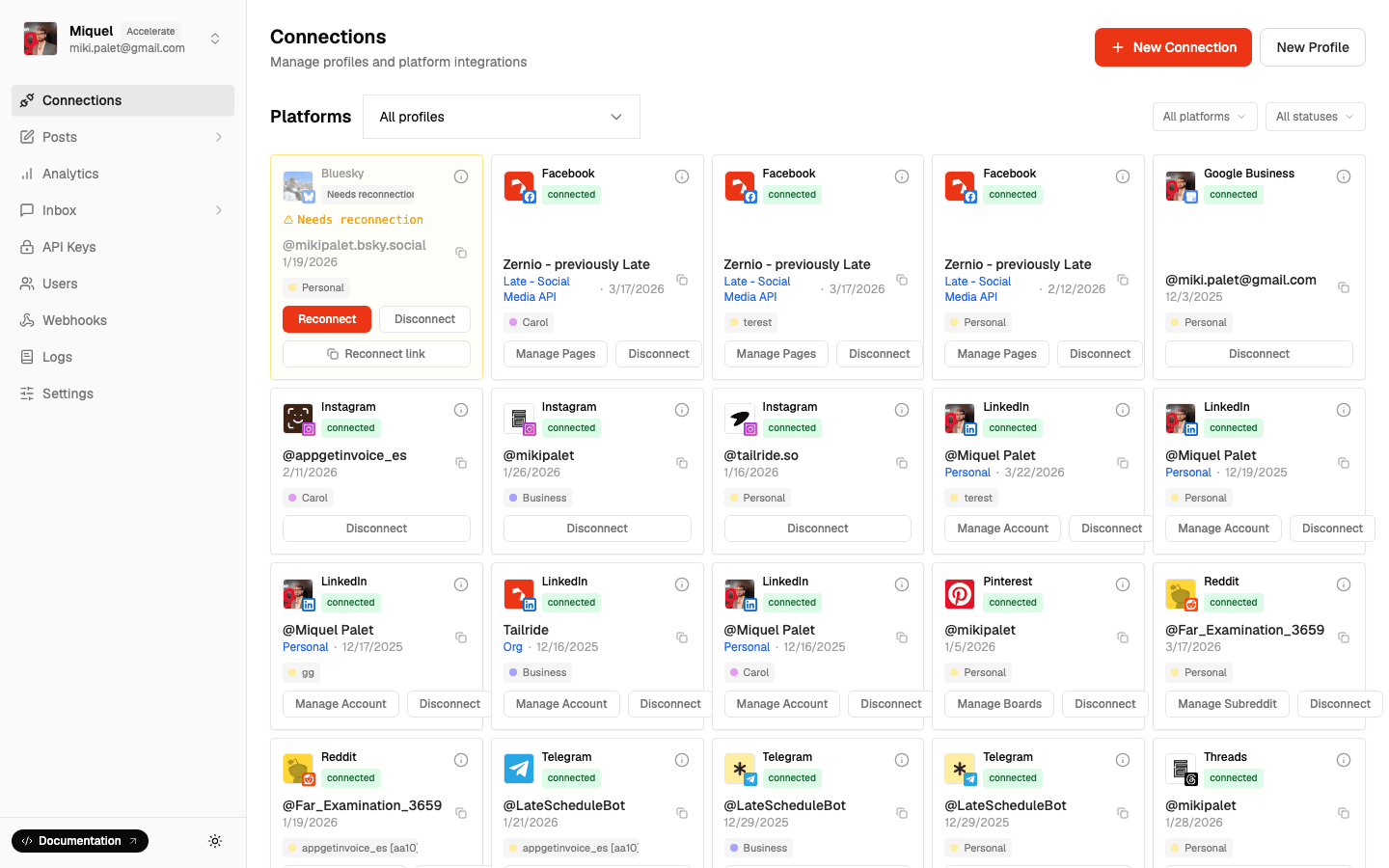
Queues run independently for each connected account.
See Queue Scheduling In Action
Frequently Asked Questions
- How many time slots can I have?
- └Unlimited. Common setups range from 3/week to 21/week (3x daily).
- What if a slot already has a post?
- └Queue auto-skips occupied slots and finds the next available one.
- Can I change my queue schedule?
- └Yes. Update slots, timezone, or deactivate anytime. Option to reshuffle existing posts.
- Can I have different queues per platform?
- └Queues are per-profile. Create separate profiles for independent queues.
- Can I manually schedule too?
- └Yes. Queue and manual scheduling work together seamlessly.
Related Features
Automate Your Posting Schedule
Set it once, never worry about scheduling again.