If you're building a product that posts to social media, the scheduler you pick determines how many months of engineering you're signing up for. If you just need a dashboard to schedule posts yourself, the decision is simpler but the options are noisier.
This guide covers both cases: the best APIs for developers embedding social media into their own products, and the best free tools for marketers, creators, and small teams.
Quick picks:
| Best for | Tool | API access | Platforms | Starting price |
|---|---|---|---|---|
| Developers embedding social in SaaS | Zernio | Yes (REST + MCP) | 15 | Free (2 accounts) |
| AI agents that need to post, engage, and analyze | Zernio | Yes (280+ MCP tools) | 15 | Free |
| Free dashboard for individuals and small teams | Buffer | Limited | 10 | Free |
| Analytics-first marketing teams | Metricool | No | 10 | Free |
| Visual brands (Instagram, Pinterest focus) | Meta Business Suite | No | 2 | Free |
| YouTube creators | YouTube Studio | No | 1 | Free |
| Design-first content teams | Adobe Express | No | 6 | Free |
Table of contents
- What should you look for in a social media scheduler?
- Best social media scheduler APIs for developers and SaaS teams
- When does it make sense to use a social media API instead of a dashboard?
- Best free social media schedulers for individuals and creators
- All tools compared
- How do you choose the right tool?
- FAQ
What should you look for in a social media scheduler?
The criteria depend entirely on what you're building or managing. A developer embedding social into a SaaS product needs completely different things than a solo creator scheduling posts for their own brand.
If you're a developer or SaaS team building social into your product:
- API quality and docs: clean REST API, code examples, fast time-to-first-call
- Platform count: missing a major platform is a dealbreaker for your users
- Rate limit handling: you don't want to debug 15 different rate-limiting schemes
- Full social layer: does it cover just posting, or also comments, DMs, and analytics?
If you're building AI agents that act on social:
- MCP server support: does it expose tools in a format agents can call directly?
- Structured JSON output: agents need predictable, typed responses
- Full action coverage: schedule, post, reply, boost, analyze - not just publish
If you're a marketer, creator, or small team scheduling your own content:
- Ease of use and dashboard quality
- Free tier limits (posts per month, connected accounts)
- Which platforms are supported
- Analytics depth
Best social media scheduler APIs for developers and SaaS teams
If you're building a product, not just using one, this section is the one that matters. The tools below are built for developers who need to embed social publishing, engagement, or analytics into their own applications.
Zernio: best for developers, SaaS teams, and AI agent builders
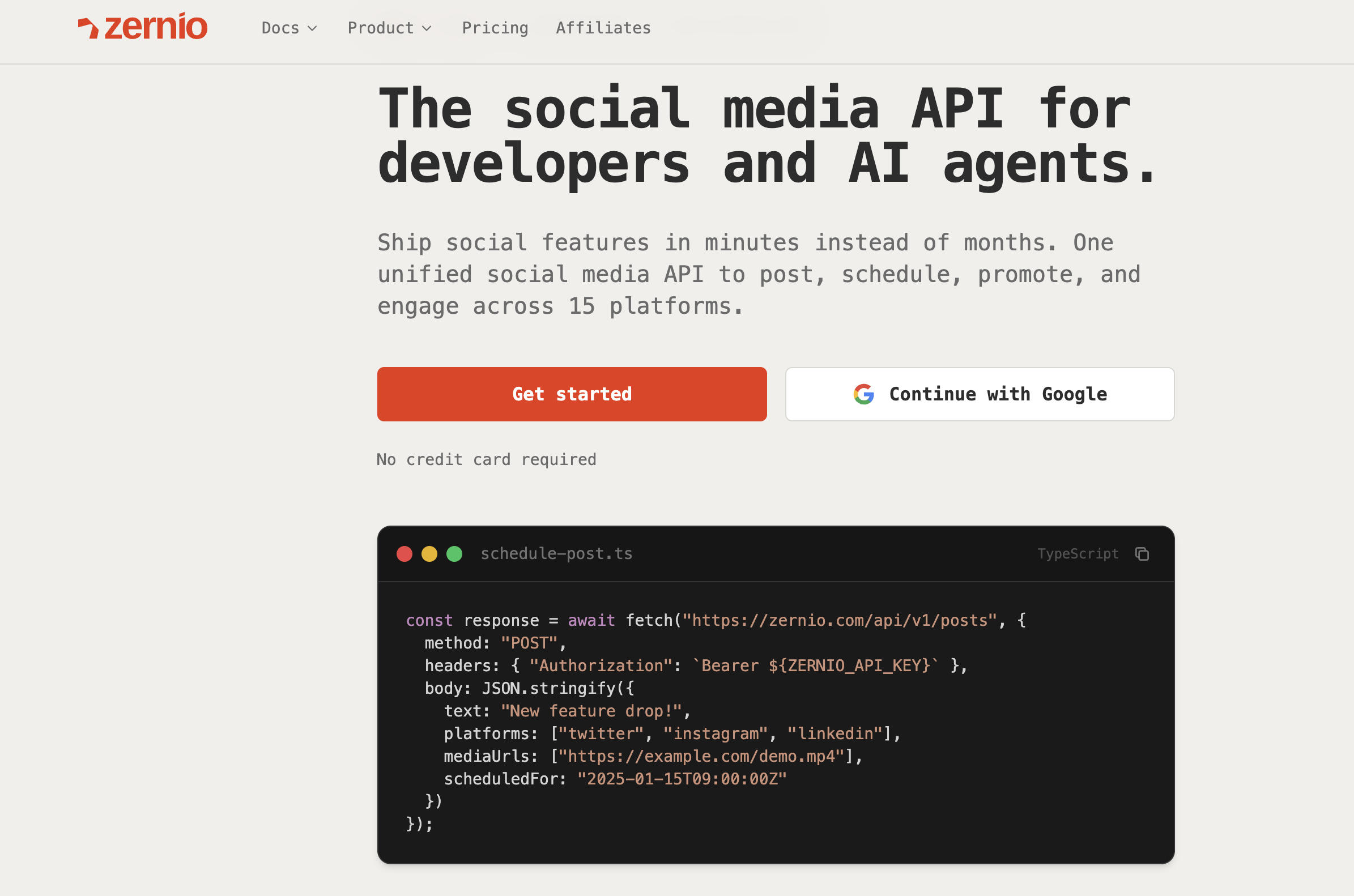
zernio.com | API docs | MCP server
Zernio is a unified social media REST API built for developers. One endpoint covers 15 platforms: X/Twitter, Instagram, TikTok, LinkedIn, Facebook, YouTube, WhatsApp, Threads, Pinterest, Reddit, Bluesky, Telegram, Google Business, Snapchat, and Discord. You authenticate once with a bearer token; Zernio handles the OAuth flows, media normalization, rate limits, and breaking API changes for all platforms underneath.
Schedule your first post via API:
const { post } = await zernio.posts.createPost({
  content: 'Hello world! This is my first post from the Zernio API',
  scheduledFor: '2024-01-16T12:00:00',
  timezone: 'America/New_York',
  platforms: [
    { platform: 'twitter', accountId: 'acc_xyz789' }
  ]
});

console.log('Post scheduled:', post._id);
What's great:
It covers the full social operation, not just posting. The five API products are: publishing (scheduling, bulk upload, CSV import), comments, direct messages, analytics, and ads. Blotato only handles posting. Ayrshare doesn't have a full ads API. Zernio is the only unified option where a single integration covers every social action your product might need.
The MCP server exposes 280+ tools, making it the most agent-ready social API available. Your AI agent can post, reply to comments, send DMs, pull analytics, and boost ads - all through one tool server, with no custom integration work. It works with Claude Desktop, Cursor, Windsurf, OpenClaw and any MCP-compatible client. The CLI also outputs structured JSON for agent pipelines.
Pricing uses a per-account model with graduated volume discounts: the first 2 accounts are free, accounts 3-10 cost $6/month each, accounts 11-100 cost $3 each, and accounts 101-2,000 cost $1 each. Every feature is included at every account level. No add-ons, no feature gates. As your user base grows, your per-account cost drops - the opposite of what per-profile competitors charge.
The infrastructure holds up at scale: 99.7% uptime, under 50ms response time, and official connectors with Meta, TikTok, LinkedIn, Pinterest, and X.
What it lacks:
Zernio's dashboard is functional but lean. If your team needs a heavy visual content calendar for internal social management (not for building into a product), dedicated tools like Buffer will feel more polished.
Who it's for:
- Developers and engineering teams building products that need social as an output channel.
- AI agent builders who need a structured, MCP-native social layer.
- Agencies managing 10+ client accounts via API.
- SaaS tools where end-users connect their own social accounts.
Pricing at a glance:
| Accounts | Monthly cost |
|---|---|
| 1-2 | Free |
| 10 | ~$48 |
| 50 | ~$168 |
| 100 | ~$318 |
| 500 | ~$718 |
| 2,000 | ~$2,218 |
Ayrshare: the incumbent API
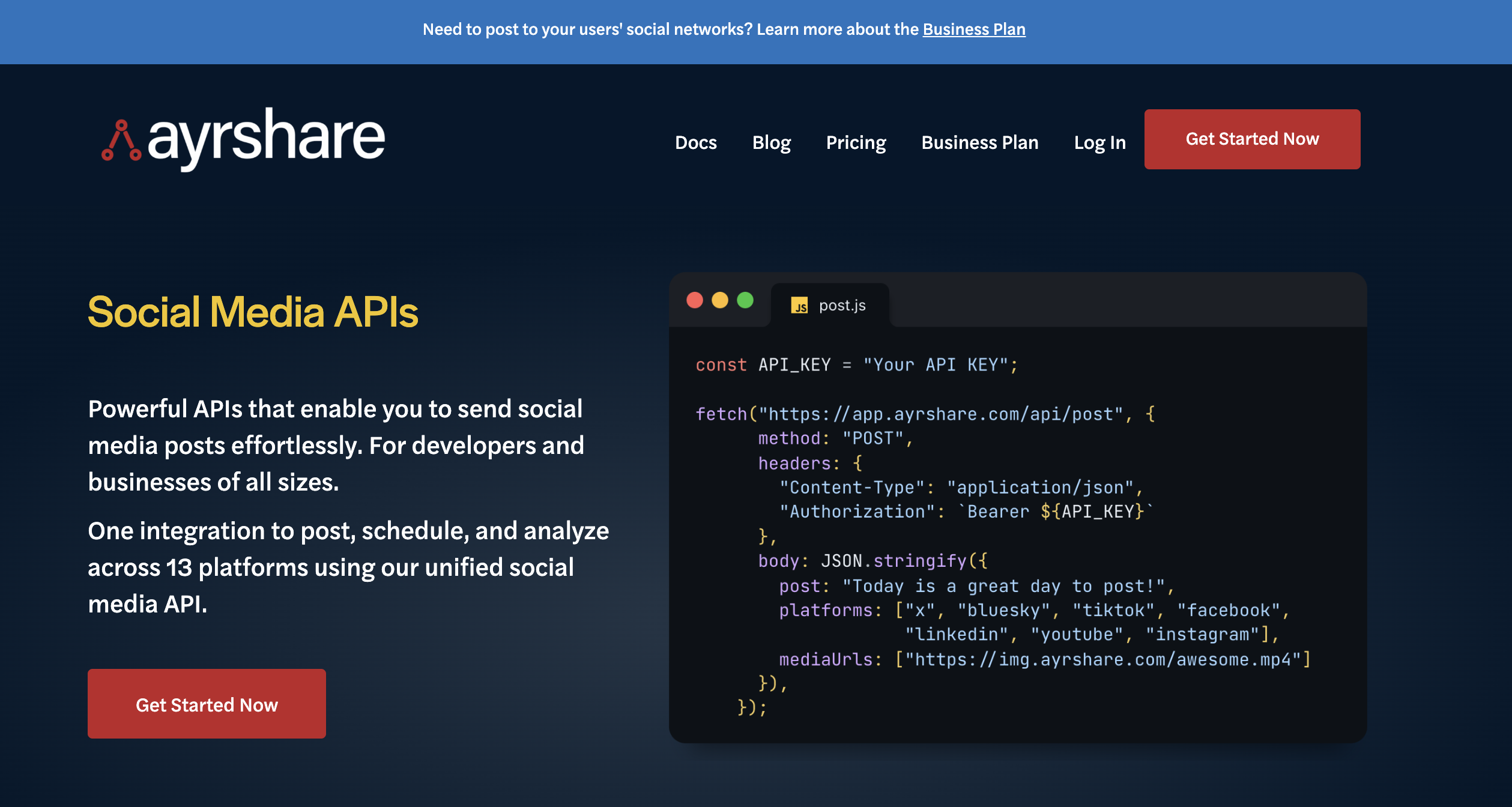
Ayrshare is an established name in social media APIs for developers. It covers 13 platforms, has solid documentation, and has positive reviews for support responsiveness.
What's great:
Clean API, good docs, fast time-to-first-call. It handles multi-user profile management well for SaaS use cases.
What it lacks:
The pricing model scales against you. Ayrshare charges per profile: the Business plan starts at $599/month for 30 profiles, then $8.99/profile for accounts 31-100. At 100 connected accounts, you're looking at around $900/month - nearly 3x what Zernio charges for the same volume. There's no full ads API (only Facebook boosted posts, at an extra $100/month). No Discord or WhatsApp support. No MCP server for AI agent integration.
Who it's for:
Teams already using Ayrshare who haven't hit the pricing wall yet, or teams that need the specific features where Ayrshare leads (like review management workflow).
Upload-Post: posting-only API
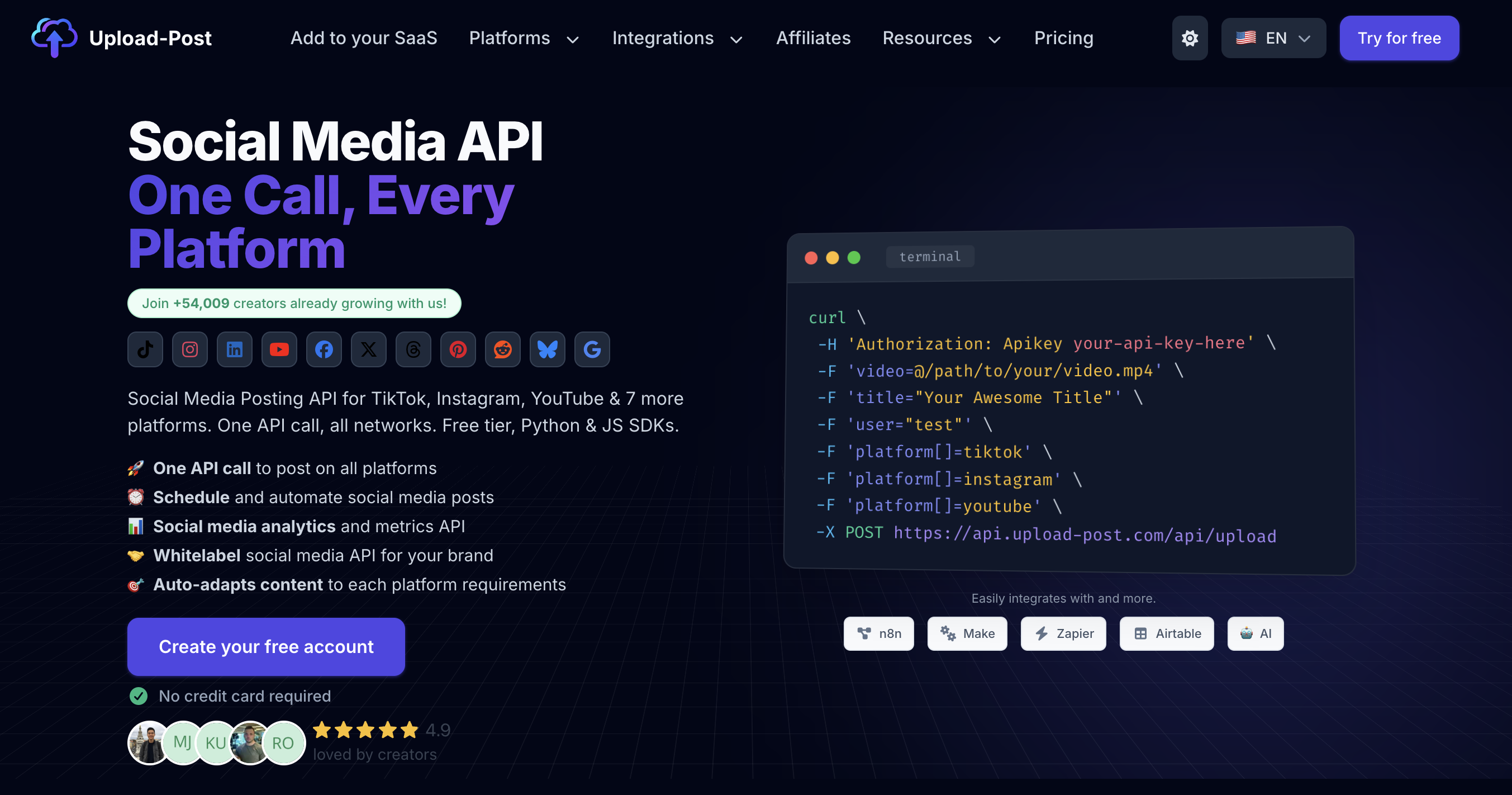
Upload-Post is a posting API with 11 platform integrations. It's a leaner option for teams that only need to publish content and nothing else.
What it lacks:
No comments API. No DMs API. No analytics depth. No ads API. If your product needs social engagement (not just distribution), this isn't the right layer.
Who it's for:
Teams with a narrow use case: bulk publishing to a fixed set of platforms, with no need for engagement features.
When does it make sense to use a social media API instead of a dashboard?
Most developers don't realize a unified social API exists until they're already 3 weeks into building platform integrations themselves. Here's a quick rule of thumb.
Use an API if:
- You're building a product where users connect their own social accounts
- You need programmatic control over posting (triggered by events, not manual)
- You manage 10+ accounts and manual dashboards are creating operational overhead
- Your AI agent needs to take actions on social media autonomously
- You're building analytics, comment management, or DM workflows into your product
Use a dashboard tool (like Buffer or Metricool) if:
- You're scheduling your own content manually
- You're a solo creator or small team with a simple posting cadence
- You don't need API access or custom integrations
The build vs. buy math for APIs is straightforward. Supporting 15 platforms yourself means 15 OAuth integrations, 15 sets of media spec requirements, 15 rate-limiting schemes, and ongoing maintenance every time a platform updates its API. Most engineering teams estimate 6-12 months of work to do this properly. Zernio compresses that to a single REST call.
Stop building social integrations from scratch.
One API call to publish, schedule, and manage posts across 15+ platforms.
Best free social media schedulers for individuals and creators
If you're managing your own social accounts (not building a product), these are the tools worth considering. Each review follows the same format: what's great, what it lacks, and who it actually suits.
Buffer: best free tool for individuals and small teams
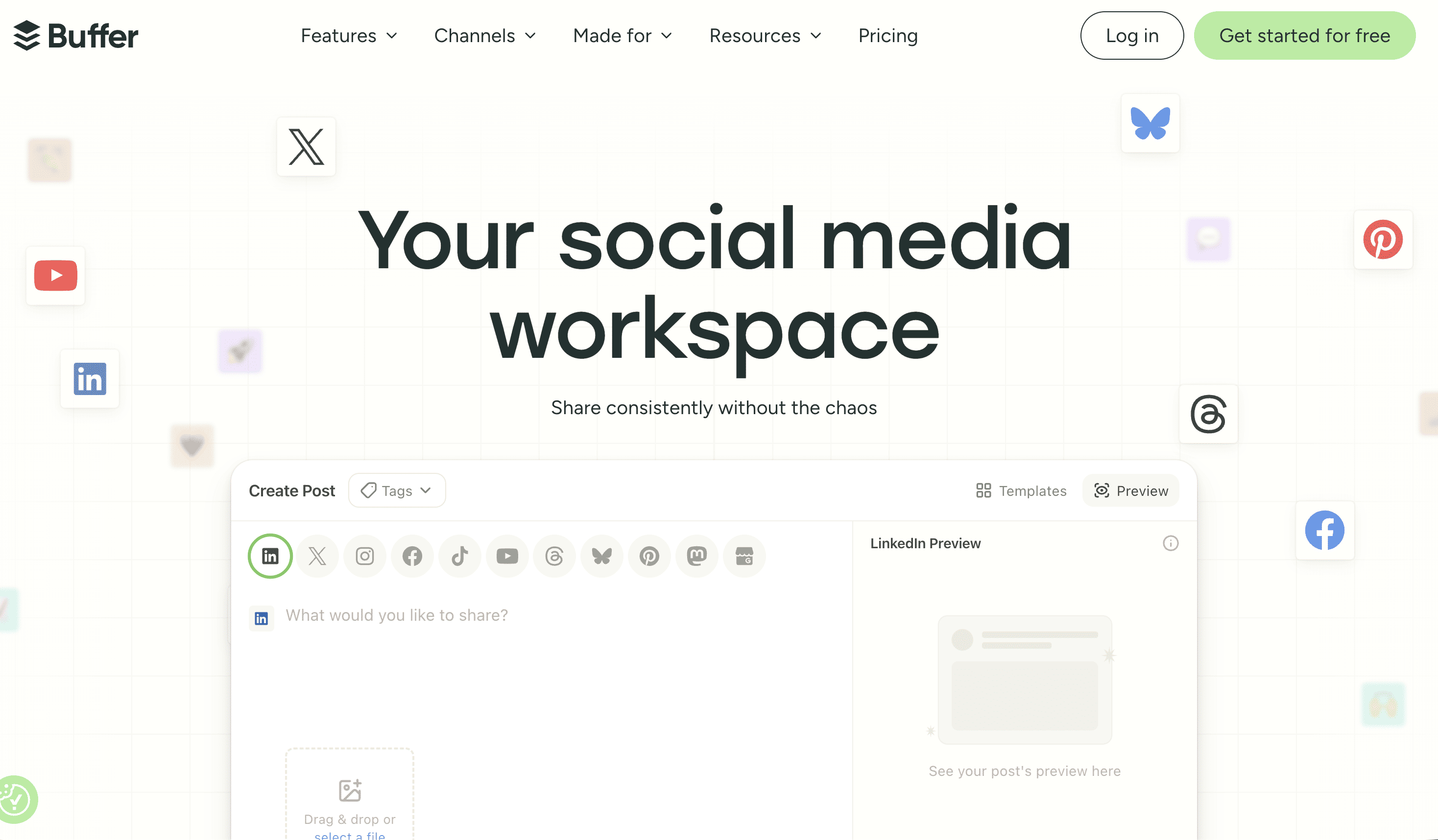
What's great: Buffer's free plan covers 3 social channels, queues up to 10 posts per channel, and includes an AI caption assistant. It supports 10 platforms including Instagram, LinkedIn, TikTok, X, and YouTube. The interface is clean and takes about 10 minutes to learn. It also includes a link-in-bio builder on all plans.
What it lacks: No unified inbox for DMs. No social listening. The 10-post queue fills up quickly for active accounts. Analytics and comments management are paid features.
Who it's for: Solo creators, solopreneurs, and one-person marketing teams who want a simple, reliable scheduler with zero learning curve.
Pricing:
| Plan | Price | Channels | Posts |
|---|---|---|---|
| Free | $0 | 3 | 10/channel |
| Essentials | $5/channel/mo | Unlimited | 2,000 |
| Team | $10/channel/mo | Unlimited | 2,000 |
Meta Business Suite: best for Facebook and Instagram-only brands
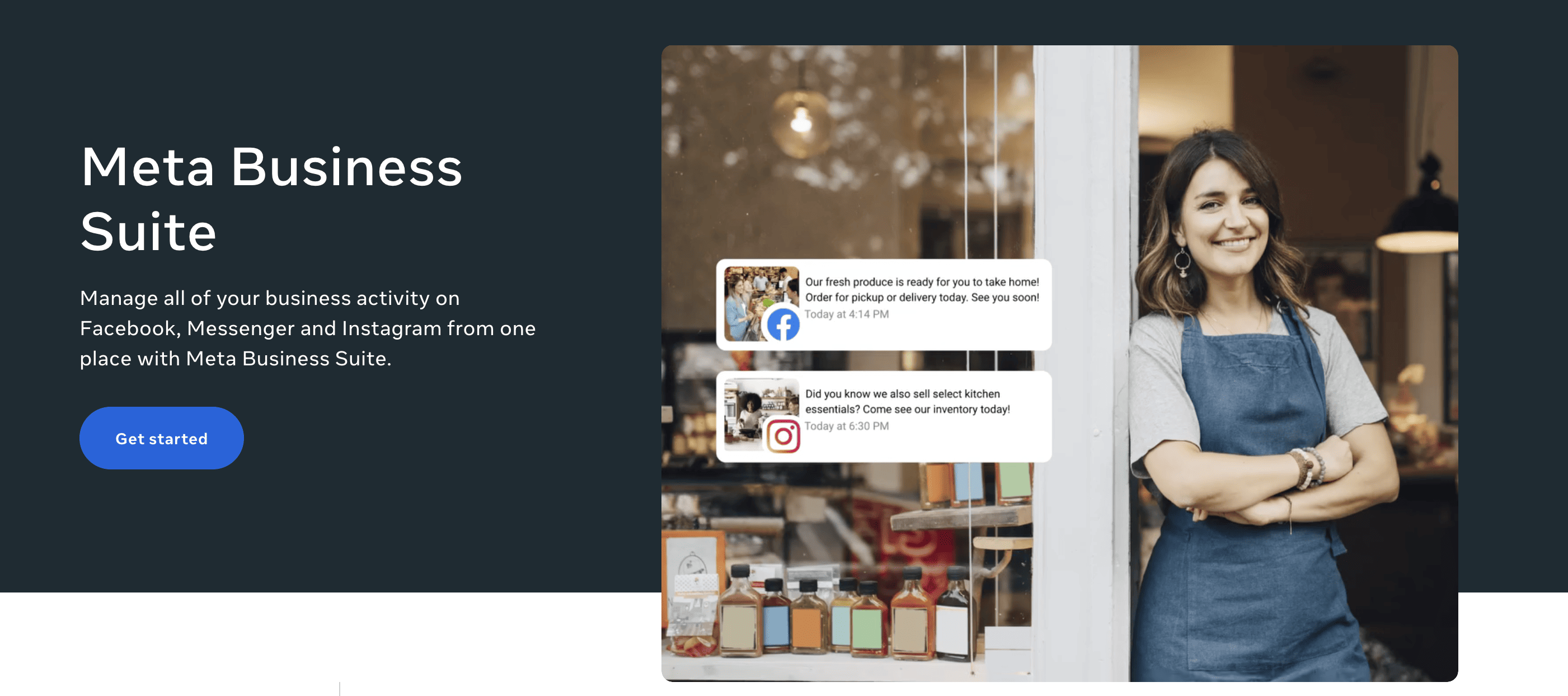
What's great: First-party, completely free, no post limits. Handles Posts, Stories, and Reels across Facebook and Instagram. Direct integration means no API intermediary and no third-party connection issues.
What it lacks: Limited to Facebook and Instagram only. The interface is clunky compared to third-party tools. Occasional bugs with scheduled posts.
Who it's for: Brands and social media managers whose entire audience lives on Facebook and Instagram. Not suitable if you're posting anywhere else.
Metricool: best for analytics-focused teams
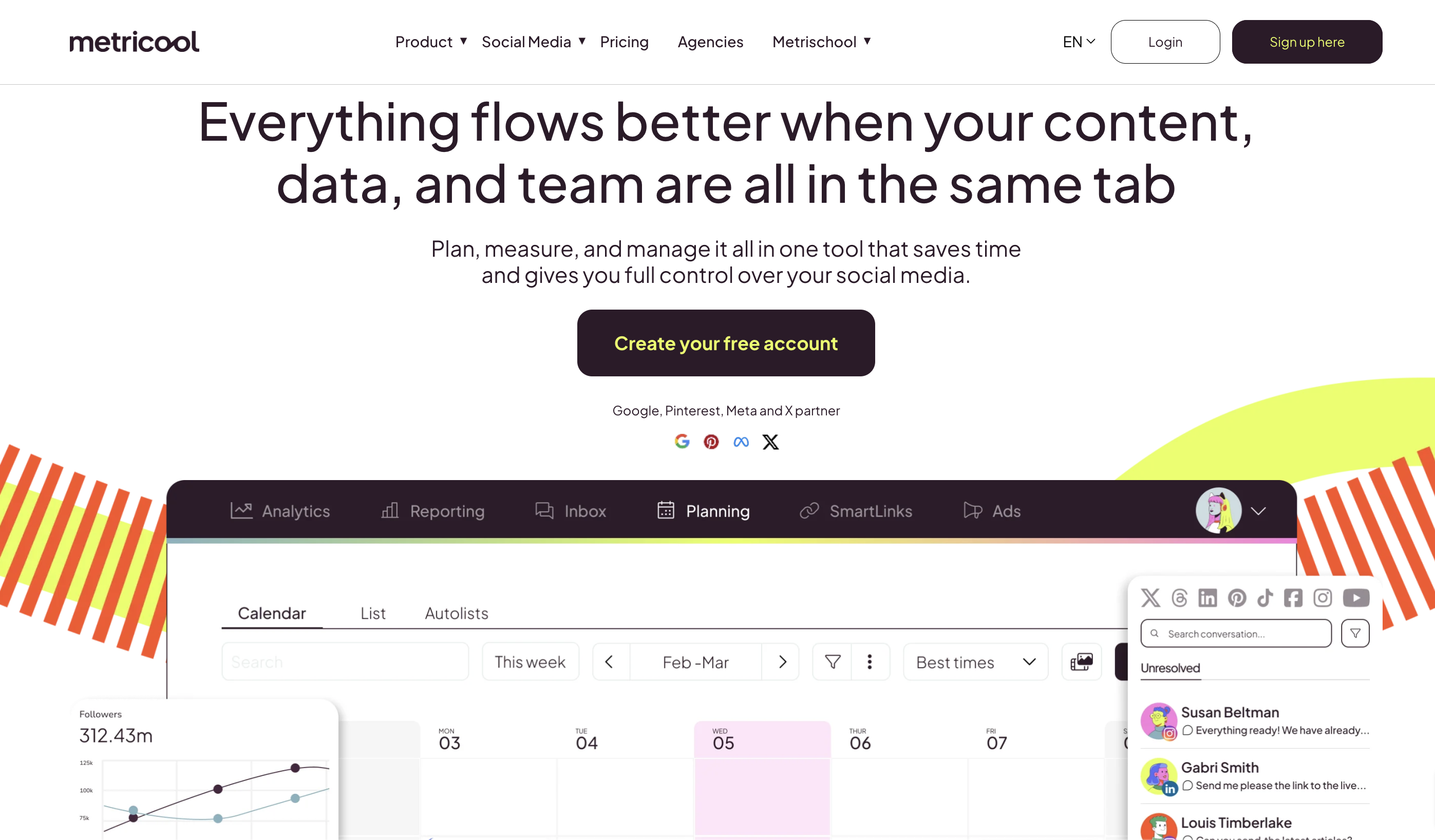
What's great: The free plan supports 50 posts per month across a wide range of platforms, including YouTube, Pinterest, and TikTok. Analytics are genuinely good for a free tool: follower growth, engagement rate, posting frequency analysis, and basic competitor tracking. It auto-compiles downloadable reports.
What it lacks: X and LinkedIn publishing are locked to paid plans. No content ideas board. The interface takes some adjustment.
Who it's for: Data-driven social media managers and small agencies who need solid analytics without paying for Sprout Social or Hootsuite.
Pricing:
| Plan | Price | Brands | Posts |
|---|---|---|---|
| Free | $0 | 1 | 50/mo |
| Starter | $18/mo | 10 | Unlimited |
| Advanced | $45/mo | 50 | Unlimited |
LinkedIn native scheduler: best for B2B-only content
What's great: Free, built-in, and perfect for LinkedIn-only strategies. Supports text, images, carousels, and video. First-party scheduling means posts render exactly as intended. Includes native post analytics.
What it lacks: LinkedIn only. No bulk scheduling, no content queue, no team collaboration. Occasional reliability issues with scheduled posts.
Who it's for: B2B marketers and founders who post primarily on LinkedIn and don't need cross-platform scheduling.
TikTok native scheduler: best for TikTok-first creators
What's great: Free, desktop-based, direct video upload. Schedule up to 10 days in advance. No third-party connection required.
What it lacks: 10-day scheduling window is very limiting. No post editing after scheduling. Access varies by account type.
Who it's for: Creators whose entire strategy runs through TikTok and who need a simple way to schedule uploads a week out.
Pinterest native scheduler: best for visual and e-commerce brands

What's great: Free with a Pinterest Business account. Schedule up to 10 Pins within a 30-day window. Direct integration for reliable publishing.
What it lacks: 10-Pin queue and 30-day limit are restrictive for high-volume pinners. No bulk scheduling.
Who it's for: Bloggers, Etsy sellers, and e-commerce brands where Pinterest is a primary traffic channel.
YouTube Studio: best for video creators
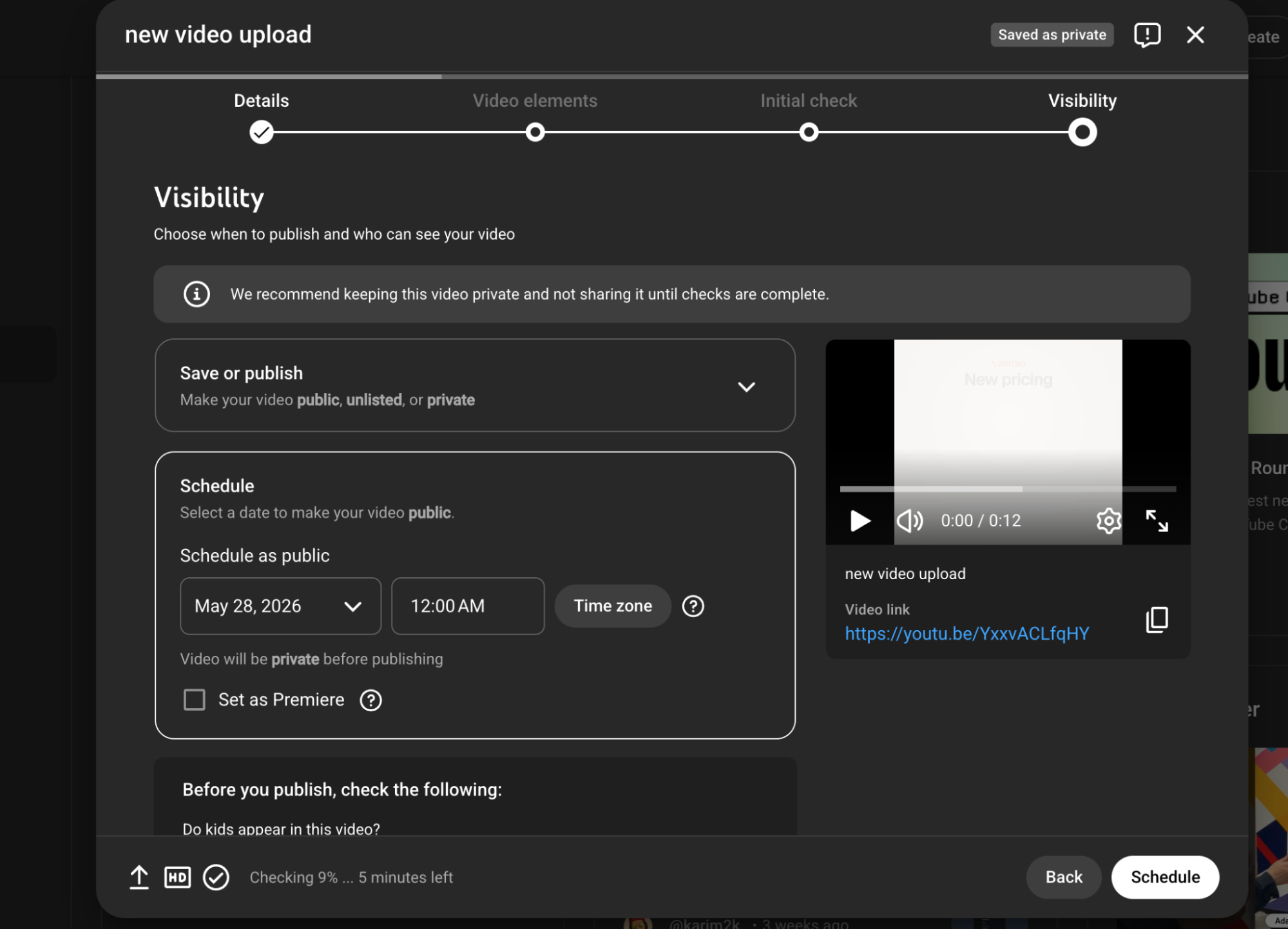
What's great: Free, fully integrated, supports Premieres for event-style launches. You can schedule videos weeks in advance from within the upload workflow. First-party reliability.
What it lacks: YouTube only. Cross-promotion to other platforms requires separate tools.
Who it's for: YouTube creators and brands who produce video content and want reliable, no-cost scheduling built into their workflow.
Publer: best budget option for solo creators
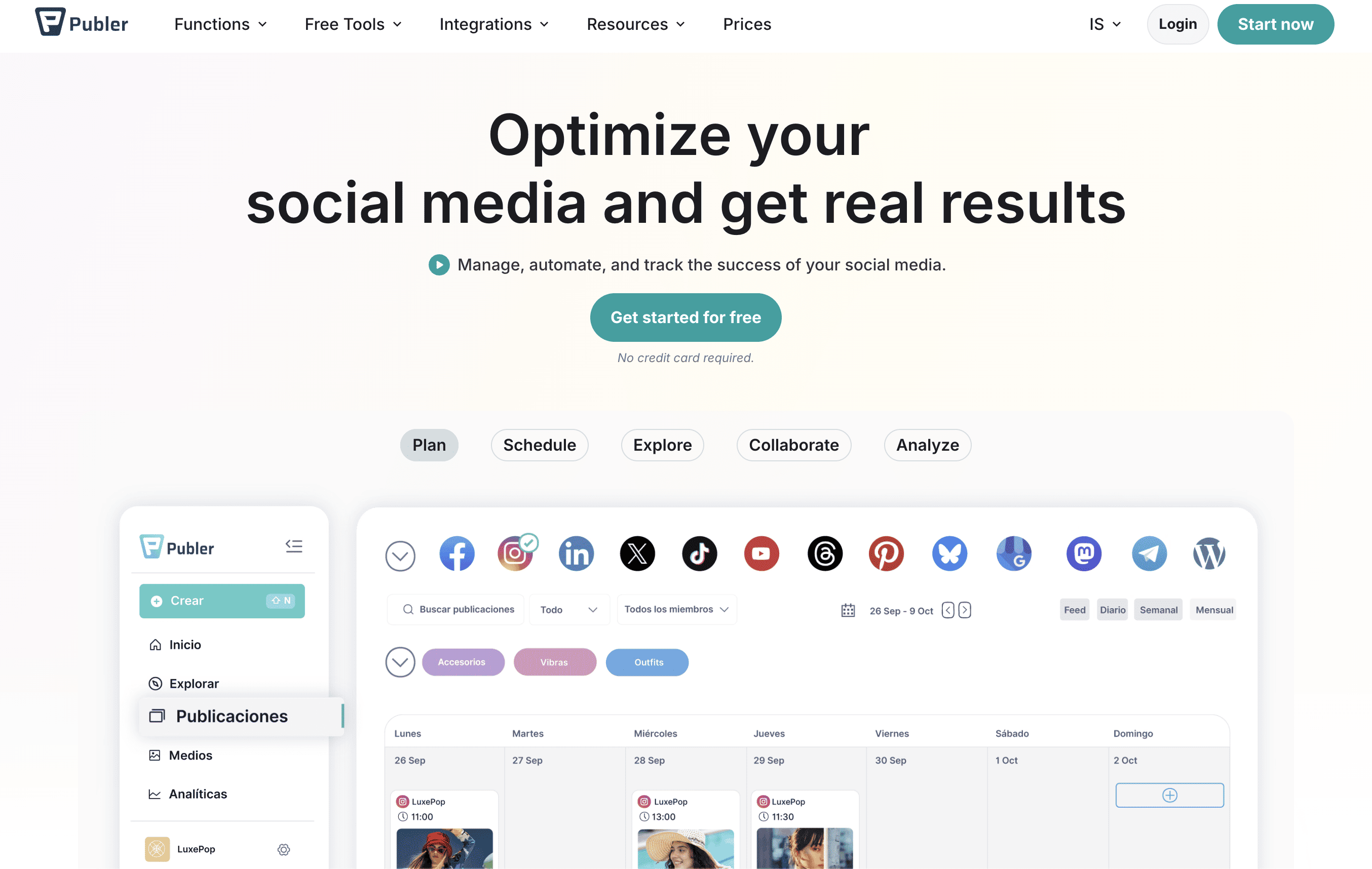
What's great: Free tier includes Facebook, Instagram, LinkedIn, Pinterest, and Google Business Profile. Includes a link-in-bio tool and post drafts even on the free plan. Simple and clean interface.
What it lacks: No X/Twitter on the free plan. Advanced automation features (content recycling, first comment scheduling) are paid.
Who it's for: Solo creators and small businesses who want more features than Buffer's free tier and don't rely on X.
Zoho Social: best for Zoho ecosystem users
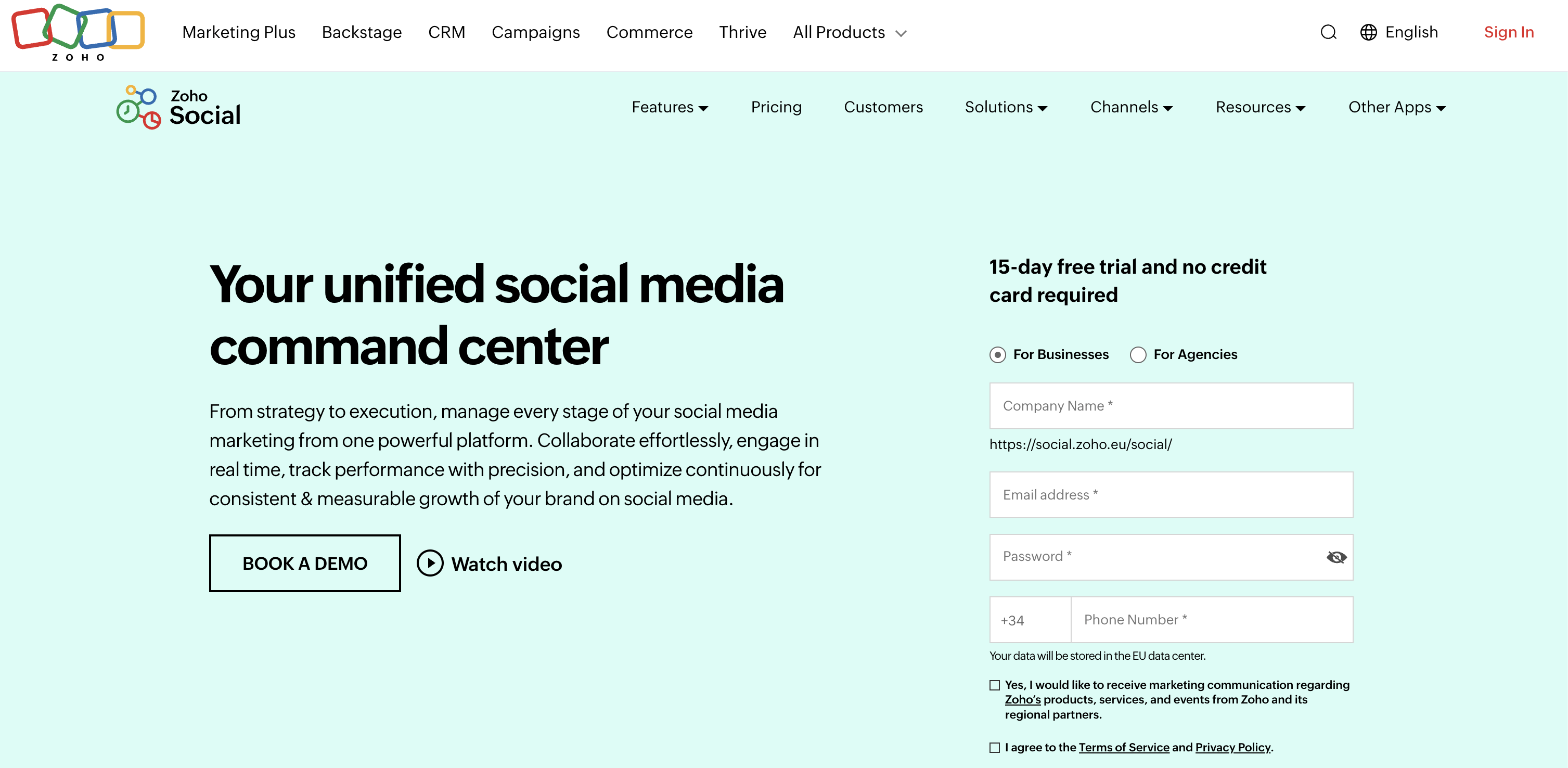
What's great: The Free Edition supports Facebook, Instagram, X, LinkedIn, and Google Business Profile with unlimited post scheduling. Includes a zShare browser extension for sharing content you find online. If you're already in the Zoho ecosystem, the integration is smooth.
What it lacks: One brand, one user on the free plan. No scaling for agencies or teams.
Who it's for: Small businesses and solopreneurs already using Zoho CRM or other Zoho tools.
Tailwind: best for Pinterest power users
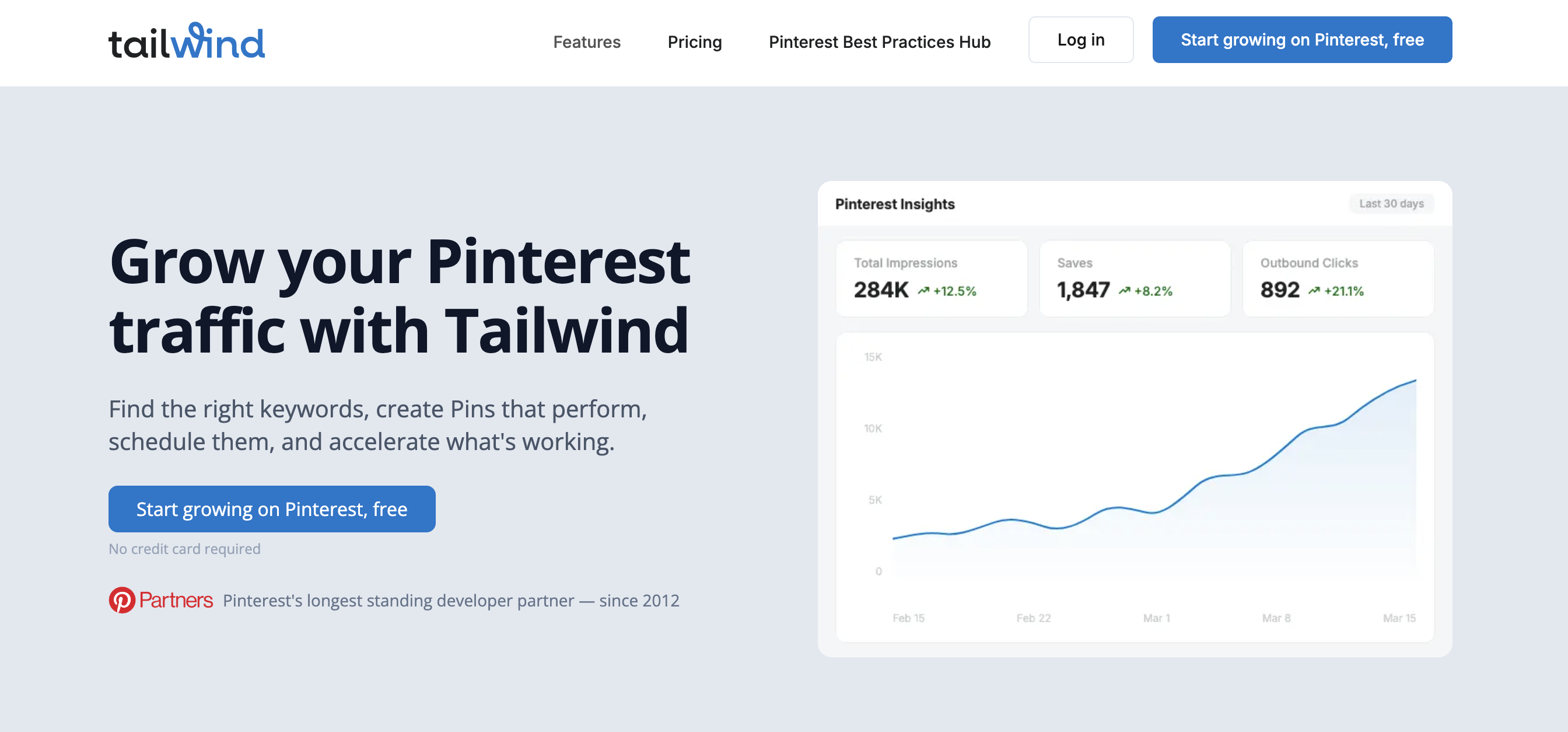
What's great: Deep Pinterest and Instagram optimization, including SmartSchedule (which analyzes your audience to suggest optimal posting times) and Tailwind Communities for cross-promotion. The "Free Forever" plan includes 20 posts/month.
What it lacks: 20-post monthly limit is very restrictive. Heavy skew toward Pinterest; Facebook features are basic.
Who it's for: Pinterest-first creators and e-commerce brands who want data-driven scheduling and community features.
Adobe Express: best for design-first creators
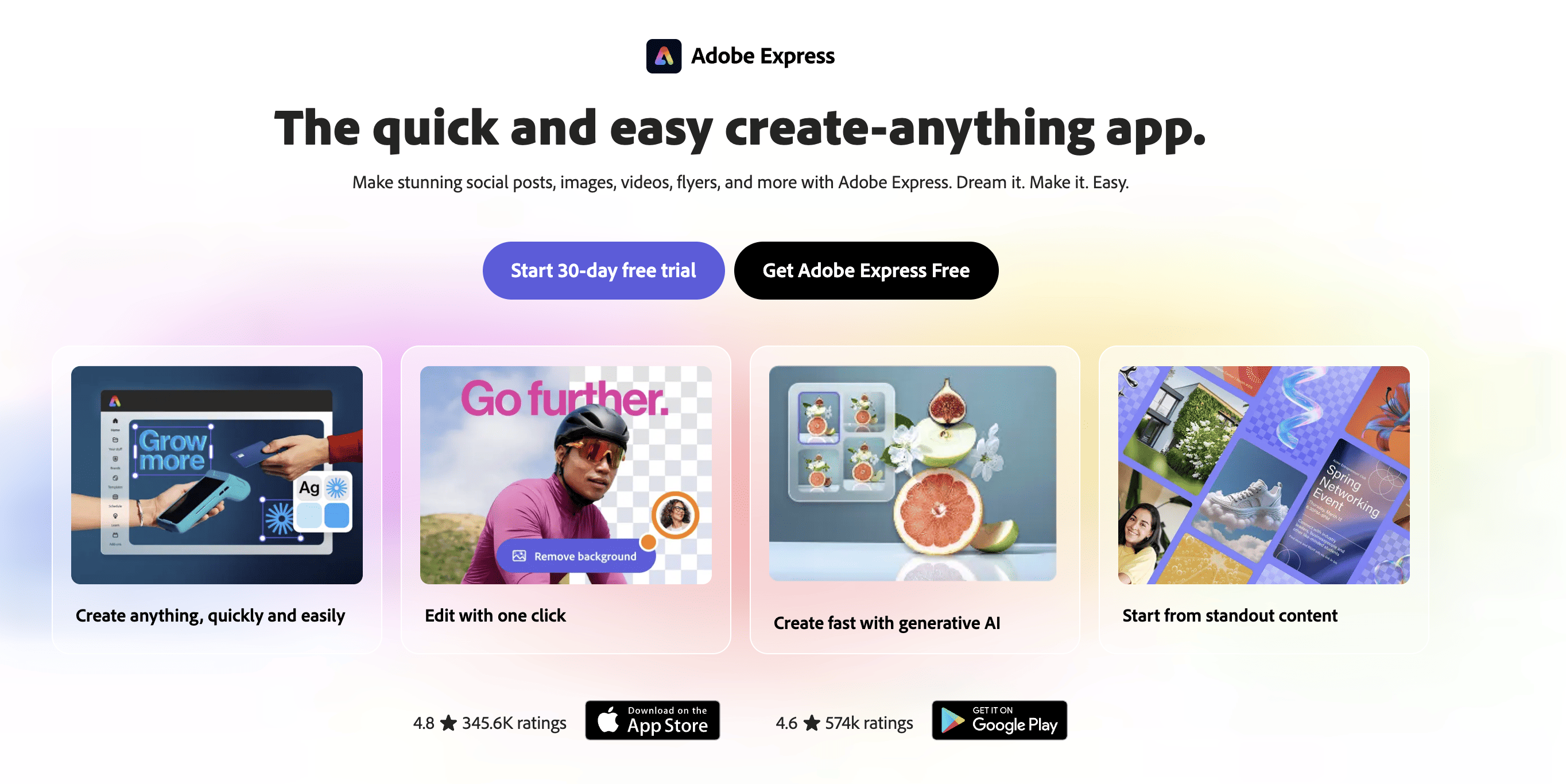
What's great: Combines content design and scheduling in one workflow. The free plan includes publishing to TikTok, Instagram, Facebook, X, Pinterest, and LinkedIn. Thousands of templates and Adobe Stock assets included.
What it lacks: Heavier application than dedicated schedulers. Multi-account management requires a Premium subscription.
Who it's for: Content creators and brand teams who design their own graphics and want to schedule them from the same app.
All tools compared
| Product | Key features | Quality / UX (★) | Price & Value | Target audience |
|---|---|---|---|---|
| 🏆 Zernio | Unified API (15 platforms), scheduling, analytics, DMs and comments, ads, MCP server | ★4.7 — 99.97% uptime, <50ms, dev-friendly | Free → Build $19 / Accelerate $49 / Unlimited $999 | Developers, agencies, AI agent builders |
| Buffer | Simple scheduler, AI captions, mobile & browser apps | ★4.0 — reliable, low learning curve | Free forever (limits); paid tiers for analytics | Individuals, small teams |
| Meta Business Suite (Planner) | Native FB/IG calendar, auto-publish, drafts | ★3.8 — first-party, mixed reliability | Free (first-party) | Businesses focused on Facebook & Instagram |
| LinkedIn (native scheduler) | Native scheduling for posts & video, analytics | ★3.9 — first-party, occasional bugs | Free (first-party) | B2B marketers, recruiters |
| Pinterest (native Scheduler) | Schedule Pins up to 30 days, edit before publish | ★4.0 — first-party, simple UX | Free (first-party) | Visual creators, ecommerce, bloggers |
| YouTube Studio | Schedule videos & Premieres, channel management | ★4.2 — dependable for video publishing | Free (first-party) | Video creators, channels |
| TikTok (web scheduler) | Desktop video scheduler, publish notifications | ★3.8 — good for short horizons | Free (account dependent) | Short-video creators |
| Metricool | Cross-platform scheduler, calendar, 50 posts/mo free | ★4.0 — solid analytics for free users | Generous Free; paid for advanced reports | Light→moderate schedulers, bloggers |
| Publer | Free workspace, basic scheduling, drafts | ★3.8 — simple, budget-friendly | Free tier (limits); affordable upgrades | Solo creators, small accounts |
| Zoho Social | Free edition, multi-channel support, zShare | ★3.9 — good for Zoho ecosystem users | Free (1 brand/1 user); paid for teams | Small businesses, Zoho customers |
| Tailwind | Pinterest-first tools, SmartSchedule, templates | ★3.9 — excellent Pinterest UX | Free small quota; paid for full features | Pinterest/visual creators |
| Adobe Express (Content Scheduler) | Design + scheduler, templates, Adobe assets | ★4.0 — strong design workflow | Free scheduler; Premium for multi-account | Designers, brand teams |
How do you choose the right social media scheduler?
Start with one question: are you building a product or using one?
If you're building a product where end-users connect their social accounts, or where your AI agent needs to take social actions, you need an API. Zernio is the right starting point. Two accounts are free, the docs are at docs.zernio.com, and the MCP server is ready if you're building agent workflows. See the full social media API comparison for a deeper look at how the APIs stack up.
If you're managing your own social accounts and want a free dashboard:
- You post across multiple platforms with no technical requirements: Buffer
- Your whole strategy lives on Facebook and Instagram: Meta Business Suite
- You care more about analytics than posting volume: Metricool
- You're a Pinterest or visual-first brand: Tailwind or Pinterest native
- You design your own graphics: Adobe Express
The moment you outgrow free tools: When you're managing 10+ accounts, building workflows that require API access, or your AI agent needs to publish on a schedule, free dashboards create more friction than they save. That's when the social media API conversation starts to make sense.
Frequently asked questions
What's the best social media scheduler API for developers?
Zernio. It covers 15 platforms through one REST API, handles OAuth, rate limits, and media normalization so you don't have to, and exposes 280+ MCP tools for AI agent integration. The first 2 accounts are free, and pricing scales down as your user base grows.
Can AI agents post to social media automatically?
Yes. Zernio's MCP server exposes 280+ tools that AI agents can call directly using the Model Context Protocol. Your agent can post, reply to comments, send DMs, pull analytics, and boost ads without any custom integration code. It works with Claude Desktop, Cursor, Windsurf, and any MCP-compatible environment.
What's the difference between a social media API and a scheduler dashboard?
A dashboard (like Buffer or Metricool) is a UI tool you use yourself to schedule posts manually. A social media API is infrastructure you embed into your own product so that your application or AI agent can publish, engage, and analyze programmatically. Developers use APIs; end-users use dashboards.
What's the best free social media scheduler for individuals?
Buffer's free plan is the most broadly useful: 3 channels, 10 posts per channel, supports 10 platforms, and takes minutes to set up. If you're exclusively on Facebook and Instagram, Meta Business Suite has no post limits and direct first-party integration. For analytics-heavy teams, Metricool's free plan (50 posts/month, competitor tracking) is hard to beat.
How do I add social media scheduling to my SaaS application?
The fastest path is a unified social API like Zernio. You make one REST call to publish across 15 platforms; Zernio handles the per-platform OAuth, media specs, and rate limits. Most developers get a working integration in under an hour. Start at docs.zernio.com. For scheduling specifically, see the social media scheduler API.