Schedule First Comment
Auto-add a first comment to your posts. Perfect for CTAs, links, or hashtags that keep captions clean.
- 4 platforms supported
- Up to 10,000 chars
- Instant posting
- API & dashboard
Join 200,000+ of the world's most ambitious developers and builders






Key Features
Platform-Specific Feature
Available for YouTube, LinkedIn, Facebook, and Instagram. Works differently on each platform.
YouTube (Pinned)
Pinned comments on videos. Up to ~10,000 characters.
Keep posts clean. Add context in the first comment. ~1,250 chars.
First comments on posts and reels. Up to ~8,000 characters.
Feed posts and Reels (not Stories). Up to ~2,200 characters.
API Integration
Use the 'firstComment' field or platform-specific fields.
Dashboard UI
Simple text field in the post creation modal.
How It Works
Create Your Post
Write content and upload media as usual.
Add First Comment
Enter your comment text. Platform-specific fields appear automatically.
Auto-Posted
Comment is added seconds after the main post publishes.
Why Use First Comments
Clean Captions
Move hashtags and CTAs out of the main post.
Add Links
Many platforms allow links in comments but not captions.
Extra Context
Add timestamps, resources, or sources without cluttering.
Fully Automated
Schedule post + comment together. No manual work.
Code Examples
YouTube Pinned Comment
{
  "content": "New tutorial video!",
  "platforms": [{
    "platform": "youtube",
    "accountId": "YOUR_ACCOUNT_ID",
    "platformSpecificData": {
      "youtube_pinned_comment": "Resources:\n- https://example.com"
    }
  }],
  "scheduledFor": "2024-12-25T10:00:00Z"
}See it in action
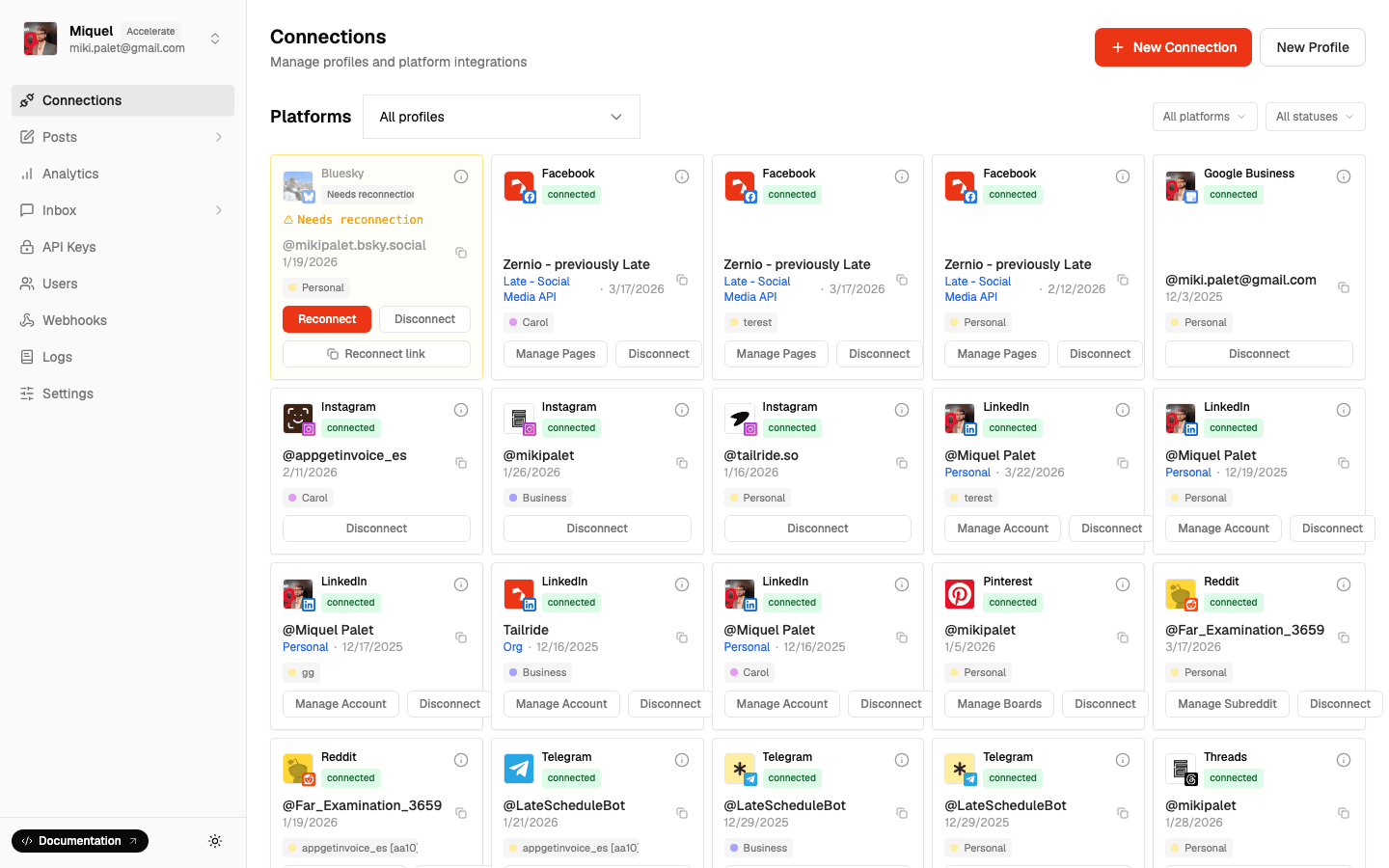
See It In Action
Frequently Asked Questions
Start Using First Comments
Keep captions clean, add context automatically.
- 4 platforms supported
- Up to 10,000 chars
- Instant posting
- API & dashboard