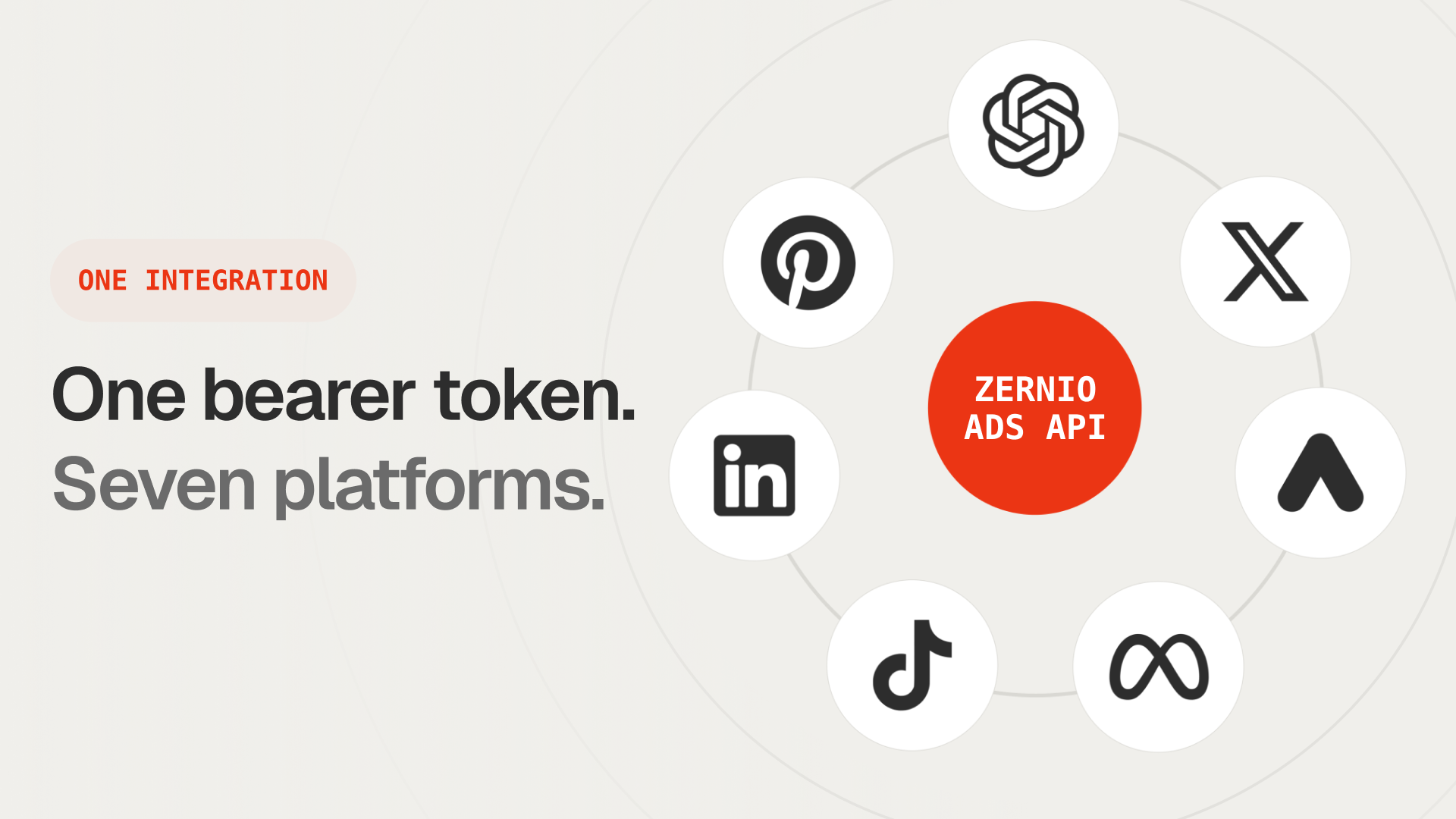
Today we added ChatGPT ads to the Zernio API. OpenAI Ads is now the seventh ad network you can run through Zernio, alongside Meta, Google, LinkedIn, TikTok, Pinterest, and X.
Connect a ChatGPT Ads account with an API key, then create campaigns and pull daily performance, all through the same bearer token and /v1/ads endpoints you already use for every other ad network.
Why we added ChatGPT ads
OpenAI moved ChatGPT into advertising in 2026. Ads now show up for logged-in Free and Go tier users in clearly labeled boxes below answers. The pilot started in the US and has expanded to Canada, Australia, and New Zealand, with more markets on the way.
That last part is why this matters to developers. The moment ChatGPT became a real ad channel with an API, it belonged in the Zernio Ads API. Our customers, the marketing tools, AI content platforms, and agents building on us, already promote across several networks through one integration. Adding a seventh was the whole point of shipping the Ads API in the first place.
We'll be straight about it: ChatGPT ads are new and still limited. We're shipping early anyway, because the integration tax is real, and we'd rather absorb it once than have every one of our customers build a seventh connection.
What shipped
ChatGPT Ads (OpenAI Ads) is now a first-class network in the Zernio Ads API. It uses the same bearer token, the same /v1/ads endpoints, and the same normalized response shape as Meta, Google, LinkedIn, TikTok, Pinterest, and X.
Here's what the integration does:
- Connect a ChatGPT Ads account with an API key
- Create chat card campaigns (campaign, ad group, and ad in one call)
- Pause, resume, adjust budget, or cancel
- Sync the full campaign, ad group, and status on a schedule
- Pull daily impressions, clicks, and spend per ad
- Track conversions with a pixel and a server-side Conversions API
How Zernio's ChatGPT Ads integration works
Connecting skips OAuth entirely. You generate a key in ChatGPT Ads Manager under Settings, paste it into Zernio, and we validate it against OpenAI before storing anything. One key maps to one ad account, so there's no account picker step.
Worth knowing: OpenAI doesn't offer a read-only key scope, so the key you paste has full campaign write access.
const { data: account } = await zernio.connect.connectOpenAIAdsCredentials({
  body: {
    apiKey: "YOUR_OPENAI_ADS_API_KEY",
    profileId: "PROFILE_ID",
  },
});
console.log('Connected: ' + account.accountId);
Creating a campaign is one call. A ChatGPT chat card has a title (3 to 50 characters), a body (up to 100 characters), an image, and a destination URL. OpenAI budgets are lifetime-only, so you pass budgetType: "lifetime" with an endDate, and targeting is by country.
const { data: ad } = await zernio.ads.createStandaloneAd({ body: {
  accountId: "acc_openaiads_123",
  adAccountId: "acct_abc123",
  name: "Workspace planner launch",
  goal: "traffic",
  budgetAmount: 25,
  budgetType: "lifetime",
  endDate: "2026-08-31",
  headline: "Try the new workspace planner",
  body: "Coordinate tasks, docs, and meetings in one place.",
  imageUrl: "https://cdn.example.com/planner.png",
  linkUrl: "https://example.com/workspace-planner",
  countries: ["US"],
}});
Tracking conversions takes one call to create a pixel and a server-side Conversions API key, then you send events through the same conversions endpoint you'd use for Meta or Google. Zernio batches events, maps standard event names to OpenAI's, and hashes email identifiers for you.
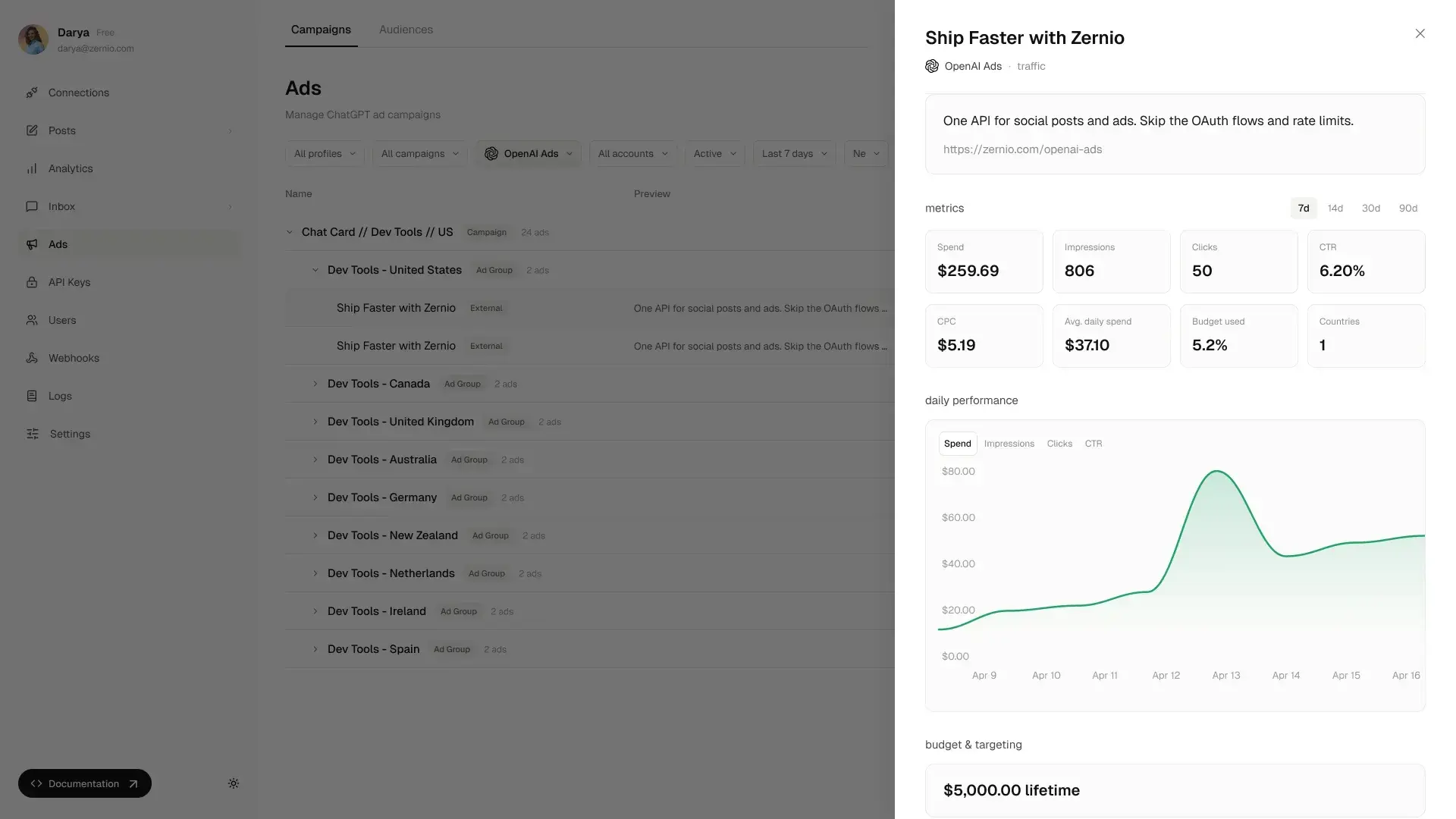
Because ChatGPT metrics come back in the same normalized shape as every other network, they show up in the same tools. We just open-sourced one of those: a free ads reporting dashboard that renders spend, campaigns, and creatives across all your connected ad platforms. Paste a Zernio API key and it reads your data. Clone it and your ChatGPT spend sits right next to Meta, Google, and the rest.
Create and Manage ChatGPT Ads Campaigns
Connect with an API key. Create campaigns, pause or resume them, and track conversions in minutes.
What ChatGPT ads can and can't do today
OpenAI's ad platform is young, so some things you'd expect from Meta or Google aren't there yet. The gaps below are OpenAI platform constraints, not Zernio limits, and we'll add the roadmap items as OpenAI exposes them.
| Capability | Status |
|---|---|
| Connect via API key | Yes |
| Create chat card campaigns | Yes |
| Pause, resume, cancel | Yes |
| Update budget (lifetime only) | Yes |
| Country, region, DMA targeting | Yes |
| Bid caps (max bid, oCPC target CPA) | Yes |
| Pixels and server-side Conversions API | Yes |
| Daily reporting (impressions, clicks, spend) | Yes |
| Unified view with other ad networks | Yes |
| Custom audiences | No (Ads Manager only, no API yet) |
| Product feed upload | No (managed in Ads Manager) |
| Video creatives | No (image chat cards only) |
Why run ChatGPT ads through Zernio
Going direct to the OpenAI Ads API gives you the deepest ChatGPT coverage, and if ChatGPT is the only ad channel you'll ever touch, that path can make sense. You build and maintain that one integration, and you get ChatGPT ads.
The trade-off shows up the moment your roadmap includes the need for support of several ad networks. Meta is its own API, auth flow, and campaign hierarchy. So is Google. So is TikTok. Each one is a separate build and a permanent maintenance line. With Zernio, ChatGPT is one more platform behind the same bearer token you already call for the other six.
The same holds for agents. The Zernio MCP server already exposes the ads endpoints as tools, so an agent can create and manage ChatGPT campaigns next to every other network without a bespoke integration. If you want to see that pattern on a specific network first, we've written step-by-step setup guides for connecting Claude to Meta Ads and TikTok Ads.
Start running ChatGPT ads through one API. Get your API key or read the docs.