The best app to post to all social media at once depends on what you're building. For developers and AI agent builders, Zernio is a single REST API across 15 platforms - no dashboard required, just one bearer token. For individuals and content creators, Buffer is the simplest entry point. For agencies managing multiple clients, Sendible is built for that workflow. The 12 tools below are ranked by use case so you can find the right fit in under 2 minutes.
Juggling multiple social media accounts is a real problem for creators, agencies, and developers - and the right cross-posting tool solves it completely differently depending on your needs. The right apps to post to all social media don't just save you hours; they eliminate the need to build and maintain 15 separate platform integrations.
Quick Comparison: 12 Best Cross-Posting Apps (2026)
| App | Best for | Social platforms | Starting price |
|---|---|---|---|
| Zernio 🏆 | Developers & AI agent builders | 15 | Free (first 2 accounts), then $1-6/account |
| Buffer | Individuals & small teams | 8 | $6/channel/mo |
| Sprout Social | Enterprise teams | 8 | $249/user/mo |
| Later | Visual & creator content | 7 | $16.67/mo |
| Loomly | Team approval workflows | 9 | Team pricing, $65/mo |
| SocialBee | Content recycling | 8 | $29/mo |
| Publer | Budget-conscious teams | 8+ | Free plan available |
| Metricool | Analytics-focused teams | 9 | Free plan (50 posts) |
| Zoho Social | Zoho ecosystem users | 12 | Free tier available, $15/mo |
| Sendible | Agency client management | 8 | $29/mo |
| ContentStudio | Automation & content curation | 12 | $25/mo |
| CoSchedule | CoSchedule ecosystem users | 11 | $19/mo |
But with dozens of tools available, how do you choose the one that fits your specific needs? This guide cuts through the noise. We have meticulously reviewed, ranked, and compared the top 12 platforms to help you find the perfect fit. Our analysis covers everything from enterprise-grade suites to developer-first APIs, so you can find the ideal tool for your workflow, whether you're managing a brand, building a new app, or growing your personal presence.
Looking to go deeper? Our guide on scheduling apps for social media covers the full setup workflow, and the social media management platform comparison breaks down the enterprise options in detail.
In this comprehensive listicle, you will find:
- A detailed breakdown of each app's core features, pricing, and ideal use cases.
- Honest pros and cons based on real-world usage.
- Direct links and screenshots to help you evaluate each option quickly.
Our goal is to provide a clear, practical resource that helps you select the best platform without sifting through marketing jargon. Let's find the tool that will transform your social media management.
1. Zernio: Best for Developers & Automated Workflows
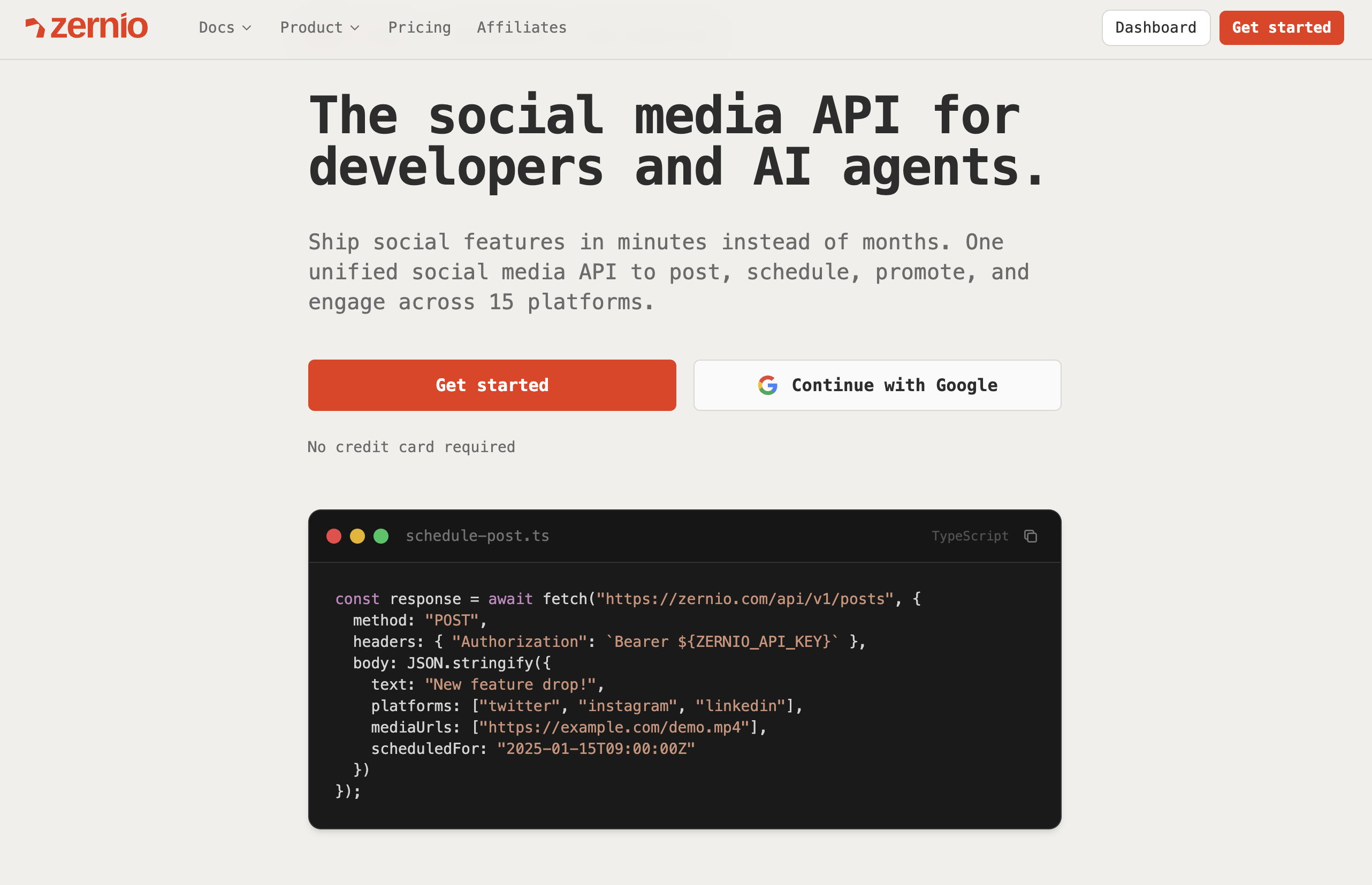
Zernio takes the top spot because it solves a problem the other 11 tools don't touch: the integration nightmare. Instead of a dashboard you log into manually, Zernio is a REST API that developers embed directly into their products. One bearer token covers 15 platforms: X (Twitter), Instagram, TikTok, LinkedIn, YouTube, WhatsApp, Facebook, Threads, Pinterest, Reddit, Bluesky, Telegram, Google Business, Snapchat, and Discord. And it goes well beyond posting. The same API handles comment management, DMs across 7 platforms, analytics, and ads, while every other tool on this list is posting-only.
For developers, this means powering a SaaS product or automating an internal social layer without months of API integration work. Zernio also ships a hosted MCP server with 280+ tools - AI agents built on Claude, Cursor, or any MCP-compatible runtime can publish, check analytics, and boost top-performing posts without human intervention. For non-developers, Zapier, Make.com, and n8n connections let you trigger posts from a spreadsheet or RSS feed.
Key Features & Use Cases
- Unified API, 15 platforms: One REST API covers all 15 platforms through a single bearer token. No per-platform OAuth, no separate media specs, no format normalization headaches.
- Full social layer: Posting, comment management, DMs (7 platforms), analytics, and ads - all in one API. Every other tool on this list handles publishing only.
- MCP server for AI agents: A hosted MCP server exposes 280+ tools. AI agents running on Claude, Cursor, or any MCP-compatible runtime can publish, engage, and boost autonomously, without human involvement.
- Verified performance: 99.7%+ uptime, under 50ms response time. Most developers get their first post live through the API in under 15 minutes.
- No-code options: Connect to Zapier, n8n, or Make.com to trigger posts from a Google Sheet, Airtable base, or RSS feed, with no code required.
- Best for: Developers adding social publishing to their product, AI agent builders, agencies creating custom client dashboards, and SaaS teams who need API-level control over social.
Pricing & Setup
Zernio charges per connected account with no feature gating - everything is included from account one. The first 2 accounts are free. After that: $6/account for accounts 3-10, $3/account for 11-100, and $1/account for 101-2,000. No per-seat charges, no add-on tiers, no contracts. Most developers get their first post live in under 15 minutes.
Website: https://zernio.com
Stop building social integrations from scratch.
One API call to publish, schedule, and manage posts across 15+ platforms.
2. Buffer: Best for Individuals & Small Teams
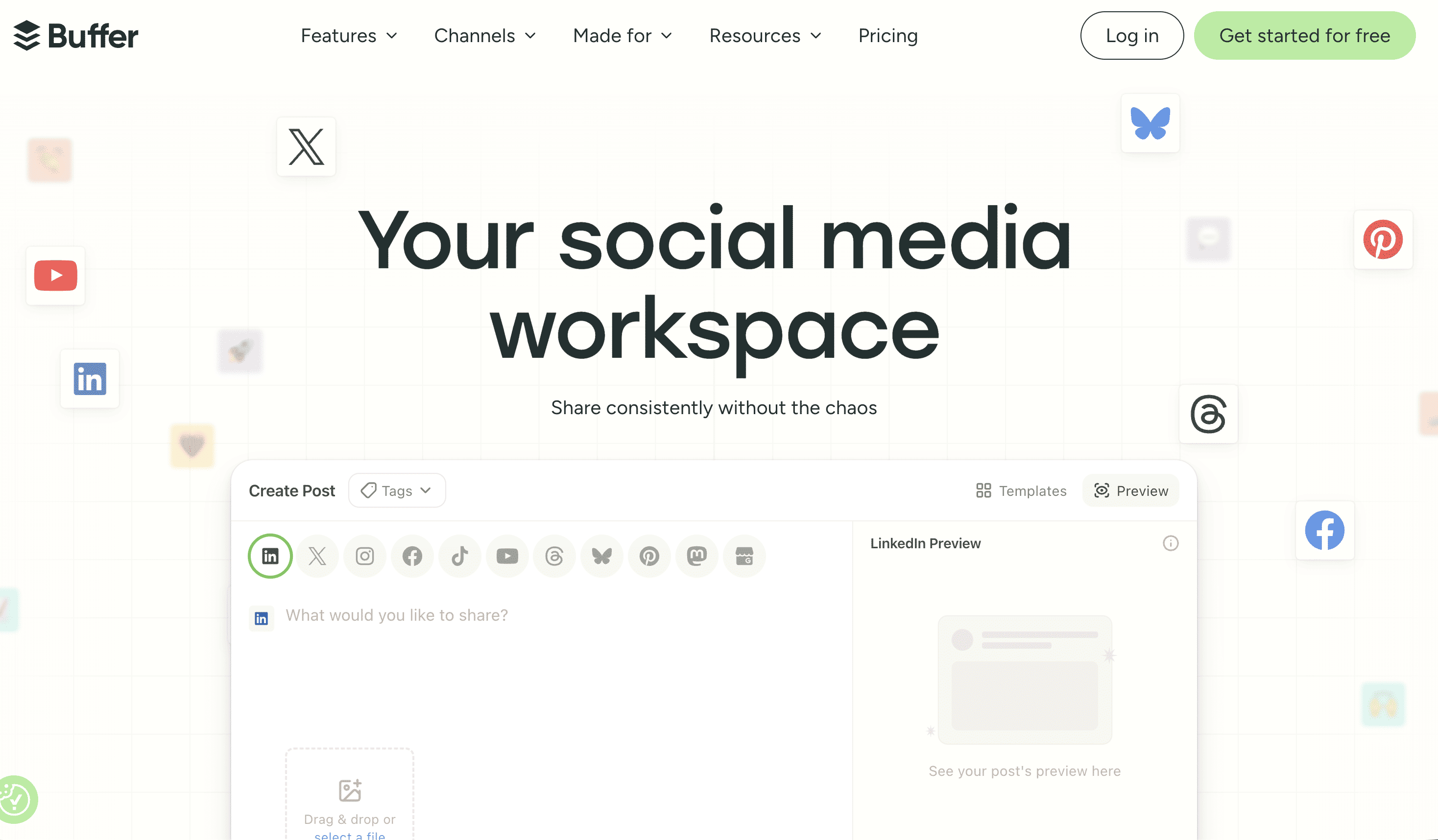
Buffer is a long-standing favorite in the social media management space, earning its spot for its exceptional user-friendliness and straightforward approach. It excels as a tool for individuals, creators, and small businesses who need reliable apps to post to all social media without the complexity of enterprise-level platforms. Its core strength lies in a clean, intuitive interface and a queue-based scheduling system that makes it simple to maintain a consistent posting cadence across multiple networks like Instagram, Facebook, LinkedIn, and X (Twitter).
While it may not offer the deep developer integrations of a tool like Zernio, Buffer provides immense value through its simplicity and focus on core publishing features. The platform bundles scheduling with an engagement inbox to manage comments and an AI assistant to help brainstorm content ideas. This all-in-one, user-friendly package makes it an ideal starting point for those new to social media scheduling or teams that prioritize ease of use and affordability over advanced automation.
Key Features & Use Cases
- Queue-Based Scheduling: Set a posting schedule for each social account, and Buffer will automatically publish your content from the queue.
- AI Assistant: Generate post ideas, rewrite copy, and repurpose content directly within the composer, speeding up content creation.
- Engagement Tools: Manage comments and audience interactions from a single, unified inbox to stay on top of community engagement.
- Best For: Solo content creators, small business owners, and marketing teams who need an easy-to-learn scheduler with simple analytics and engagement features. As one of the most popular scheduling apps for social media, Buffer is a trusted choice.
Pricing & Setup
Buffer is known for its transparent and affordable pricing. It offers a free plan that allows for up to three channels, making it highly accessible. Paid plans start at a low entry point and are priced on a per-channel basis, so you only pay for what you use. This model is cost-effective for smaller operations but can become pricey as you add more channels. The setup process is famously quick; users can connect their social accounts and schedule their first post in well under 10 minutes.
Website: https://buffer.com
3. Sprout Social: Best for Enterprise Teams & Analytics
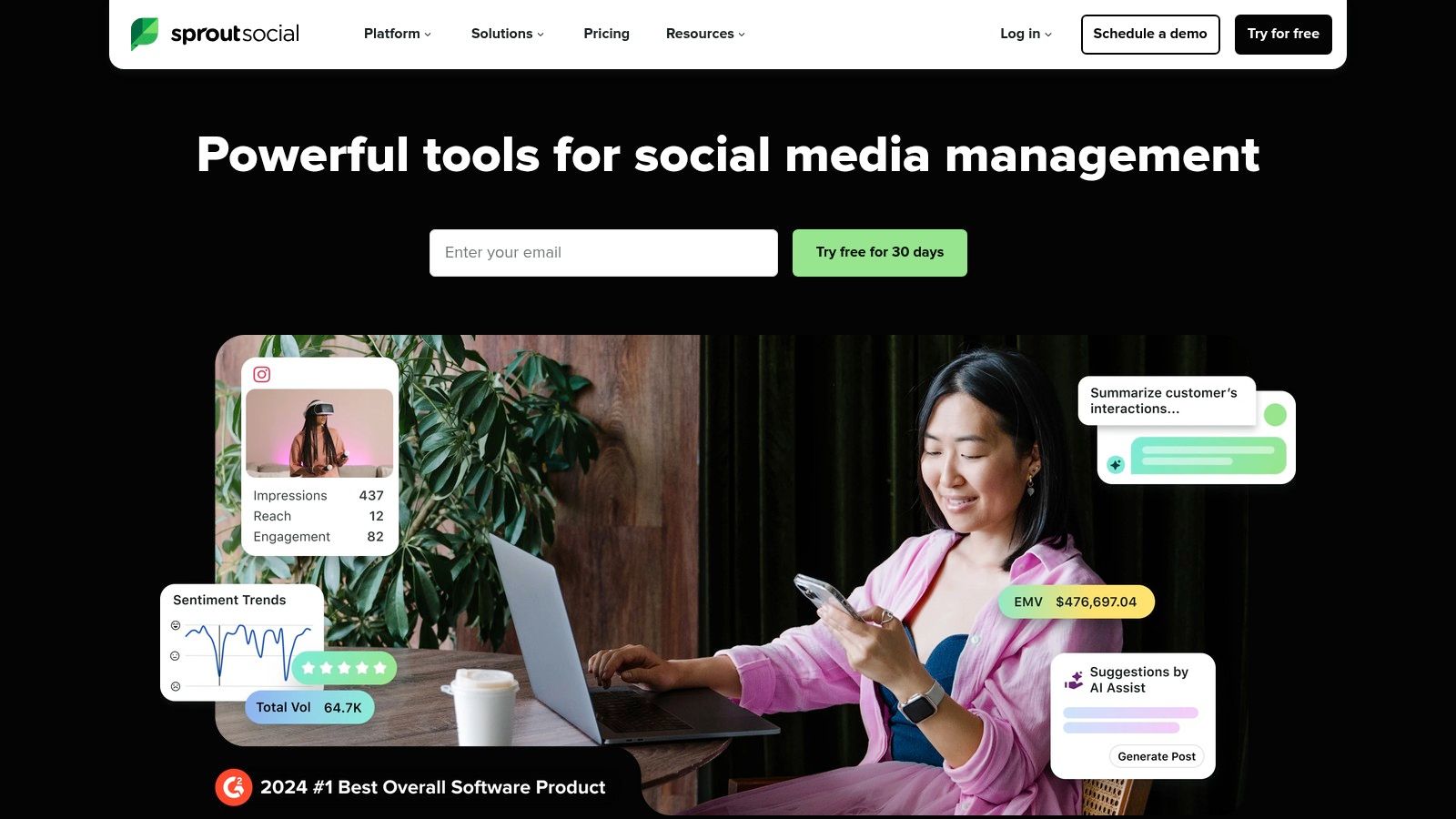
Sprout Social moves beyond simple scheduling to offer a comprehensive, premium social media management suite. It's an ideal choice for larger organizations and established brands that require deep analytics, sophisticated team collaboration, and integrated customer care features. While many tools focus solely on publishing, Sprout Social provides an all-in-one platform for managing a brand's entire social presence, from content planning to monitoring and detailed performance reporting.
This enterprise-first approach means you get powerful tools designed for scale. Features like a unified Smart Inbox, review management, and advanced listening capabilities allow teams to engage with their audience and manage their brand reputation effectively. If your strategy involves more than just finding apps to post to all social media and extends into customer service and data analysis, Sprout Social is a leading contender.
Key Features & Use Cases
- Advanced Analytics: Generate presentation-ready reports on post performance, competitor activity, and paid social campaigns.
- Team Collaboration: Robust approval workflows, tasking, and a unified content calendar make it easy for large teams to coordinate.
- Social Customer Care: Integrates listening, monitoring, and a Smart Inbox to help teams respond to customer inquiries and feedback efficiently. For an in-depth analysis of how it stacks up, you can learn more about social media management platform comparison.
- Best For: Large businesses and enterprise-level corporations, marketing agencies with big-budget clients, and teams that need best-in-class analytics and reporting.
Pricing & Setup
Sprout Social is a premium product with pricing to match. Plans are billed on a per-user basis, starting at a higher price point than many competitors, which can become costly as your team grows. Setup is more involved than simpler schedulers due to its extensive feature set, but the platform provides comprehensive onboarding and support to help new users get acquainted. Its power lies in its depth, making the investment worthwhile for organizations that can leverage its full suite of tools.
Website: https://sproutsocial.com
4. Later: Best for Visual-First Content Planning
Later secures its spot as a top choice for brands and creators who prioritize visual strategy, especially on platforms like Instagram, TikTok, and Pinterest. It began as an Instagram-centric tool and has evolved into one of the most intuitive apps to post to all social media, but its DNA remains deeply rooted in visual planning. The platform's standout feature is its drag-and-drop Visual Planner, which allows users to see exactly how their feed will look before posts go live.
This visual-first approach is perfect for maintaining a cohesive brand aesthetic. While it now supports text-based networks like X (Twitter) and LinkedIn, its strength lies in managing image and video-heavy content. It simplifies the entire workflow from scheduling Reels and TikTok videos with auto-publishing to managing audience engagement through a unified social inbox for Instagram and Facebook messages.
Key Features & Use Cases
- Visual Planner: Drag-and-drop content to preview and arrange your Instagram grid for a polished, professional look.
- Link in Bio: Comes with a built-in, customizable link-in-bio tool to drive traffic from your social profiles to key landing pages.
- Auto-Publish for Video: Schedule and automatically publish Instagram Reels, TikTok videos, and YouTube Shorts without manual intervention.
- Best For: E-commerce brands, influencers, and content creators who rely heavily on visual storytelling and want an all-in-one tool for planning, publishing, and analyzing performance.
Pricing & Setup
Later offers a free forever plan for individuals managing one social set, which includes basic scheduling and the Link in Bio feature. Paid plans start at a reasonable price point and scale up, offering more posts, users, and advanced features like analytics and team collaboration. The onboarding process is famously straightforward, with a clean interface that makes setup quick and easy, even for beginners. However, users should be mindful of post caps on lower-tier plans and note that certain platform APIs may limit publishing to business profiles only.
Website: https://later.com
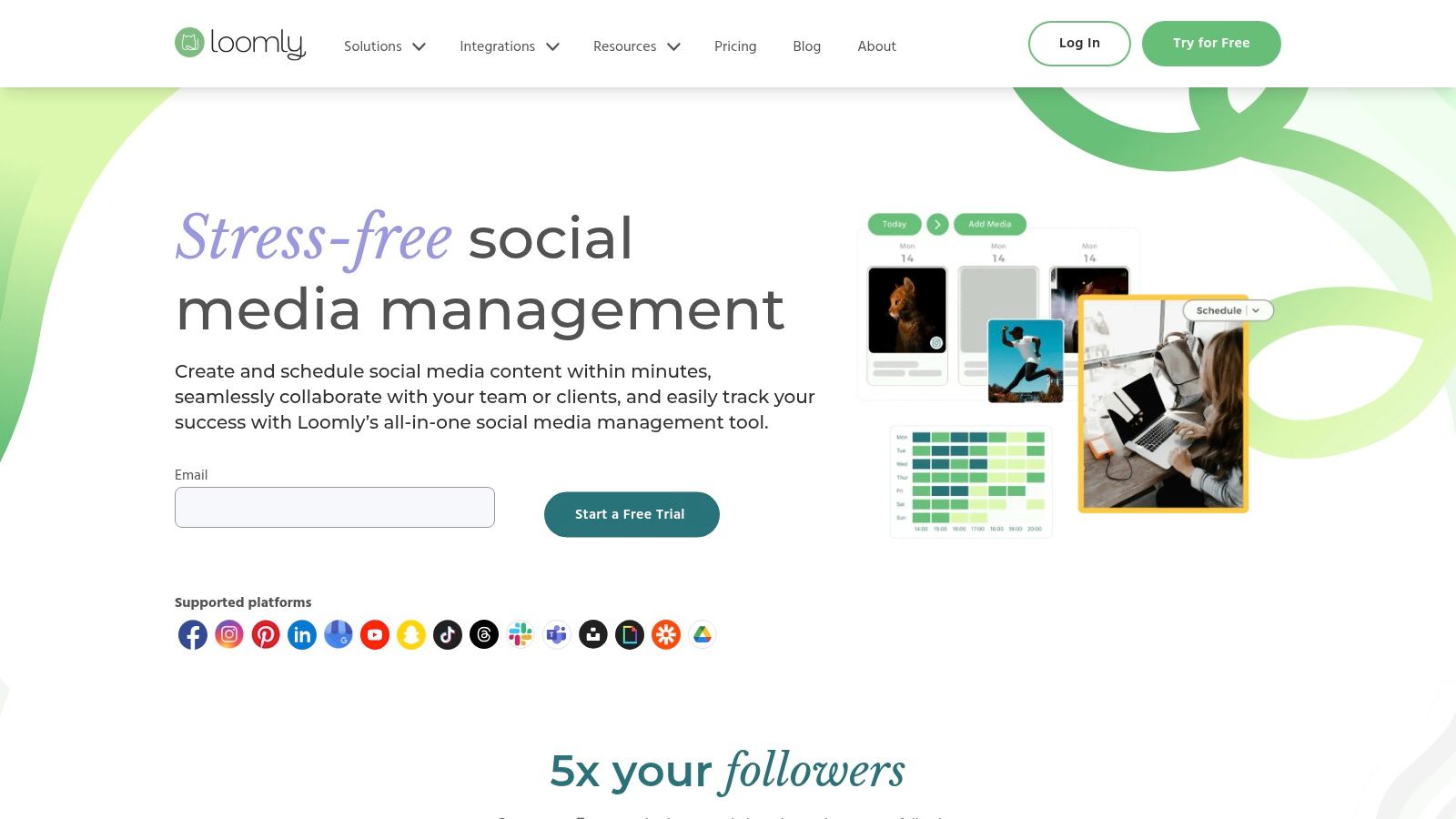
5. Loomly: Best for Team Collaboration & Approval Workflows
Loomly stands out as a powerful solution for teams that need structure, oversight, and a collaborative content creation process. Instead of focusing solely on scheduling, it positions itself as a comprehensive brand success platform built around a central, shared content calendar. This calendar-first approach is ideal for marketing agencies, large teams, and organizations that require a clear approval pipeline before any content goes live. It provides a structured environment where ideas can be drafted, reviewed, and approved seamlessly.
This emphasis on collaboration makes Loomly one of the best apps to post to all social media for teams managing complex content strategies. By providing post ideas, audience targeting specifics, and built-in mockups, it ensures everyone from the copywriter to the client is on the same page.
Key Features & Use Cases
- Shared Calendars & Publishing Workflows: The core of the platform, enabling teams to plan, draft, and schedule content in a unified, visible space.
- Post Ideas & Approval Pipeline: Generates content ideas and provides a clear, multi-step approval process for quality control.
- Analytics & Collaboration Tools: Includes robust analytics to track post-performance and tools designed for multi-user feedback and management.
- Best For: Marketing agencies managing multiple clients, corporate marketing teams with strict brand guidelines, and nonprofits seeking a scalable and organized social media management system.
Pricing & Setup
Loomly offers tiered pricing designed to scale with your team's size and needs, starting from a base plan for small teams. While detailed pricing for larger tiers and enterprise solutions requires creating an account or contacting sales, the platform is known for its value, especially for larger organizations. The user interface is clean and intuitive, making the setup process straightforward for teams ready to organize their content creation pipeline.
Website: https://www.loomly.com
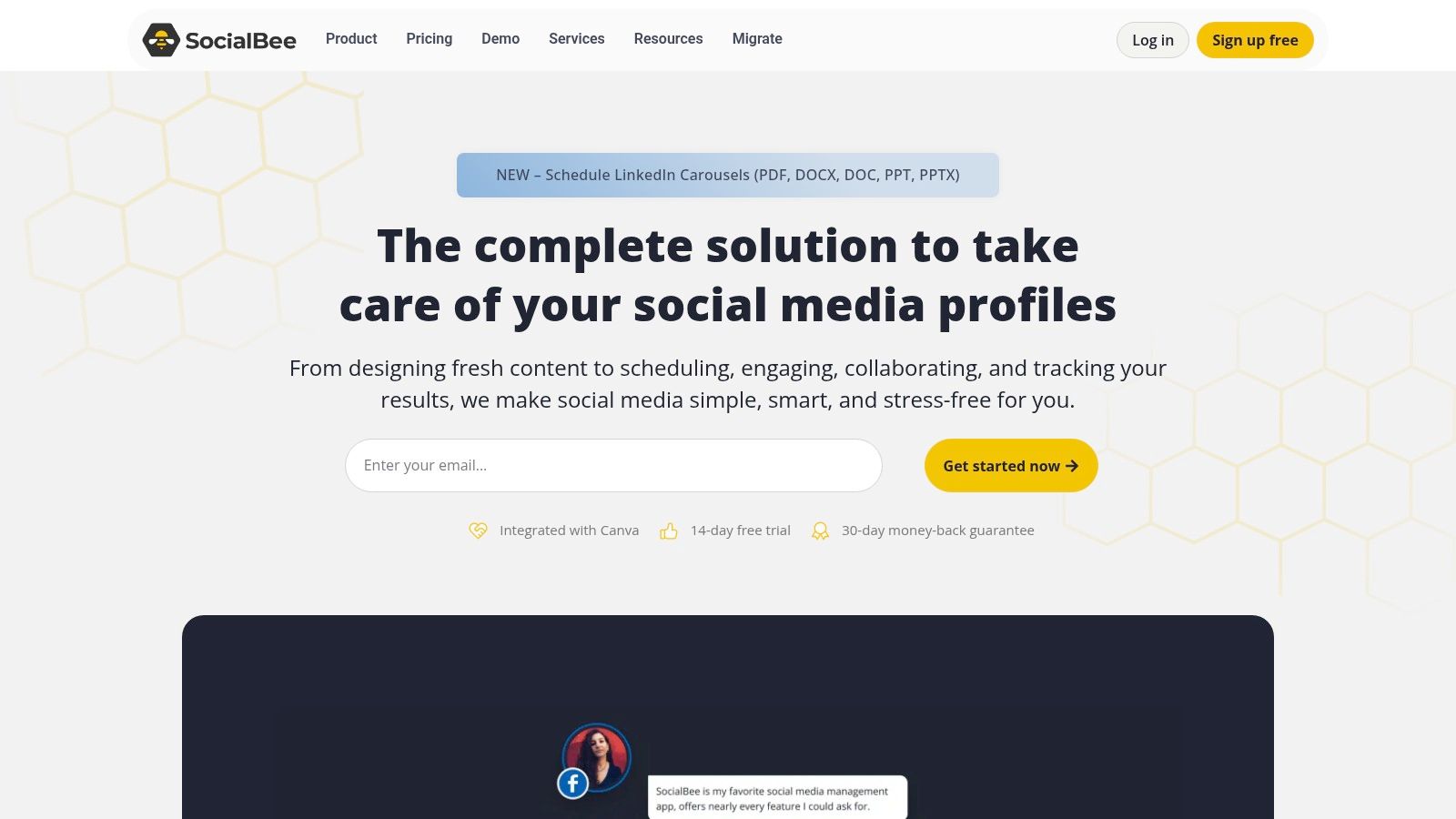
6. SocialBee: Best for Evergreen Content & Team Collaboration
SocialBee stands out with its powerful content categorization and recycling features, making it an excellent choice for teams and agencies that need to maintain a consistent presence with evergreen content. Instead of just scheduling one-off posts, you can create categories like "Blog Posts," "Promotions," or "Industry Tips" and set a schedule for when each category should be published. SocialBee then automatically pulls from your content library, resharing posts over time to maximize their reach.
This category-based approach, combined with its wide network coverage including X (Twitter), Instagram, Threads, Bluesky, YouTube, and Google Business Profile, makes it one of the most versatile apps to post to all social media. Its robust team collaboration tools, including workspaces and approval workflows, are designed to streamline content management for growing businesses and agencies.
Key Features & Use Cases
- Content Categories & Recycling: Automatically organize and re-post your evergreen content to keep your social feeds active without constant manual effort.
- AI Co-pilot: Use the integrated AI assistant to generate captions, come up with post ideas, or repurpose existing content, significantly speeding up the creation process.
- Team & Agency Tools: Features like dedicated workspaces, content approval queues, and role-based permissions make it ideal for managing multiple brands or client accounts.
- Best For: Marketing agencies, small business teams, and solo creators who want to build and manage a large library of evergreen content for automated, long-term posting.
Pricing & Setup
SocialBee offers competitive pricing with plans starting from $29/month, which includes a generous number of social profiles per tier. All plans come with a 14-day free trial so you can test its full capabilities. Setup is quick, and users can connect their accounts and begin creating content categories within about 20-30 minutes.
Website: https://socialbee.com
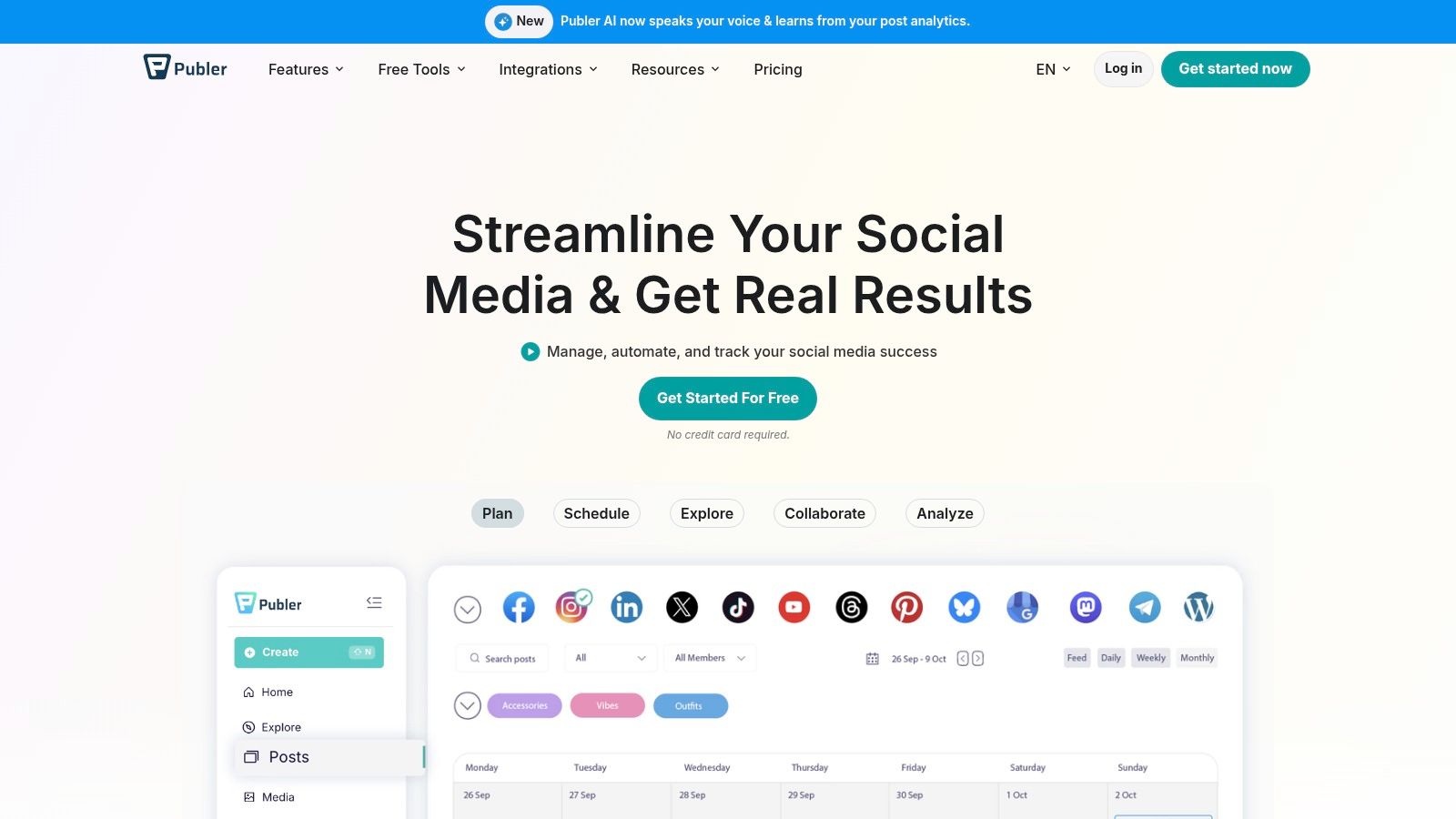
7. Publer: Best for Broad Network Support & Cost-Efficiency
Publer earns its spot for offering one of the widest ranges of supported social networks at an incredibly competitive price point. While other platforms focus on the major players, Publer extends its reach to include Facebook, Instagram, TikTok, LinkedIn, YouTube, Threads, Pinterest, and even niche or emerging networks like Mastodon, Bluesky, and Google Business Profile. This makes it an ideal all-in-one solution for social media managers who need to maintain a presence on a diverse set of platforms without juggling multiple tools.
Its strength lies in a flexible, modular pricing model that allows users to pay per social account and team member, making it highly scalable for freelancers and small teams.
Key Features & Use Cases
- Extensive Network Support: Connects to a massive list of platforms, including newer ones like Threads and Bluesky, which many competitors lack.
- Content Recycling: Features robust evergreen content and recycling options, allowing you to automatically re-share your best-performing posts to maximize engagement.
- AI Assistant: Includes an integrated AI to help generate post ideas, write copy, and suggest relevant hashtags directly within the composer.
- Best For: Social media managers handling diverse client accounts, content creators on multiple niche platforms, and small businesses seeking an affordable but powerful scheduling tool.
Pricing & Setup
Publer offers a generous free plan that includes 3 social accounts and basic scheduling features. Paid plans are modular, starting with the Professional tier and scaling with the Business plan. A key limitation is that X (Twitter) support requires a paid plan due to API costs, and advanced analytics are reserved for the Business tier. Setup is straightforward, with a clean UI that makes connecting accounts a simple, guided process.
Website: https://publer.com
Stop building social integrations from scratch.
One API call to publish, schedule, and manage posts across 16 platforms.
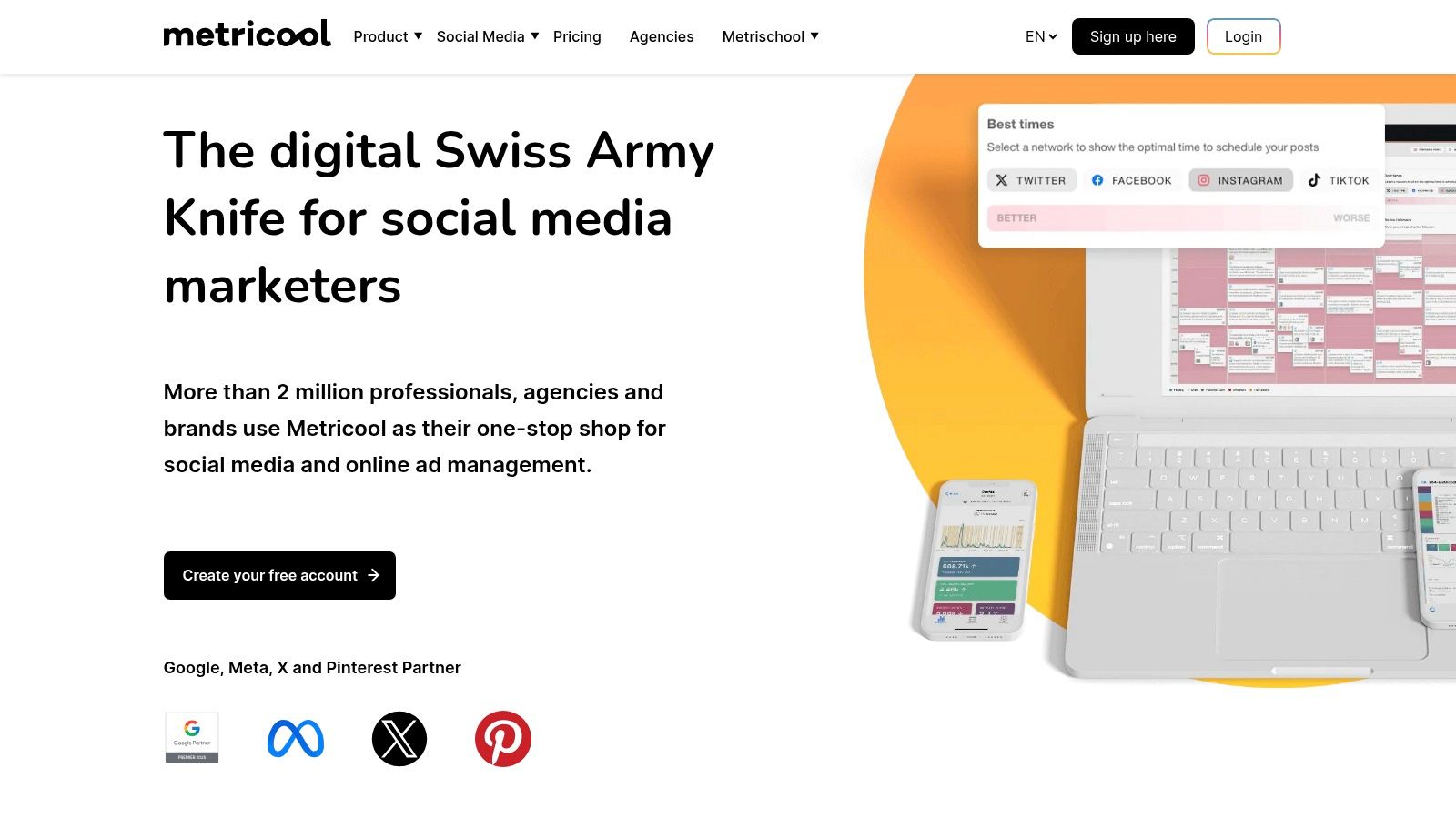
8. Metricool: Best for Analytics & Reporting
Metricool carves out its niche by combining robust scheduling capabilities with deep analytics, making it an excellent all-in-one tool for data-driven marketers. While many apps to post to all social media focus purely on publishing, Metricool integrates competitor tracking, ad campaign reporting, and unlimited historical data into its core platform. This allows teams to not just schedule content but also measure its impact and benchmark performance against rivals in one unified dashboard.
Key Features & Use Cases
- Advanced Analytics: Access unlimited historical data (on paid plans), track competitors, and generate comprehensive reports on social media and ad performance.
- Looker Studio Connector: A standout feature for data professionals, allowing for the creation of custom, in-depth marketing dashboards.
- All-in-One Dashboard: Manage scheduling, analytics, an inbox for messages, and an AI assistant for content creation from a single interface.
- Best For: Marketing agencies, data-driven social media managers, and businesses that need to connect social media activity directly to business outcomes and ad spend.
Pricing & Setup
Metricool offers a free plan that is great for a single brand, but it notably excludes LinkedIn posting. Paid plans are very affordable, starting at low price points for individuals and scaling up for teams and agencies with generous brand and user limits. The setup is straightforward, with a clean user interface that makes connecting accounts and navigating the various analytics dashboards an intuitive process.
Website: https://metricool.com
9. Zoho Social: Best for Zoho Ecosystem Integration
Zoho Social carves out its niche as the go-to choice for businesses already embedded in the Zoho ecosystem. It's more than just a social media scheduler; it's a fully integrated component of a larger business suite, connecting your social media efforts directly to your CRM, sales, and customer support channels. This makes it one of the most powerful apps to post to all social media if your goal is to track social media's impact on your sales pipeline and customer relationships.
Key Features & Use Cases
- Deep Zoho Integration: Natively connect social media activity to Zoho CRM and Zoho Desk to enrich customer profiles and create support tickets from social conversations.
- Agency-Grade Tools: Features dedicated agency plans with client portals, brand management, and team collaboration tools with defined roles and permissions.
- SmartQ Publishing: Automatically schedules posts for times when your audience is most active, optimizing for engagement.
- Best For: Existing Zoho users, B2B companies focused on lead generation from social media, and digital agencies managing multiple client accounts.
Pricing & Setup
Zoho Social offers a straightforward pricing structure with a limited forever-free plan available after the initial trial, which is great for individuals or small businesses just starting. Paid plans are competitively priced and scale up based on the number of brands and team members. The setup is generally smooth, especially for those familiar with the Zoho interface, allowing you to connect accounts and start scheduling within 30 minutes.
Website: https://www.zoho.com/social
10. Sendible: Best for Agencies & Client Management
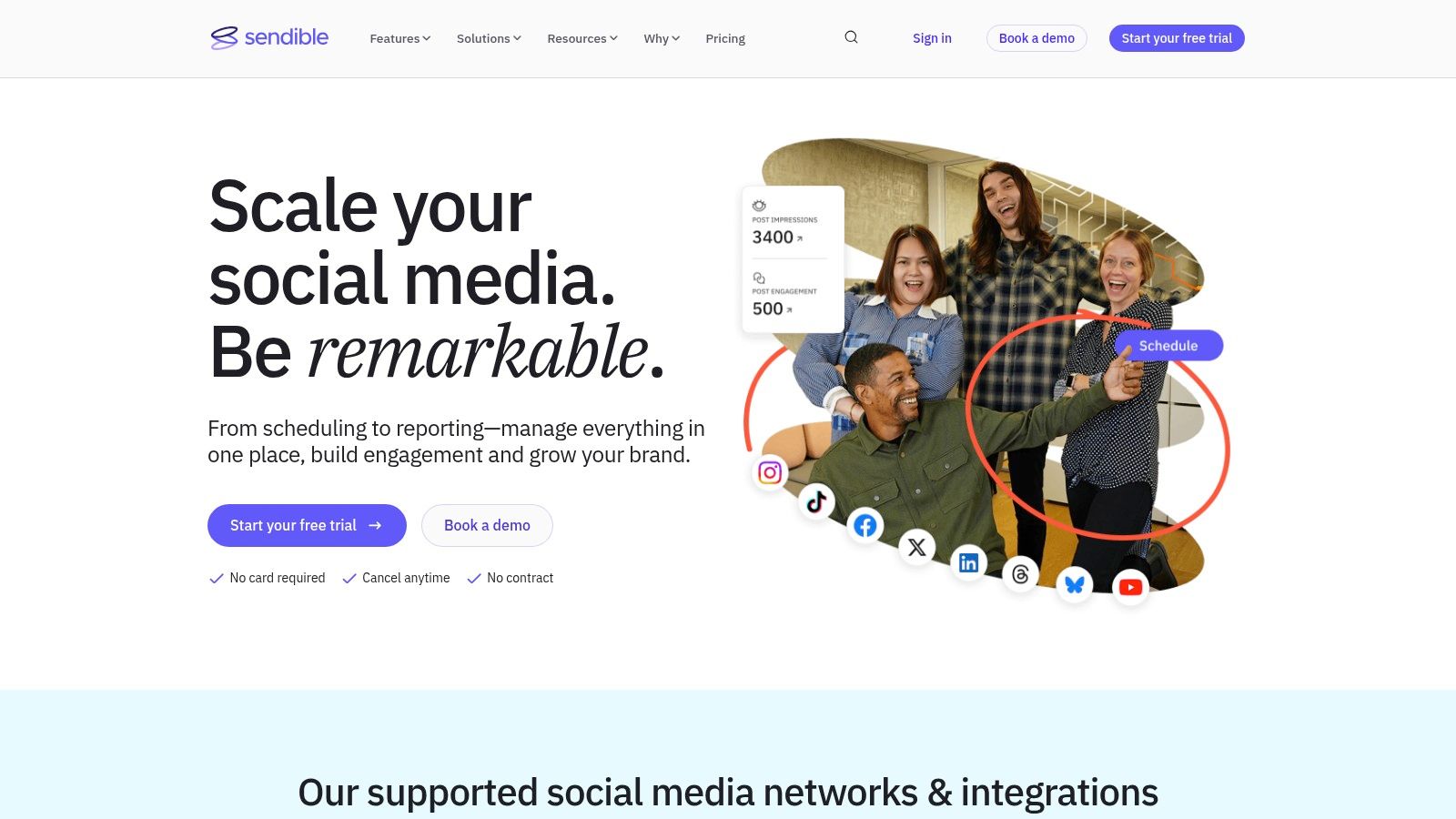
Sendible is a comprehensive social media management platform built from the ground up for agencies managing multiple client accounts. While many apps to post to all social media focus on individual creators or businesses, Sendible's strength lies in its robust client-facing features. It provides dedicated dashboards, approval workflows, and white-label reporting tools that streamline the entire client management lifecycle, making it an indispensable tool for agencies that need to prove ROI.
Key Features & Use Cases
- Client Dashboards & Workflows: Create secure, separate dashboards for each client and implement multi-step content approval processes.
- Unified Smart Inbox: Manage comments, messages, and mentions from all social channels in one centralized, filterable feed.
- Advanced Reporting: Generate in-depth, presentation-ready reports that can be automated and white-labeled with your agency's branding.
- Best For: Digital marketing agencies, social media managers with multiple clients, and larger teams requiring structured collaboration and approval systems.
Pricing & Setup
Sendible's pricing is tiered to accommodate growing agencies. Plans start with the Creator plan for individuals and scale up to the Agency plan, which supports more users and profiles. A 14-day free trial is available for all plans, allowing you to test the full feature set. Users report the setup is straightforward, with an intuitive interface that makes connecting client accounts and establishing workflows a quick process.
Website: https://www.sendible.com
11. ContentStudio: Best for Evergreen Content & Automation
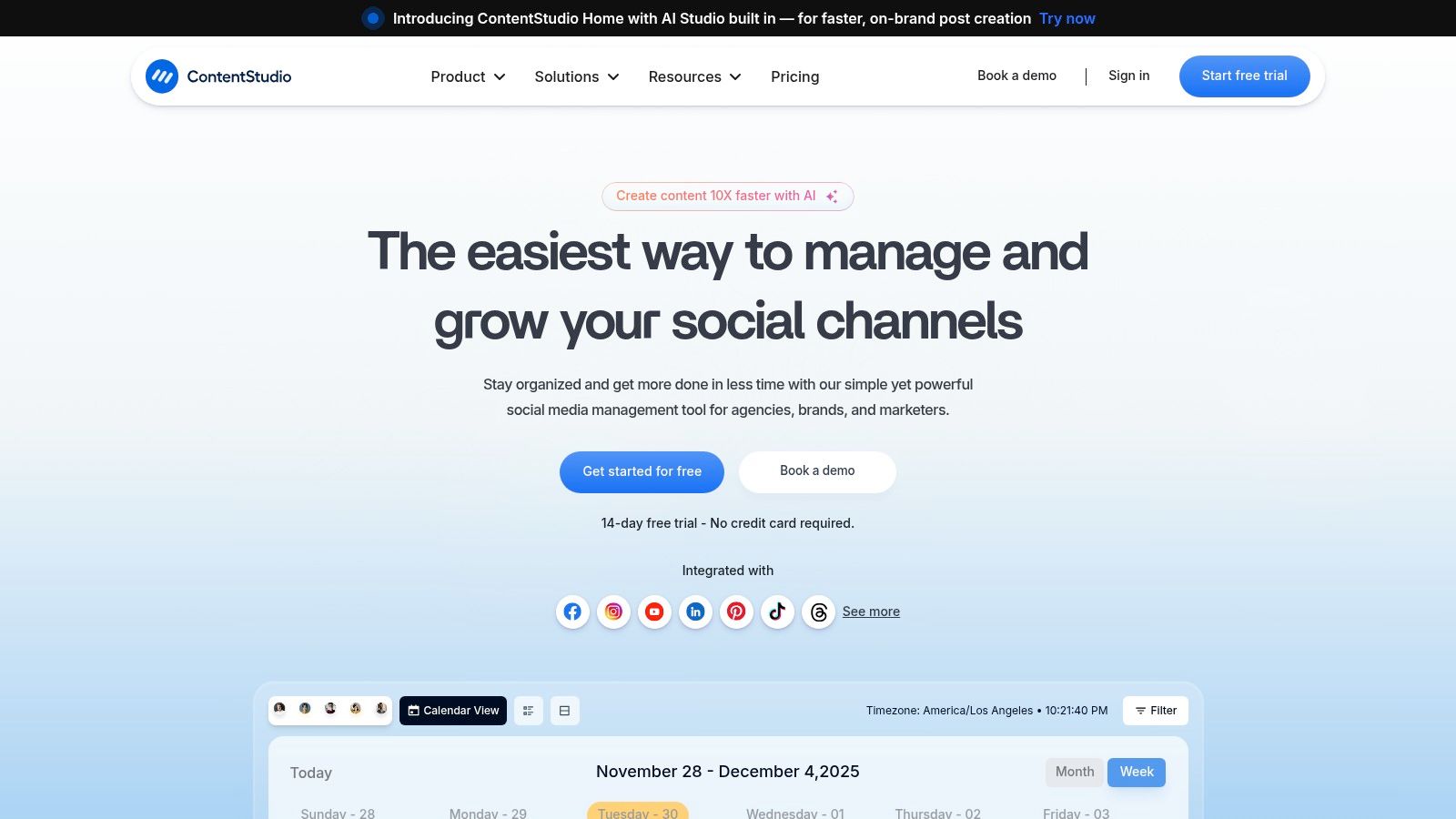
ContentStudio carves out its niche by focusing heavily on content automation and evergreen campaigns, making it one of the most powerful apps to post to all social media for users who want to maximize their content's lifespan. Beyond standard scheduling, it offers sophisticated content discovery tools, an AI assistant for generating posts, and robust automation recipes.
Key Features & Use Cases
- Evergreen Automation: Create content categories and recipes to automatically recycle your best-performing posts, ensuring your social feeds are never empty.
- Content Discovery & AI: An integrated AI-powered discovery engine helps you find trending articles and videos to curate, while the AI assistant can write or rewrite captions.
- Agency-Focused Tools: Offers multi-workspace calendars, white-label reporting, and an optional API for deeper integrations or custom solutions.
- Best For: Agencies managing multiple client accounts, brands with a large backlog of evergreen content, and marketers focused on content curation and automation.
Pricing & Setup
ContentStudio offers a straightforward, tiered pricing model. Plans start from $25/month for a starter plan and scale up based on the number of users, workspaces, and social accounts. The setup is intuitive, with a clean user interface that makes navigating its many features relatively easy for new users.
Website: https://contentstudio.io
12. CoSchedule: Best for Calendar-Centric Marketing Teams
CoSchedule distinguishes itself by being a comprehensive marketing calendar first, and a social media tool second. Instead of a simple feed of scheduled content, you get a unified calendar where social media updates live alongside blog posts, email newsletters, and other marketing initiatives, providing a holistic view of your entire strategy.
Key Features & Use Cases
- Unified Marketing Calendar: Visualize your entire marketing strategy, including social, email, and content, in one place for superior team coordination.
- ReQueue Automation: Automatically re-shares your top-performing evergreen content to fill your social calendar and drive continuous traffic.
- Best Time Scheduling: Optimizes post timing based on audience engagement data to ensure maximum visibility and impact.
- Best For: Marketing teams coordinating complex campaigns, content managers who need to align social posts with other marketing activities, and agencies wanting a single view of all client projects.
Pricing & Setup
CoSchedule offers a free forever plan, which is a great starting point but is limited to one user and one social profile. Paid plans unlock the platform's true power, including the ReQueue feature and expanded team collaboration tools. The setup is straightforward, focusing on connecting your marketing tools and social accounts to build out your master calendar.
Website: https://coschedule.com
Top 12 Social Media Posting Apps: Feature Comparison
| Tool | Core features ✨ | Reliability / UX ★ | Price & Value 💰 | Target 👥 |
|---|---|---|---|---|
| Zernio 🏆 | Unified social API (15 platforms), REST + dashboard + Zapier/n8n/Make | ★★★★★ — 99.7%+ uptime, <50ms, <15min setup | Per-account: Free first 2, then $1-6/account | Developers, AI agent builders, agencies |
| Buffer | Queue-based scheduler, AI assistant, engagement inbox | ★★★★ — Very easy to learn | Affordable entry; per-channel pricing | Individuals & small teams |
| Sprout Social | Advanced reporting, customer care, competitor insights | ★★★★★ — Best-in-class analytics & collaboration | Premium per-seat pricing | Large teams & brands |
| Later | Visual content calendar, auto-publish Reels, link-in-bio | ★★★★ — Creator-friendly onboarding | Tier limits on posts; iOS billing quirks | Creators & visual brands |
| Loomly | Shared calendars, approvals, content ideas pipeline | ★★★★ — Clean, collaborative workflow | Scales for teams; pricing details in-app | Teams needing review/approval flows |
| SocialBee | Category-based evergreen scheduling, AI co-pilot | ★★★ — Functional UI, reliable features | Competitive pricing; agency plans | Agencies & growing teams |
| Publer | Very broad network support, unlimited scheduling | ★★★ — Cost-efficient, modular | Modular per-account pricing; free plan | Budget-conscious teams & solopreneurs |
| Metricool | Analytics, competitor & ads reporting, Looker connector | ★★★★ — Excellent analytics for price | Good value; some networks require add-ons | Teams needing strong analytics & ads |
| Zoho Social | CRM integration, multi-brand & agency tiers | ★★★ — Integrated into Zoho ecosystem | Forever-free option after trial; region pricing | Zoho users & client agencies |
| Sendible | Agency dashboards, approvals, white-label options | ★★★★ — Built for multi-client workflows | Higher-tier costs; white-label add-on | Agencies managing clients |
| ContentStudio | Automation & evergreen campaigns, API/white-label | ★★★ — Automation-forward, budget-friendly | Good entry pricing; advanced features cost extra | Agencies & automation-heavy teams |
| CoSchedule | Marketing calendar, ReQueue automation, best-time posting | ★★★★ — Excellent calendar visualization | Free basic plan; higher tiers add features | Marketing teams coordinating campaigns |
Making Your Final Decision
Navigating the crowded market of apps to post to all social media can feel overwhelming, but after breaking down the top contenders, a clear path forward emerges. The core takeaway is simple: the "best" tool is not a one-size-fits-all solution. It's the one that aligns perfectly with your specific workflow, budget, and strategic goals.
Your choice should be a direct reflection of your primary needs. For large agencies, the robust client management and deep analytics offered by platforms like Sendible and CoSchedule are indispensable. For solopreneurs and small businesses, the affordability and simplicity of Publer or Metricool provide an accessible entry point into efficient social media management.
How to Choose Your Ideal Social Media Posting App
To guide your decision, consider these critical factors:
- API Access and Integrations: If you're a developer or a no-code enthusiast, this is paramount. A flexible, well-documented API, like the one offered by Zernio, is the foundation for building custom posting solutions, integrating with internal dashboards, or creating complex automation with tools like Zapier.
- User Role and Team Collaboration: How many people need access? Do you require granular permissions for clients, junior team members, and content approvers? Tools like Sprout Social excel here, offering enterprise-grade controls that prevent accidental posts and streamline approval workflows.
- Analytics and Reporting: Are you looking for basic engagement metrics or deep ROI analysis? Some platforms provide simple, easy-to-digest reports, while others offer advanced competitor analysis, hashtag tracking, and customizable dashboards.
- Platform-Specific Features: Do you heavily rely on Instagram Reels, Pinterest Idea Pins, or TikTok scheduling? While most tools cover the basics, specialized features can make a huge difference.
- Budget and Scalability: Be realistic about your budget, but also consider future growth. Look for a platform with a clear and fair scaling model.
Implementing Your New Tool for Maximum Impact
Once you've made your selection, successful implementation is key. Don't just sign up and start scheduling. Take the time to properly onboard your team, connect all your accounts securely, and build out a content calendar using the platform's features. To ensure you get the most out of your chosen platform, it's worth reviewing Zernio's docs for platform-specific formatting requirements, rate limits, and media spec differences across all 15 networks.
Ultimately, the goal of using an app to post to all social media is to reclaim your time and amplify your message. By carefully evaluating your unique needs against the capabilities of the tools we've reviewed, you can confidently choose a partner that will help you work smarter, not harder, and unlock your brand's full potential across every platform.
Common Questions About Cross-Posting Apps
What is the best app to post to all social media at once?
It depends on your use case. Zernio is the best option for developers and AI agent builders - one REST API covers 15 platforms including WhatsApp, Discord, and Telegram, with a full social layer for comments, DMs, analytics, and ads. For individuals and small teams who want a simple dashboard, Buffer covers 8 networks from $6/channel/month.
Is there a free app to post to all social media at once?
Yes, with limitations. Zernio's first 2 accounts are free with no time limit - useful for developers testing an integration before committing. Buffer's free plan covers 3 channels. Publer's free plan covers 3 accounts with basic scheduling. For consistent posting across 10+ platforms without caps, paid plans start at $6-29/month depending on the tool and how many networks you need.
What's the difference between a cross-posting app and a social media API?
Cross-posting apps like Buffer and Sendible give you a visual dashboard to schedule and publish manually. A social media posting API like Zernio lets developers build publishing directly into their own products and workflows - a SaaS platform, an AI agent, an internal automation. APIs require a bit of technical setup but give you full control over how and when content is posted. Zernio bridges both: it has an API for developers and a dashboard for teams who prefer a visual interface.
Which apps support TikTok and Instagram Reels auto-publishing?
Zernio, Buffer, Later, SocialBee, and Publer all support auto-publishing to TikTok and Instagram Reels through official API integrations. Platform-level API access can change without notice, so verify each tool's current documentation before committing to a plan.
Does cross-posting to multiple platforms hurt your reach or engagement?
No. Cross-posting apps publish through official platform APIs, so scheduled content is treated the same as manual posts by the algorithm.
What should I look for when choosing a cross-posting app?
Five things. (1) Platform coverage - confirm every network you publish on is supported. (2) Feature depth - do you need just posting, or also comment management, DMs, and analytics? (3) API access - if you're building an automation, you need a proper API, not just a dashboard. (4) Pricing model.
What is the best all-in-one social media app for developers in 2026?
Zernio. It's the only API-first option on this list, covering 15 platforms through a single REST API with a hosted MCP server for AI agent integrations. For developers building social features into a product or autonomous agent, it handles the full stack: posting, engagement, analytics, and ads through one bearer token.
Building social publishing into your product? Instead of wrestling with 15 different APIs, Zernio gives you one REST API, one bearer token, and 280+ MCP tools for agent workflows. See the docs or start free.