You're a developer trying to publish to Instagram from your app, and Meta's official Graph API is the only sanctioned path. The docs are technically complete, but they read like a compliance binder and skip the parts that actually break in production. This guide is what you'd want a senior engineer to walk you through: every endpoint that matters, the real rate limits, the OAuth dance, permissions, costs, and code in Python and Node.
At Zernio we wire this up for a living. We've pulled together the questions developers ask us most often, the ones that aren't fully answered in Meta's reference, and put them in one place so you don't have to stitch the picture together from twelve doc pages and a Stack Overflow thread.
Table of contents
- What is the Instagram Graph API?
- Graph API vs Basic Display vs Instagram API with Instagram Login
- Who can use the Instagram Graph API?
- How much does the Instagram Graph API cost in 2026?
- How do you get access to the Instagram Graph API?
- How does Instagram Graph API authentication work?
- What permissions does the Instagram Graph API require?
- How do you publish content with the Instagram Graph API?
- What are the Instagram Graph API rate limits in 2026?
- How do you read media, hashtags, mentions, and insights?
- Can you manage Instagram comments and DMs through the Graph API?
- When should you use Zernio instead of the Graph API directly?
What is the Instagram Graph API?
The Instagram Graph API is Meta's official REST interface for programmatically managing Instagram Business and Creator accounts. It lets your app publish photos, carousels, Reels, and Stories, read media performance and audience insights, moderate comments, and send DMs, all through HTTPS calls authenticated with OAuth 2.0.
It's part of the broader Meta Graph API, so calls go to graph.facebook.com. The current version in May 2026 is v21.0. Meta versions the API every quarter and supports each version for roughly two years before sunset.
The API isn't a public scraper. You can only act on accounts that have explicitly granted your app permission through Facebook Login. That design is deliberate: it keeps your integration sanctioned and compliant, but it also means you'll spend time on app review and OAuth before you write the first real call.
Graph API vs Basic Display vs Instagram API with Instagram Login
This trips up almost everyone. Meta has shipped three Instagram APIs over the years, and most search results conflate them.
| API | Status in 2026 | Account types | What it does |
|---|---|---|---|
| Instagram Graph API | Active | Business and Creator | Publish content, read insights, manage comments and DMs, search hashtags |
| Instagram Basic Display API | Deprecated (shut down September 2024) | Was personal accounts | Was read-only profile and media display |
| Instagram API with Instagram Login | Active | Personal, Business, Creator | Login through Instagram (not Facebook), publishing and basic management |
The Instagram Graph API authenticates through Facebook Login and is the right choice for any product that needs publishing, analytics, or comment and DM management at scale. The Instagram API with Instagram Login was introduced to replace Basic Display for consumer-account use cases and supports a slimmer feature set.
If you're building for business and creator users, the Graph API is what you want. If you're building a consumer app that lets individuals log in with their personal Instagram, look at the Instagram API with Instagram Login.
Who can use the Instagram Graph API?
Only Instagram Business and Creator accounts. Personal accounts can't authorize Graph API access at all. The account also has to be linked to a Facebook Page, because permissions flow through that Page.
For B2B2C products (you're building a tool your customers use to manage their own accounts), this means onboarding includes two prerequisites: the user's Instagram has to be set to Business or Creator type, and it has to be connected to a Facebook Page they admin. Build a clean onboarding screen that checks both before sending the user into OAuth. Skipping this step is the single biggest source of failed first-time connections.
How much does the Instagram Graph API cost in 2026?
The Instagram Graph API itself is free at the platform level. Meta doesn't charge per call, per account, or per feature for the standard endpoints. There's no API key fee and no subscription.
The real cost lives elsewhere:
- Engineering time. A working integration takes a competent engineer 4 to 8 weeks for the first platform, more if app review goes through revisions. Each additional platform (TikTok, LinkedIn, X, YouTube) is a separate multi-week project.
- App review cycles. Meta's review team responds in days to weeks. Rejections are common on first submission, especially for
instagram_content_publishandinstagram_manage_messages. - Maintenance. Meta ships a new API version every quarter, and breaking changes happen inside versions too. Plan on 5 to 10% of your engineering capacity, indefinitely, just to keep integrations alive.
- Token lifecycle. Long-lived tokens expire every 60 days. You'll build refresh logic, error handling, and user re-authentication flows.
For a single solo project that only needs Instagram, building direct is reasonable. For any product that needs Instagram plus three or more platforms, the build vs buy math tips fast. Zernio runs the official Graph API on the backend and charges flat per connected account, with every feature included. At 100 connected accounts, that's $318/month total, replacing the equivalent of three to four engineer-months of integration work plus ongoing maintenance.
How do you get access to the Instagram Graph API?
The setup happens inside the Meta for Developers console. It's a fixed sequence and you can't skip steps.
- Create a Meta Developer account. Free, requires a verified Facebook account.
- Create a new app. Pick the "Business" use case. You'll get an
App IDandApp Secret. The App ID is also yourx-ig-app-idfor some calls. - Add the Instagram product to your app. Inside the app dashboard, "Add Product" → "Instagram." Configure the OAuth redirect URI.
- Add Facebook Login. Required because Graph API auth routes through Facebook. Configure another redirect URI.
- Request the permissions you need. Pick from the permission list. Each one requires app review before you can use it on accounts you don't own.
- Test in development mode. While in development, your app can only authenticate accounts of users assigned to the app as developers, testers, or admins. This is fine for building and demoing, useless for production.
- Submit for app review. You'll write a use-case description for every non-default permission, record a screencast of your app using the feature, and wait for Meta to approve. Plan for 1 to 4 weeks per submission round.
The Meta Developer console UI changes a few times a year, so the exact button placement may differ from screenshots in older guides. The sequence above is stable.
Stop building social integrations from scratch.
One API call to publish, schedule, and manage posts across 15+ platforms.
How does Instagram Graph API authentication work?
The Graph API uses OAuth 2.0 with a few Meta-specific quirks. Here's the actual flow:
- Redirect the user to Facebook Login with your
client_id(App ID),redirect_uri, and thescope(comma-separated permissions). - The user logs in and approves, Facebook redirects back to your
redirect_uriwith a?code=...query param. - Exchange the code for a short-lived User access token. It's valid for about an hour.
- Exchange the short-lived token for a long-lived token. Lifespan: 60 days.
- Find the Instagram Business Account ID by calling
/{page-id}?fields=instagram_business_accounton the linked Facebook Page. - Store the long-lived token securely. Set up a refresh job that exchanges it for a new long-lived token before day 60.
A few things that trip people up:
- The token you get from Facebook Login is a User access token. You can also generate a Page access token, which is what you'll actually use for most Instagram calls because Instagram permissions are scoped through the linked Page.
- Long-lived tokens don't auto-refresh. If you let one expire, the user has to re-authenticate through the full OAuth flow.
- If the user revokes access in their Facebook settings, every token tied to that user dies immediately. Your app should handle 401 errors by triggering re-auth.
- Token storage matters. Encrypt at rest. A leaked long-lived token gives full access to the user's Instagram for 60 days.
What permissions does the Instagram Graph API require?
Each permission below has to be approved through app review before you can use it on accounts other than your own developer or test accounts.
| Permission | What it lets you do | App review required |
|---|---|---|
instagram_basic | Read account profile and media | Yes |
instagram_content_publish | Publish photos, carousels, Reels, Stories | Yes |
instagram_manage_comments | Read, reply to, hide, and delete comments | Yes |
instagram_manage_messages | Read and send Instagram Direct messages | Yes |
instagram_manage_insights | Read account and media analytics | Yes |
pages_show_list | List Facebook Pages the user manages | Yes |
pages_read_engagement | Read Page metadata required to find the linked IG account | Yes |
business_management | Manage assets through Business Manager (optional) | Yes |
The Page-level permissions feel redundant but you need them. Without pages_show_list and pages_read_engagement, you can't find the Instagram Business Account ID, so nothing else works.
How do you publish content with the Instagram Graph API?
Instagram uses a three-step container model for publishing. You don't post content in one call. You create a media container, wait for it to be ready, then publish it.
Step 1: POST /{ig-user-id}/media → returns container_id
Step 2: GET /{container_id}?fields=status_code → poll until FINISHED
Step 3: POST /{ig-user-id}/media_publish → returns published media_id
For Reels, carousels, and Stories you do the same thing with extra parameters. Reels scheduling requires an extra polling step because video processing isn't instant.
Photo post
Two calls, no polling needed because images process fast.
import requests

IG_USER_ID = "17841400000000000"
ACCESS_TOKEN = "EAAG..."

# Step 1: create container
container = requests.post(
    f"https://graph.facebook.com/v21.0/{IG_USER_ID}/media",
    params={
        "image_url": "https://your-cdn.com/post.jpg",
        "caption": "Shipping fast with the Graph API.",
        "access_token": ACCESS_TOKEN,
    },
).json()

# Step 2: publish container
published = requests.post(
    f"https://graph.facebook.com/v21.0/{IG_USER_ID}/media_publish",
    params={
        "creation_id": container["id"],
        "access_token": ACCESS_TOKEN,
    },
).json()
Reels post (with polling)
Video processing takes seconds to minutes. You have to poll the container's status_code until it returns FINISHED before publishing.
import time, requests

container = requests.post(
    f"https://graph.facebook.com/v21.0/{IG_USER_ID}/media",
    params={
        "media_type": "REELS",
        "video_url": "https://your-cdn.com/reel.mp4",
        "caption": "First reel via API.",
        "access_token": ACCESS_TOKEN,
    },
).json()

# Poll until processed
for _ in range(30):
    status = requests.get(
        f"https://graph.facebook.com/v21.0/{container['id']}",
        params={"fields": "status_code", "access_token": ACCESS_TOKEN},
    ).json()
    if status["status_code"] == "FINISHED":
        break
    time.sleep(5)

requests.post(
    f"https://graph.facebook.com/v21.0/{IG_USER_ID}/media_publish",
    params={"creation_id": container["id"], "access_token": ACCESS_TOKEN},
)
Carousels
Create one container per asset with is_carousel_item=true, then create a parent container with media_type=CAROUSEL and a children list of the child container IDs, then publish the parent.
Stories
Same two-step flow, with media_type=STORIES.
What about text-only posts?
The Instagram Graph API does not support text-only posts. Every post needs at least one image or video. If you need text-only publishing, look at the Threads API, which is a separate Meta product.
Publishing limits
There's a hard limit of 25 published posts per 24 hours per Instagram account. Reels and Stories count toward the same bucket. Plan your scheduling accordingly.
What are the Instagram Graph API rate limits in 2026?
Rate limits are the second-most-common cause of broken integrations, after token expiry. There are several different limits and they apply at different scopes.
| Limit type | Quota | Window | Scope |
|---|---|---|---|
| Content publishing | 25 posts | per 24 hours | Per Instagram account |
| Platform rate limit (Standard Access) | 200 calls × N users | per hour | Per app |
| Business Use Case (BUC) limit | Calls / 200 × engaged users | per hour | Per business |
| Hashtag search | 30 unique hashtags | per 7 days | Per Instagram account |
| Instagram Direct messaging (consumer) | 200 messages | per 24 hours | Per recipient |
| Instagram Direct, 24-hour window | Unlimited inside the 24h reply window | rolling | Per conversation |
A few practical notes:
- The 200 calls/hour figure people quote ("Instagram Graph API rate limit 200 calls per hour") is the per-user platform limit before the multiplier. With the multiplier across active users it's usually much higher.
- Rate limit headers come back on every response:
X-App-UsageandX-Business-Use-Case-Usage. Read them. They tell you how close you are to each ceiling. - Hit a limit and you'll get a
4error code with a specific subcode. Back off with exponential delay before retrying. - App-level rate limits don't reset on the hour, they're rolling.
If you're shipping at scale and rate-limit handling becomes a meaningful chunk of your codebase, Zernio's Instagram posting API handles backoff, retry, and queueing for you, with the same logic across all 15 supported platforms.
How do you read media, hashtags, mentions, and insights?
Your account's media
GET /{ig-user-id}/media returns all posts on the account with fields you specify:
GET /v21.0/{ig-user-id}/media
  ?fields=id,caption,media_type,media_url,permalink,timestamp,like_count,comments_count
  &access_token={token}
Results are paginated. The response includes a paging.next URL you call to get the next page.
Insights
GET /{ig-media-id}/insights returns per-post metrics:
| Metric | What it is |
|---|---|
impressions | Total times the media was viewed |
reach | Unique accounts that saw the media |
engagement | Sum of likes, comments, saves, shares |
saved | Number of saves |
video_views | Views for video and Reel media |
plays | Reels-specific play count |
Account-level insights live at GET /{ig-user-id}/insights with metrics like audience_city, audience_gender_age, follower_count.
Hashtag search
Two-step process. First resolve the hashtag string to an ID, then query that ID.
GET /v21.0/ig_hashtag_search?user_id={ig-user-id}&q=coffee
→ returns hashtag_id

GET /v21.0/{hashtag-id}/recent_media
  ?user_id={ig-user-id}
  &fields=id,media_type,caption,permalink
Limit: 30 unique hashtags per Instagram user per rolling 7 days. Plan your discovery features around that.
Mentions
GET /{ig-user-id}/tags returns media where your account was tagged. GET /{ig-user-id}/mentioned_media returns media that @-mentioned you.
Can you manage Instagram comments and DMs through the Graph API?
Yes. Both are first-class Graph API surfaces in 2026.
Comments. With instagram_manage_comments approved, you can read comments on any media, reply to them, hide and unhide them, and delete them. Webhooks fire when new comments arrive, which is how you'd build real-time moderation or auto-reply features. See Zernio's social media comments API for a unified version across Instagram, Facebook, YouTube, and the rest.
Direct Messages. With instagram_manage_messages approved, you can read DM threads, send messages, and respond to webhook events when a user messages your account. Note the 24-hour rule: once a user messages you, you have 24 hours to reply freely. Zernio's DMs API handles this rule transparently across platforms.
When should you use Zernio instead of the Graph API directly?
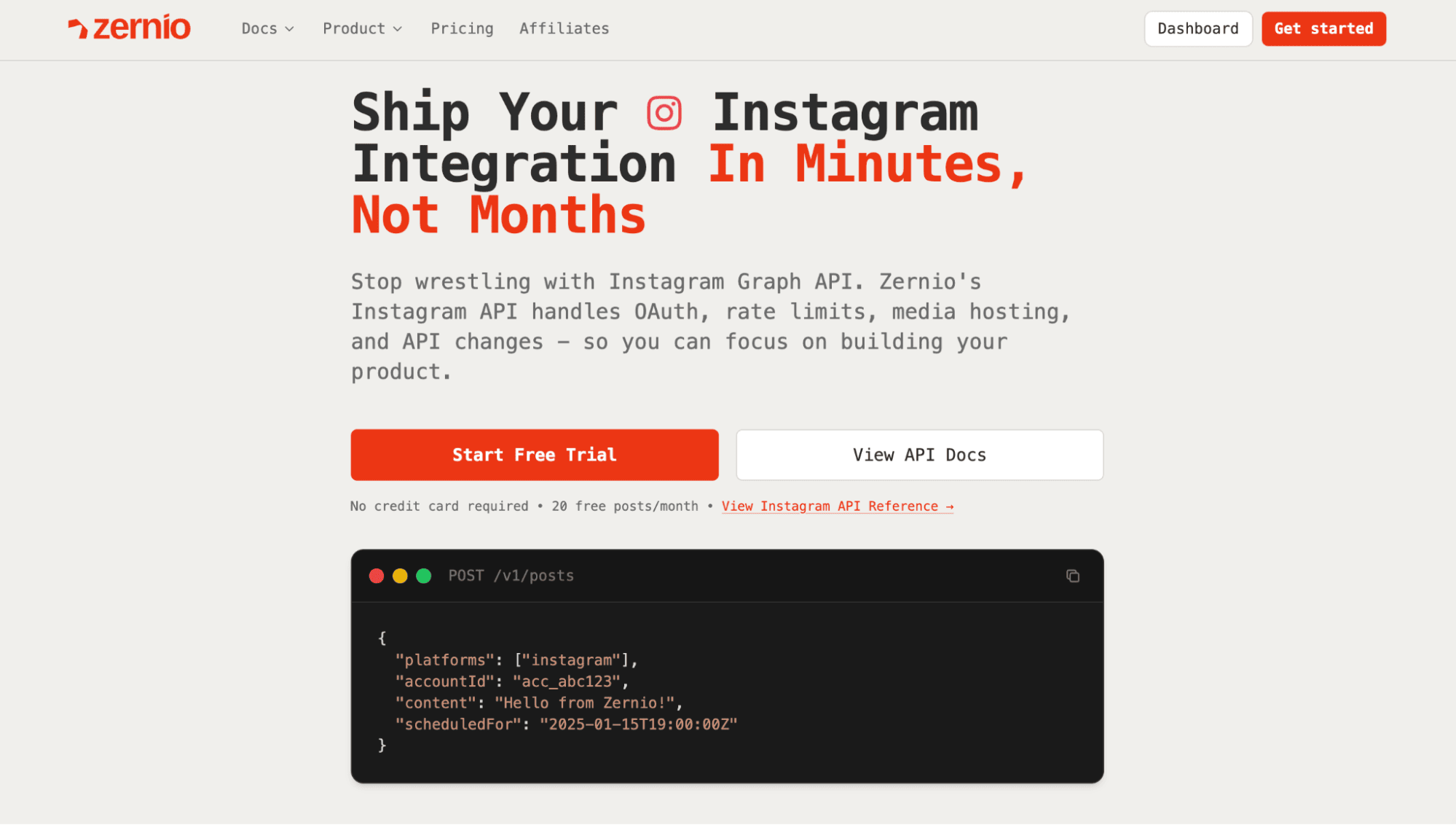
Building directly with Meta API makes sense when Instagram is your only target platform and you have the engineering bandwidth to handle setup, app review, token lifecycle, and ongoing maintenance for the long haul.
Zernio is an alternative solution built for the rest of the time: when you need Instagram plus other platforms, when you want to ship in days instead of months, or when you'd rather your engineers work on your product instead of social-platform plumbing.
Workflow comparison
| Step | Instagram Graph API (direct) | Zernio API |
|---|---|---|
| Initial setup | Create Meta Developer account, create app, add Instagram product, add Facebook Login, configure OAuth | Sign up, connect Instagram in one click |
| Permissions | Request each permission, write use-case docs, record screencasts, submit for review | Pre-approved across all permissions |
| App review wait | 1 to 4 weeks per round, rejections common | None |
| Authentication | OAuth flow, short-lived → long-lived token exchange, 60-day refresh logic | One bearer token, no expiry |
| Token management | Encrypt at rest, refresh job, 401 handling, re-auth flows | Handled |
| Publishing a photo | 2 calls (container + publish), error handling, rate-limit headers | 1 POST to /posts |
| Publishing a Reel | 2 calls + polling loop, video status checks, retry logic | 1 POST to /posts |
| Rate limits | Read X-App-Usage headers, back off, retry | Handled |
| Breaking changes | Monitor Meta changelog, update code each quarter | Handled |
| Adding TikTok/LinkedIn/X | Repeat all of the above for each platform | Same single API call, different platforms array |
The same scheduled post in Zernio
const response = await fetch('https://zernio.com/api/v1/posts', {
  method: 'POST',
  headers: {
    'Authorization': 'Bearer YOUR_API_KEY',
    'Content-Type': 'application/json'
  },
  body: JSON.stringify({
    platforms: [{
      platform: 'instagram',
      accountId: 'your-instagram-account-id'
    }],
    content: 'Beautiful sunset at the beach! 🌅 #sunset #photography',
    mediaItems: [{
      type: 'image',
      url: 'https://your-image-url.jpg'
    }],
    scheduledFor: '2024-01-15T19:00:00Z'
  })
});

const result = await response.json();
console.log('Scheduled successfully:', result.id);
One call. No container ID, no polling, no token refresh. Want to also post to TikTok, LinkedIn, and X at the same time? Add them to the platforms object. The full Zernio API surface (posting, comments, DMs, analytics, ads) is at docs.zernio.com.
And if you want to give your AI agent the ability to manage social media, like programmatic Meta advertising, automated cross-platform posting, and more, check out Zernio's MCP server, n8n templates, or CLI for terminal-based agents.
Ready to skip the setup and get straight to building? With Zernio, you can connect to the Instagram Graph API in minutes, not weeks. Get your API key and make your first call today.