You want your app to post to every social network your users care about. What you don't want is each user clicking through a separate setup for Instagram, then TikTok, then LinkedIn, then five more.
A multi-platform social media API fixes that. It's one API that connects to all the native platform APIs for you, so your app talks to a single endpoint and your users connect their accounts through one flow.
Below is the short answer, then a detailed comparison of five tools developers actually use: Zernio, Ayrshare, Upload-Post, Buffer, and Metricool.
The short answer
If you want to publish to many networks from your own app, you have two paths. Build against each native API yourself (Meta, TikTok, LinkedIn, X, and the rest), or use one multi-platform API that wraps them all.
Native APIs are free but mean 8 to 15 separate integrations that you maintain forever. A multi-platform API costs a monthly fee but gives you one login flow for your users, one format for your post data, and a vendor that handles rate limits and platform changes for you.
For most teams adding social posting to a product, the multi-platform API saves months of work.
Key takeaways
- A multi-platform social media API posts to many networks through one integration, so you write and maintain far less code.
- Your users still authorize their own accounts once, because every platform requires it. What they skip is a separate developer setup per network.
- Zernio, Ayrshare, and Upload-Post are built to post on behalf of your app's users. Buffer and Metricool are tools your own team logs into, with lighter API access bolted on.
Want to skip ahead and build? Start free with Zernio: 15 platforms, first 2 accounts free, no credit card.
What is a multi-platform social media API?
A multi-platform social media API is one interface that publishes to many social networks at once, instead of you building a separate connection for each.
Think of it as good cable management. Without one, every network is its own wire. Instagram runs on the Facebook Graph API and needs a Business account plus app review. TikTok has its own login, media rules, and posting API. X charges per API call. LinkedIn needs a separate review to post to pages. Each one has a different auth flow, different file requirements, different rate limits, and its own way of breaking when the platform ships a change.
A multi-platform API is the single multi-plug you connect everything into. You write one integration and get one API key, one data format, and one place to send a post. Adding a new network becomes a setting, not a project.
One quick distinction. A multi-platform API is infrastructure your developers build on top of, inside your own SaaS or workflow. A tool like Buffer or Metricool is a finished app your team logs into. Same job, different layer of the stack.
Can you post without users connecting each platform separately?
Yes and no, and it's worth being clear about which.
No tool lets you post to someone's accounts with zero permission. Every platform makes each user grant access to their own account through OAuth, and posting without that consent breaks the rules and gets your app banned. The networks set that requirement, not the vendor.
What a multi-platform API removes is the messy part. Instead of your user connecting Instagram through your app, then TikTok through a second setup, then LinkedIn through a third (each one a developer app you built and now maintain), they connect through one hosted flow. You keep one integration. They approve each account they own, once, in a single consistent screen.
Here's the shape of it. Your app sends the user to one connect link. After they approve, one call publishes everywhere:
import Zernio from "@zernio/node";
const zernio = new Zernio(process.env.ZERNIO_API_KEY);
// 1. Your user connects their accounts through one hosted flow
const { authUrl } = await zernio.accounts.connect({
  platforms: ["instagram", "tiktok", "linkedin", "x"],
});
// 2. One call publishes to every connected platform
await zernio.posts.create({
  content: "Launch day. We're live.",
  platforms: ["instagram", "tiktok", "linkedin", "x"],
  mediaItems: [{ type: "image", url: "https://your-cdn.com/launch.jpg" }],
});
Your users never see a developer setup, and with a white-label flow they never see the vendor either, because posts go out through the official platform APIs under your brand. That's the real version of "post everywhere without connecting each platform." The consent stays, while the extra wiring goes away.
Stop building social integrations from scratch.
One API call to publish, schedule, and manage posts across 15+ platforms.
Which multi-platform API is best for posting from your app?
The deciding question is simple: is the tool built for your app to post on behalf of your users, or is it a product your users log into themselves? That's where these five split apart. Here's the quick view.
| API | Platforms | Post for your app's users? | Client connect flow | Beyond posting | Starting price |
|---|---|---|---|---|---|
| Zernio | 15 | Yes, API-first | Hosted OAuth per user, white-label | Comments, DMs, analytics, ads, MCP | 2 accounts free, then usage-based |
| Ayrshare | 13 | Yes, API-first | White-label JWT connect page | Comments, analytics, messaging | $149/mo Premium |
| Upload-Post | 11 | Yes, posting-only | White-label JWT connect link | Posting only | ~$16/mo |
| Buffer | 11 | No, your own channels | Personal API key | Scheduling, analytics (dashboard) | Free (1 key) |
| Metricool | Brand-based | No, your own brands | Dashboard connect | Analytics-first, scheduling | API on Advanced (~$67/mo) |
Zernio
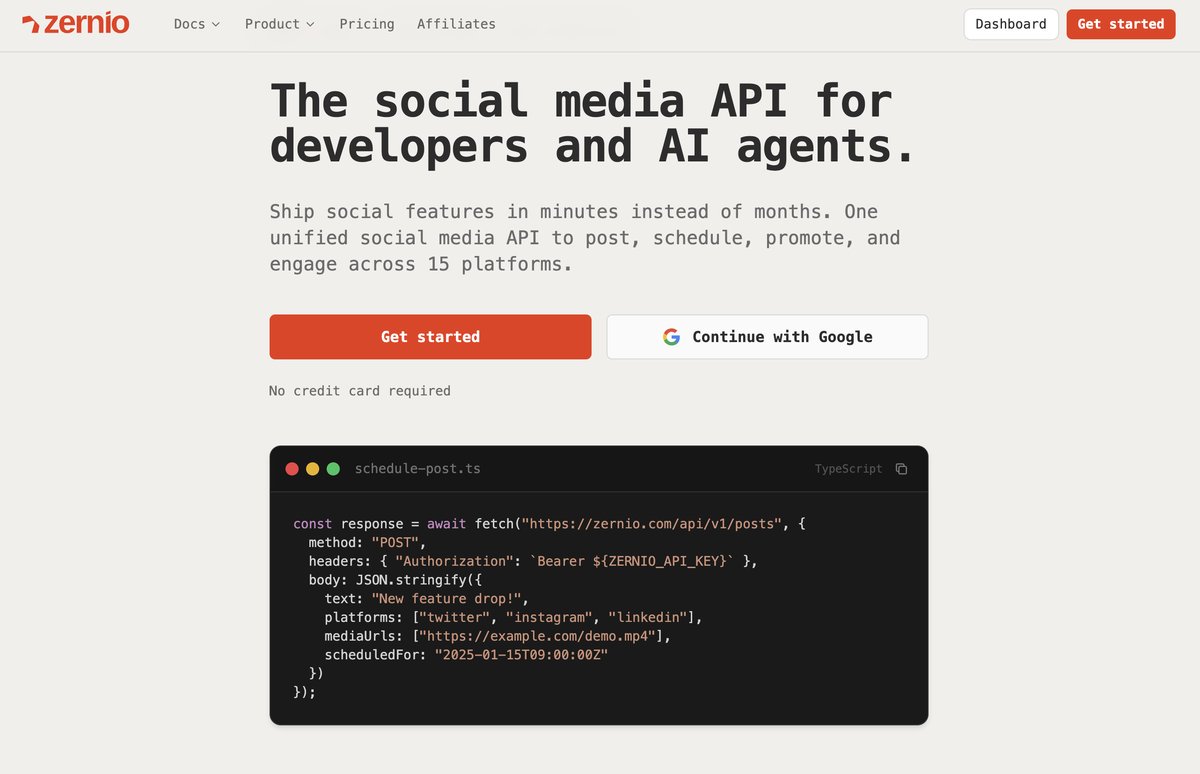
Platforms: 15: X, Instagram, TikTok, LinkedIn, Facebook, YouTube, Threads, Reddit, Pinterest, Bluesky, Snapchat, Google Business, WhatsApp, Telegram, Discord.
How your users connect: for each of your users, you create a Zernio profile, which is a container that holds all the social accounts that user connects. You then send them a hosted OAuth link per platform tied to that profile. They approve and land back at your redirect URL, and Zernio stores and manages the tokens from there. When a token expires or is revoked, Zernio fires an account.disconnected webhook so you can prompt that user to reconnect. A headless white-label mode lets you keep your own UI so users never see Zernio.
Pricing: first 2 accounts are free, then usage-based per connected account with volume discounts (it gets cheaper per account as you add more). Every feature is included on every account.
Best for: developers and SaaS products that want their users to connect once and then get the full social stack, posting plus comments, DMs, analytics, and ads across seven ad networks. It also ships an MCP server with 480+ tools, so it fits well if an AI agent is doing the posting.
Ayrshare
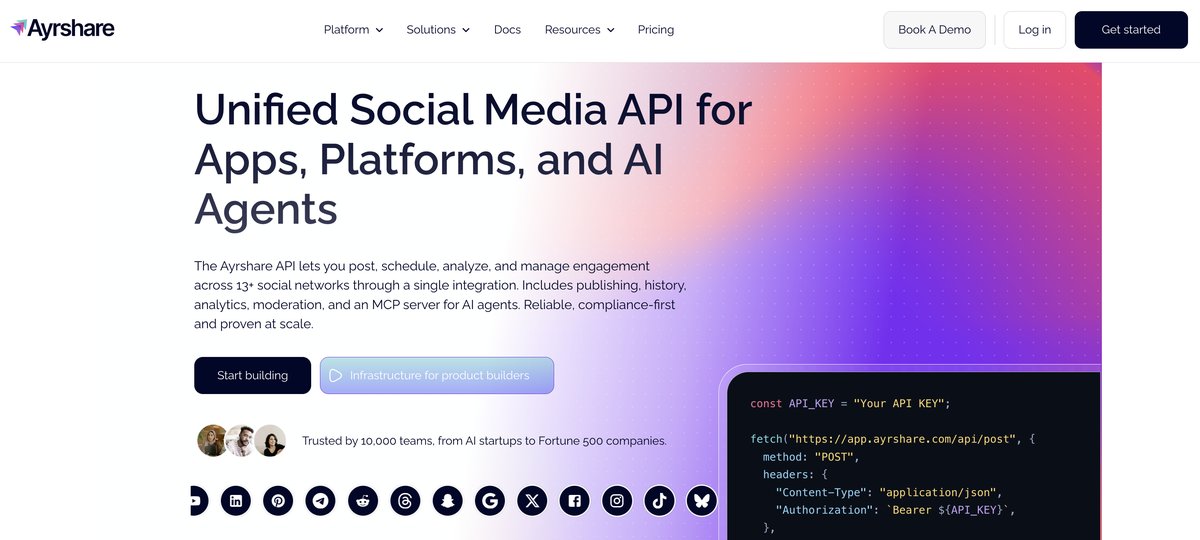
Platforms: 13: Instagram, Facebook, X, LinkedIn, TikTok, YouTube, Pinterest, Reddit, Telegram, Snapchat, Google Business, and more.
How your users connect: you create an Ayrshare user profile per customer, which returns a profile key. You generate a white-labeled JWT connect page where the user links their accounts, then post on their behalf with that key.
Pricing: priced per social profile, where one profile is a user with any number of connected networks. Premium is $149/month (1 profile), Launch $299/month (up to 10 profiles), and Business from $599/month (30 profiles, then tiered per profile above that). Cost rises with each user you add: roughly $779/month at 50 profiles and about $1,228/month at 100.
Best for: developers that want a social media API with comment management and messaging alongside posting, and whose account count stays modest enough that per-profile pricing doesn't hurt.
Upload-Post
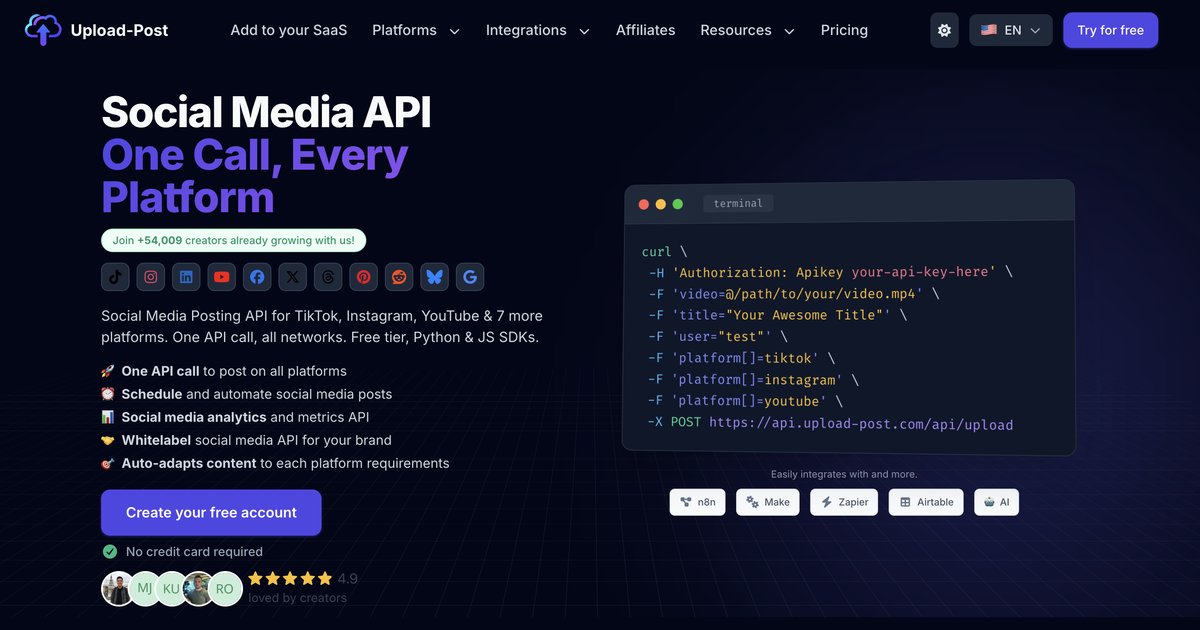
Platforms: 11: TikTok, Instagram, YouTube, LinkedIn, Facebook, X, Threads, Pinterest, Reddit, Bluesky, Google Business.
How your users connect: you create a user profile that maps to your own user, then generate a time-limited JWT connect link. You can brand the connect page with your logo, brand name, and allowed platforms. Upload-Post handles the OAuth and token storage.
Pricing: profile-tier plans starting around $16/month and scaling by profile count.
Best for: products that only need to publish content, especially teams building in n8n or Make. There's no comments, DMs, analytics depth, or ads, so it's the leanest option if posting is all you need.
Buffer
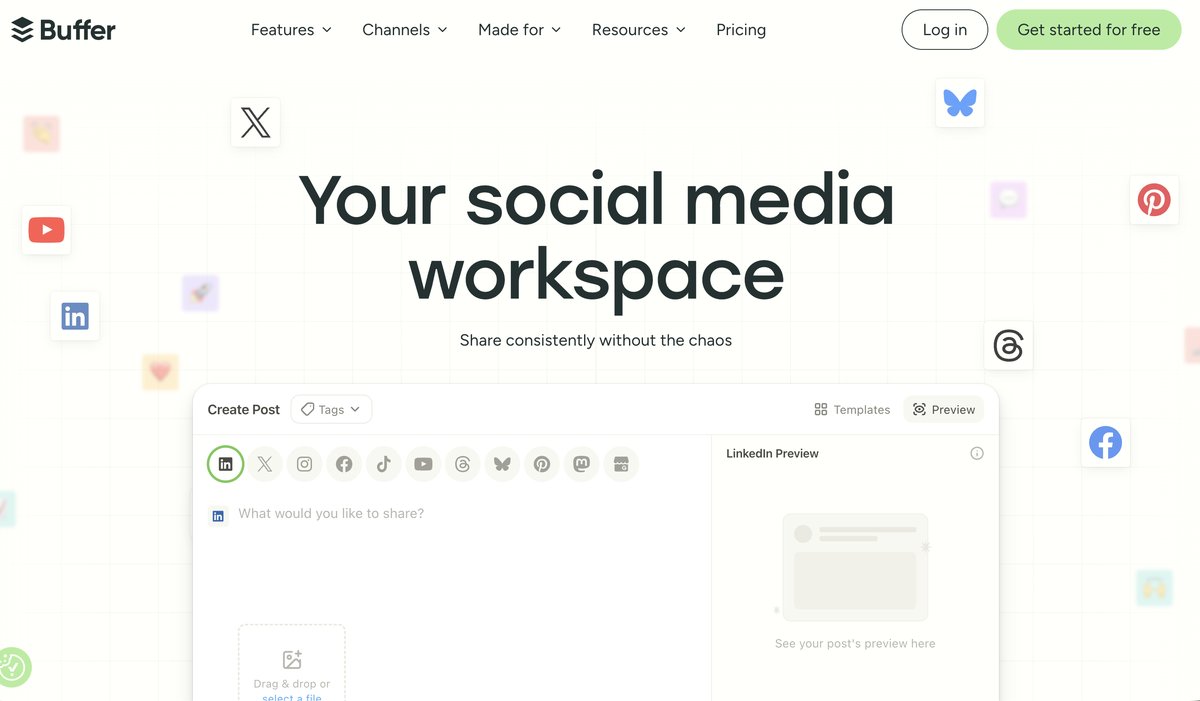
Platforms: 11: Instagram, Facebook, LinkedIn, TikTok, X, Threads, Bluesky, Pinterest, YouTube, Google Business, Mastodon.
How your users connect: this is the key difference. Buffer's API uses a personal API key tied to the channels already connected in your own Buffer account. It's built for you to automate your own posting, not for your app to connect thousands of your customers' accounts.
Pricing: free plan includes 1 API key; paid users get 5. The API itself is in beta in 2026.
Best for: your own team automating your own Buffer channels, like wiring a CMS or content calendar into scheduled posts. If your product needs to post for many separate customer accounts, Buffer isn't built for that job.
Metricool
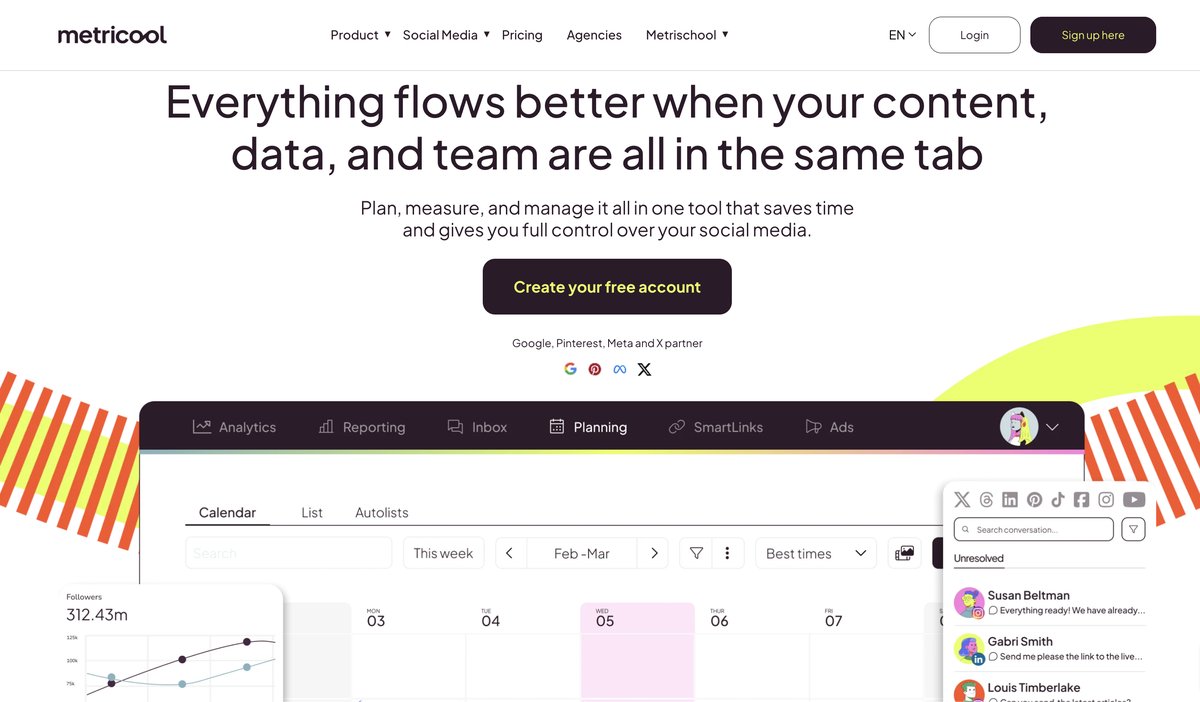
Platforms: connects your brands across the major networks (Instagram, Facebook, X, LinkedIn, TikTok, YouTube, Pinterest, Threads, Bluesky, Google Business, and more).
How your users connect: brands are connected inside the Metricool dashboard, and API access is tied to your own account. There's no hosted OAuth flow for connecting your customers' accounts from inside your product, so it isn't designed for posting on behalf of end-users.
Pricing: API access is gated to the Advanced plan, priced by brand count: about $67/month for 15 brands, $107 for 25, and $210 for 50. Above 50 brands it moves to a custom plan.
Best for: agencies and marketers who mainly want analytics and scheduling through Metricool's own dashboard, with a bit of API automation on the side. It's a management tool first, not posting infrastructure.
For a wider field, see our best unified social media API roundup and the 12 best apps to post to all social media.
How much does it cost to post to every platform?
Cost comes down to the pricing model, and the models scale very differently.
Each tool bills on a different unit. Zernio charges per connected account and gets cheaper per account as you add more. Ayrshare charges per profile, Metricool per brand (a profile or brand can bundle several networks), Buffer per channel, and Upload-Post per profile tier. That unit is what decides your bill at scale.
The gap shows at scale. Here's roughly what 100 connected end-user accounts costs, assuming 100 separate users each connecting one account. Prices checked on each tool's pricing page in July 2026.
| Tool | How it's billed | Cost at ~100 accounts |
|---|---|---|
| Zernio | per connected account | ~$318/mo |
| Upload-Post | per profile, tiered | ~$100–350/mo (est., upper tiers not publicly listed) |
| Buffer | per channel | ~$350–600/mo, and not built to post for your users |
| Ayrshare | per profile | ~$1,228/mo (Business plan) |
| Metricool | per brand | Custom (self-serve tops out at 50 brands, ~$210/mo) |
If you're a SaaS embedding social features, that billing unit is what decides whether your margins survive growth. A model that charges more per user as you scale works against the thing you're trying to build.
What to check before you build
Four things trip teams up after they've committed.
Rate limits. Every network caps requests. A good multi-platform API queues and retries against those limits so you don't track eight ceilings yourself.
Media handling. Instagram, TikTok, and YouTube each want different sizes, lengths, and formats. Check whether the API reshapes media per platform or hands that back to you.
Token refresh. OAuth tokens expire on different schedules per platform. Confirm the provider refreshes them for you across every network.
Consent and policy. You're responsible for real user consent and each platform's terms. A white-label hosted OAuth flow keeps that clean and auditable.
Key takeaway
A multi-platform social media API gives your app one integration and your users one connection flow, instead of a separate build and a separate setup for every network. You can't skip user consent, but you can erase the per-platform wiring behind it.
If you're posting on behalf of your users, Zernio, Ayrshare, and Upload-Post are the ones built for the job. Zernio covers the most platforms and the full social stack; Ayrshare is the mature incumbent with per-profile pricing; Upload-Post is the lean posting-only pick. Buffer and Metricool are better as tools your own team logs into.
FAQ
Can I post to all social media at once with one API call?
Yes. A multi-platform API takes one request with a list of target platforms and publishes to all of them at once, including images and video, now or on a schedule.
Do my users still have to connect each social account?
Each user authorizes each account they own once, because platforms require consent through OAuth. What they skip is doing it through a separate developer setup per network. With a hosted flow, they connect once, in one place.
Which platforms can a multi-platform social media API post to?
It varies by tool. Zernio covers 15 networks, Ayrshare 13, and Upload-Post and Buffer 11 each. Check that your must-have platforms are on the list before you pick.
Is a multi-platform API different from Buffer or Hootsuite?
Yes. Buffer and Hootsuite are apps you log into. A multi-platform API like Zernio is infrastructure your developers build on to add posting inside your own product, under your own brand.
How fast can I integrate one?
With a unified API, a working multi-platform integration takes hours instead of the months it takes to build and maintain each platform connection natively.