The X API is a toolkit for developers that lets them programmatically access and interact with public data and features on X. It's the bridge that lets custom applications read timelines, search for posts, and publish content without touching the official X app.
What Is the X API and What Can It Do
The X API gives your application a direct line into the platform, letting it read data and trigger actions programmatically. That means building analytics dashboards, content management systems, or custom apps that talk to X in real time.
Think of it like a vending machine: you send a request (insert coin), the API checks your permissions, and it delivers the data or performs the action. That "item" could be a user's recent posts, search results, or the ability to publish new content.
Core Capabilities
The API is structured into access tiers, each controlling what you can do and how often. Each tier unlocks a set of "endpoints" - specific URLs your app calls to perform different functions.
If your main interest is programmatic posting, our guide on X posting API alternatives covers the best options.
X API Core Capabilities at a Glance
| Capability | Description | Example Use Case |
|---|---|---|
| Data Retrieval | Access public data, including user profiles, timelines, followers, and posts. | Building a social listening tool to track brand mentions. |
| Search Functionality | Search for historical or real-time posts based on keywords, hashtags, or users. | Analyzing public sentiment around a product launch. |
| Content Publishing | Programmatically post, reply to, or quote posts on behalf of an authenticated user. | Scheduling marketing content for a future date and time. |
| User Engagement | Like, repost, or follow accounts to automate interactions. | Creating a bot that reposts news from specific sources. |
Choosing the Right X API Access Tier
Picking an access tier is one of the first decisions you'll make, and it shapes everything: what you can build, how much data you can pull, and what you'll pay.
The Free tier is good for testing a quick idea or a personal project. The Basic tier works for smaller apps or internal tools that don't need a ton of data. The Pro tier is built for startups and businesses needing high-volume data for social listening or commercial analytics. And the Enterprise tier is for large-scale, mission-critical operations with custom data needs.
Understanding the Tiers
The most critical difference between tiers is rate limits - how many requests you can make in a given timeframe. Hit your limit on a lower tier and your app stops cold. For a full breakdown of costs, check out our guide on Twitter API pricing.
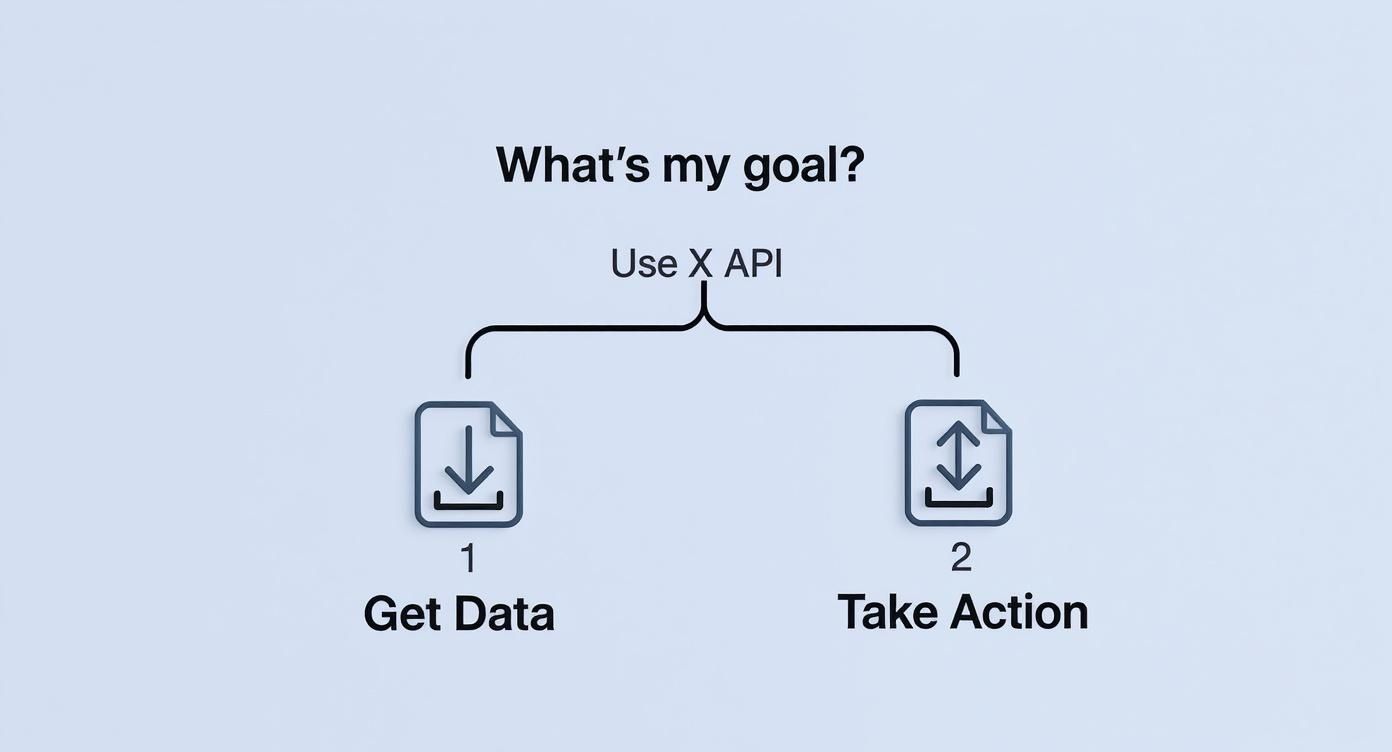
This infographic helps clarify the core question: do you need to get data or post data?
Comparing X API Access Tiers
| Tier | Ideal For | Key Rate Limits (e.g., Posts/Month) | Access to Endpoints | Monthly Cost |
|---|---|---|---|---|
| Free | Hobbyists & Sandbox Testing | Very limited (e.g., 1,500) | Write-only, limited read | $0 |
| Basic | Small-Scale Applications | Moderate (e.g., 50,000) | Basic read/write endpoints | Starts at $100 |
| Pro | Startups & Commercial Apps | High (e.g., 1,000,000) | Advanced search & filtering | Starts at $5,000 |
| Enterprise | Large-Scale Operations | Custom/Very High Volume | Full endpoint access, custom solutions | Custom pricing |
The biggest jump in functionality comes between Basic and Pro. That's where you get advanced search endpoints and much higher rate limits - which makes real-time data analysis actually feasible.
Start with what you need now, but keep the limits in mind so you know when it's time to upgrade.
Getting Started with API Authentication
Before your app can do anything with the X API, it needs to prove it has permission. That's authentication - the digital handshake that gets you in the door.
The X API uses two standards: OAuth 1.0a and OAuth 2.0. The right one depends on what your app needs to do.
Choosing Your Authentication Flow
Ask yourself: is my app acting on its own, or on behalf of a user?
App-Only Authentication (OAuth 2.0 Bearer Token): Use this when you just need to read public data - searching trends, pulling public posts. No user login required.
User Context Authentication (OAuth 1.0a): You need this when your app acts for a user. Posting content, liking posts, sending direct messages. The user has to explicitly grant your app permission.
The most common trap for new developers is trying to use App-Only auth for actions that require user permission. If you want to post content, you need OAuth 1.0a. No exceptions.
Generating Your API Credentials
Head over to the X Developer Portal to create a Project and an App. That's where you'll generate the keys and tokens that serve as your app's identity.

Set up a project, create an app inside it, and grab your API keys and access tokens. Treat them like passwords. Never expose them in front-end code or commit them to a public Git repository.
Stop building social integrations from scratch.
One API call to publish, schedule, and manage posts across 15+ platforms.
Working with Essential API Endpoints
You've got authentication sorted. Now for the useful part.
An endpoint is just a specific URL your app sends a request to, each one designed for a different job. Need info about a user? Call the Users endpoint. Want posts on a topic? Call Search. Knowing which endpoint to use is the foundation of everything you'll build.

Searching for Posts
The GET /2/tweets/search/recent endpoint lets you search for posts from the last seven days. Send a query with your keyword, and you get back a JSON object with matching posts - each one packed with the post ID, text, author, and engagement numbers.
Retrieving User Information
The GET /2/users/by/username/:username endpoint pulls public profile details for any user. You get back:
- User ID: The unique numerical ID for that account.
- Profile Details: Display name, bio, location, and profile picture URL.
- Public Metrics: Follower count, following count, and total posts.
This data is useful for building user profiles in your app or adding context to posts you're analyzing.
Publishing and Managing Posts
The POST /2/tweets endpoint handles content creation. It works for text posts, media uploads, polls, and replies. Want to automate your content strategy? Check out how to schedule posts on X.
Here's a bare-bones request to create a post:
curl --request POST \
  --url https://api.x.com/2/tweets \
  --header 'Authorization: Bearer <Your_Token>' \
  --header 'Content-Type: application/json' \
  --data '{"text": "Hello, world! This is my first post via the X API."}'
The API responds with a JSON object confirming your new post's ID and text.
One thing that trips up a lot of developers: to post content, you must use an auth method with User Context (OAuth 1.0a or OAuth 2.0). App-Only auth won't work - it doesn't have permission to act on behalf of a user.
This is a security measure, not a bug. It ensures an app can't post to your account without your explicit permission.
Real-World Use Cases
Social Listening and Sentiment Analysis
Businesses use the search endpoints to track conversations about their brand, products, or competitors in real time. A company launching a product can instantly track customer reactions, spot common complaints, and find positive feedback.
The public conversation on X is essentially a massive, real-time focus group. Tapping into it gives brands data-driven insight into what their audience is actually saying.
Automation and Content Distribution
Automation saves hours of repetitive work. Common examples include:
- News Aggregators: Bots that automatically find and share articles on specific topics.
- Update Bots: Accounts that post real-time alerts - weather, stock prices, new code commits from a GitHub repo.
- Customer Support Funnels: Systems that spot posts signaling a customer issue and automatically create a support ticket in Zendesk or Intercom.
Market Research and Trend Analysis
For researchers and analysts, the X API is a direct line to an influential user base. Nearly 70% of members fall within the 18-34 age group - a prime target for brands focused on millennials and Gen Z. You can dig deeper into X's user demographics at Exploding Topics.
From custom analytics dashboards to digital signage integrations, the X API gives developers the foundation to build context-aware applications that produce real results.
Troubleshooting Common API Errors
Every developer working with the X API hits errors. Think of them as signposts telling you what needs fixing, not roadblocks. Most issues come back as standard HTTP status codes, and a handful show up more often than the rest.
Authentication and Permission Errors
401 Unauthorized means there's an issue with your credentials. Your API keys might be wrong, expired, or not formatted correctly in the request header. Double-check that you're sending the right Bearer Token or OAuth signatures. The API is saying: "I don't know who you are."
403 Forbidden is more subtle. Your credentials are valid - the API knows who you are - but you don't have the right permissions for the action you're attempting. For example, you might be trying to post content using App-Only auth. The problem isn't what your keys are, it's what they can do.
Handling Rate Limit Errors
The 429 Too Many Requests error means you've made too many calls to an endpoint within its time window. X puts these limits in place to keep the platform stable for everyone.
Responding to a 429 by immediately retrying is a mistake. It creates a loop of failed requests and can get your app temporarily blocked.
The API response for a 429 includes helpful headers:
x-rate-limit-remaining: How many requests you have left in the current window.x-rate-limit-reset: A timestamp telling you when your limit will reset.
The right approach is exponential backoff: when you get a 429, wait one second, then retry. If it fails again, wait two seconds, then four, and so on. This lets your app recover without hammering the API.
Common Questions
What Happened to the Old Twitter API Endpoints?
Most of the old v1.1 endpoints are either gone or rolled into paid tiers. The v2 API is the current version. Legacy access is no longer available. Check the official X API documentation to find where the functionality you need lives now - don't assume old endpoints still work.
How Should I Handle Rate Limits?
Be proactive. Don't wait for the 429 to hit you. Watch the x-rate-limit-remaining header on every response to see how many calls you have left. And if you do get a 429, implement exponential backoff.
What's the Best Way to Get Historical Data?
Full historical data is a premium feature. You'll need Pro or Enterprise access to use the Full-Archive Search endpoint. Free and Basic tiers only cover recent data.
Tired of wrestling with individual social media APIs? Zernio offers a single, unified API to schedule and publish content across X, Instagram, TikTok, and seven other platforms. You can start building for free in under 15 minutes.